
My Account
Party Text Generator Directory
Choose a theme, compare its text styles, and preview your own wording before you build the rest of the party design. This directory leads to 98 generator pages across 45 active theme collections. If your theme is not available, request it or choose an active collection with a compatible color and visual mood.
The Fastest Way to Find a Useful Style
- If you know the theme: Scan the active collection cards below and open the closest match.
- If the collection has several tools: Enter the same name or short message in each one so you can compare the actual results.
- If you are designing a small item: Favor clean outlines and fewer tiny details. For a backdrop or welcome sign, test whether the silhouette remains clear at a distance.
- Before downloading: Check spelling, edges, spacing, contrast, and how the complete wording fits in the preview.
Match the Text Style to the Party Item
- Invitations and announcements: Use decorative text for the name, age, or short headline, then keep event details in a simpler supporting typeface.
- Welcome signs and backdrops: Choose a bold style with enough contrast to be recognized from where guests will stand.
- Food tables and activity stations: Try short labels such as “Snack Bar,” “Photo Booth,” or a compact custom station name.
- Favor tags and sticker layouts: Test the artwork at the intended small size; fine textures and narrow gaps can disappear.
- Digital party posts: Preview the text over the actual photo or color you plan to use, especially when the lettering contains pale highlights or dark shadows.
Browse 45 Active Theme Collections
Each card opens a theme that currently contains at least one generator. A collection can have one style or several, so open it to see every available option before choosing.
Barbie Party Text Generator
Baseball Party Text Generator
Basketball Party Text Generator
Bluey Party Text Generator
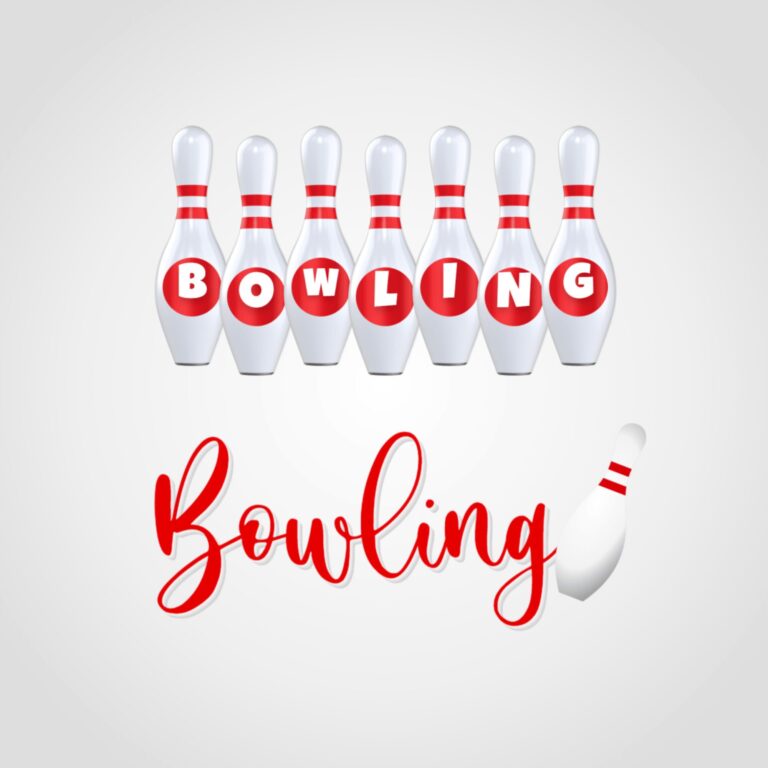
Bowling Party Text Generator
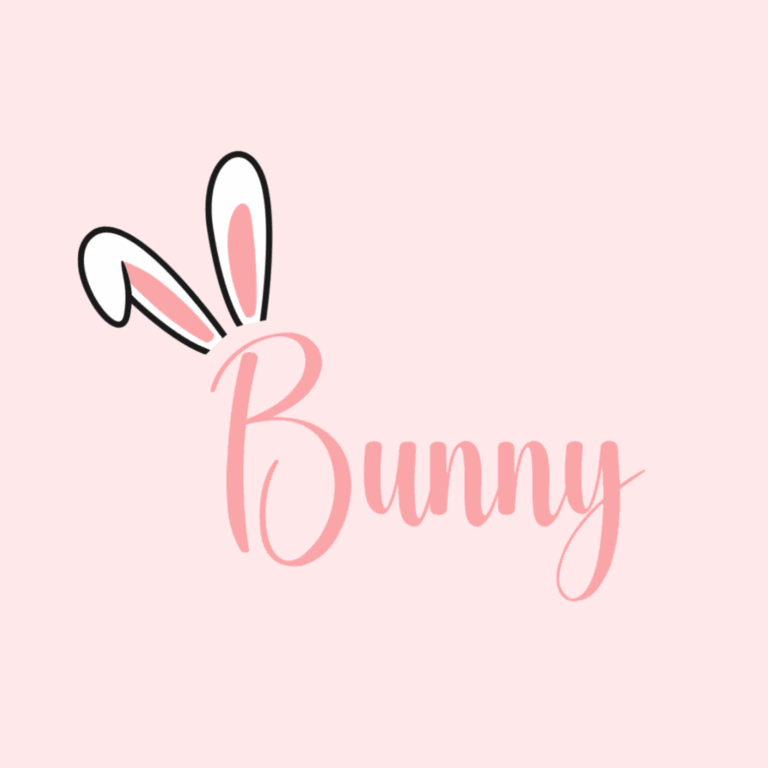
Bunny Party Text Generator
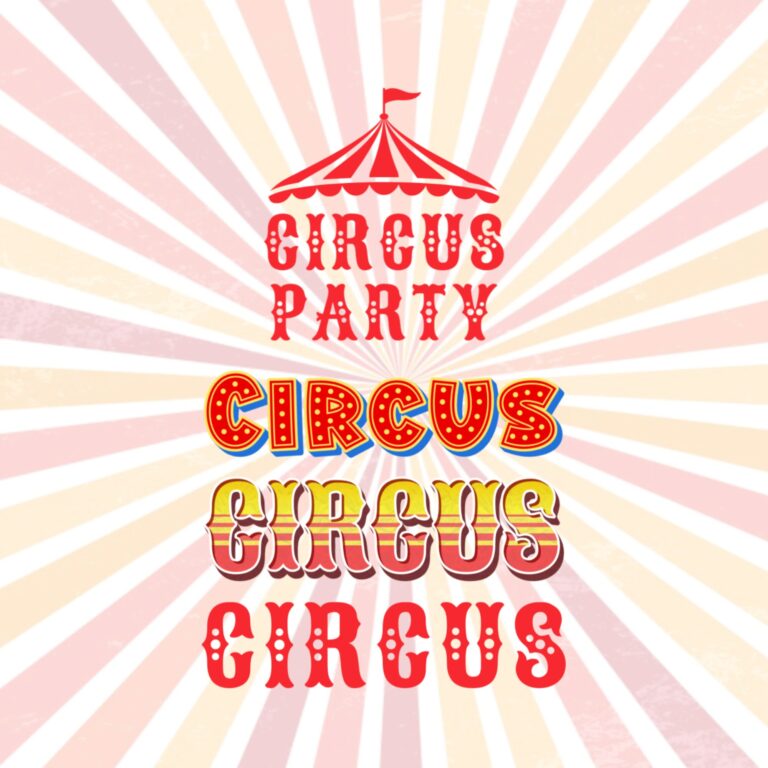
Circus Party Text Generator Collection

Clifford the Big Red Dog Party Text Generator
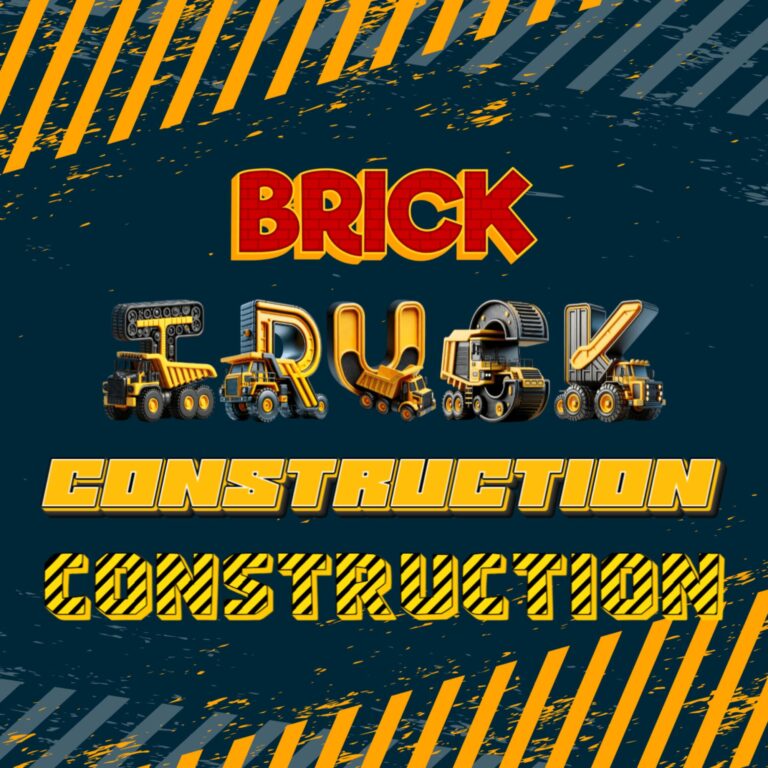
Construction Party Text Generator
Curious George Party Text Generator
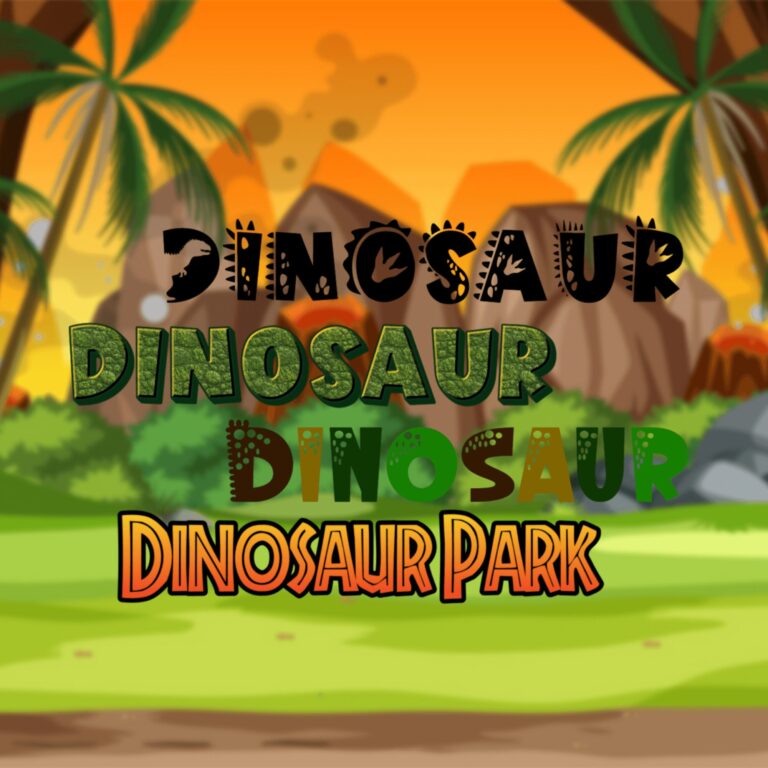
Dinosaur Party Text Generator
Elvis Presley Party Text Generator
Fairy Party Text Generator
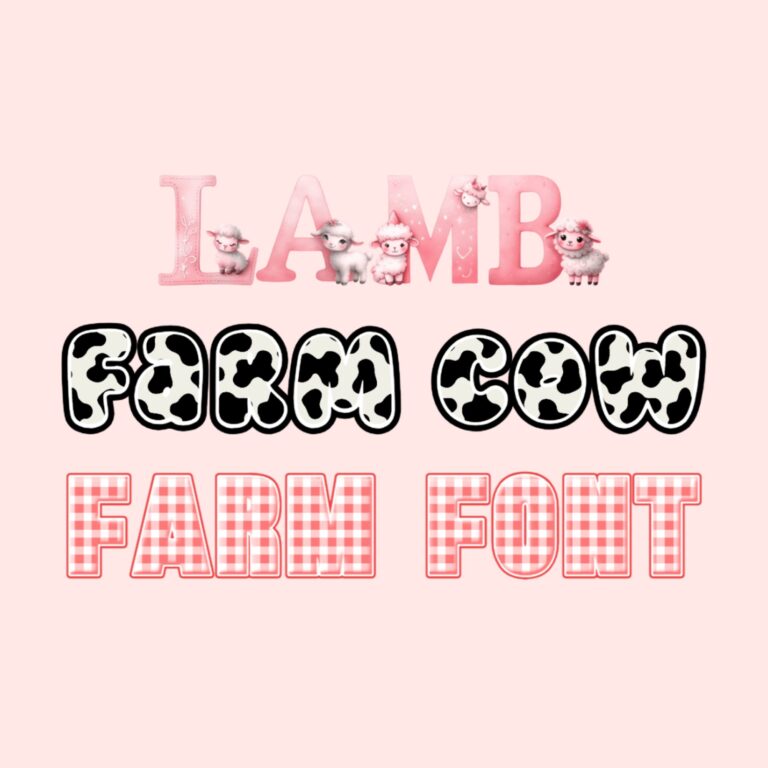
Farm Party Text Generator
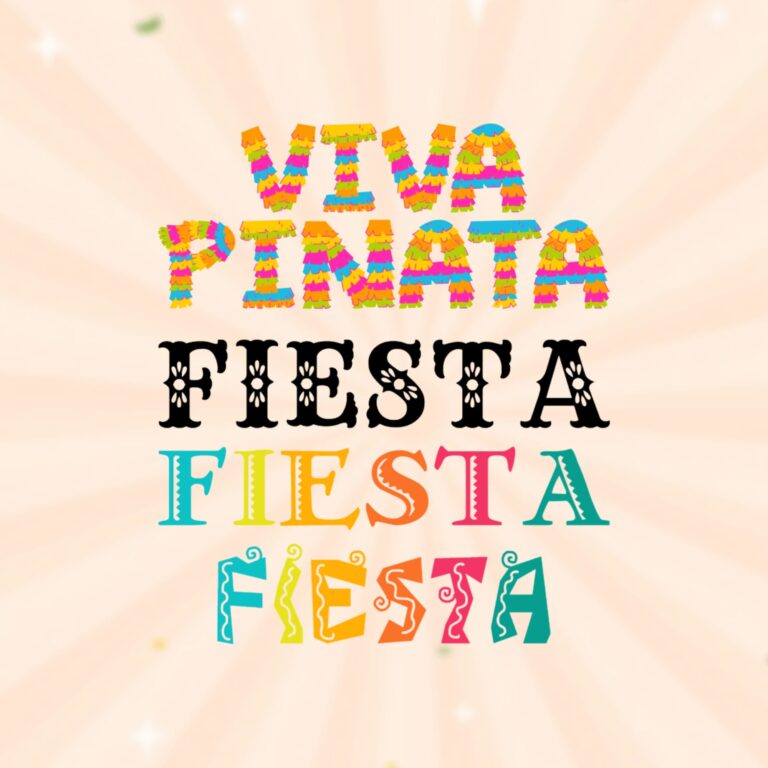
Fiesta Party Text Generator

Firefighter Party Text Generator
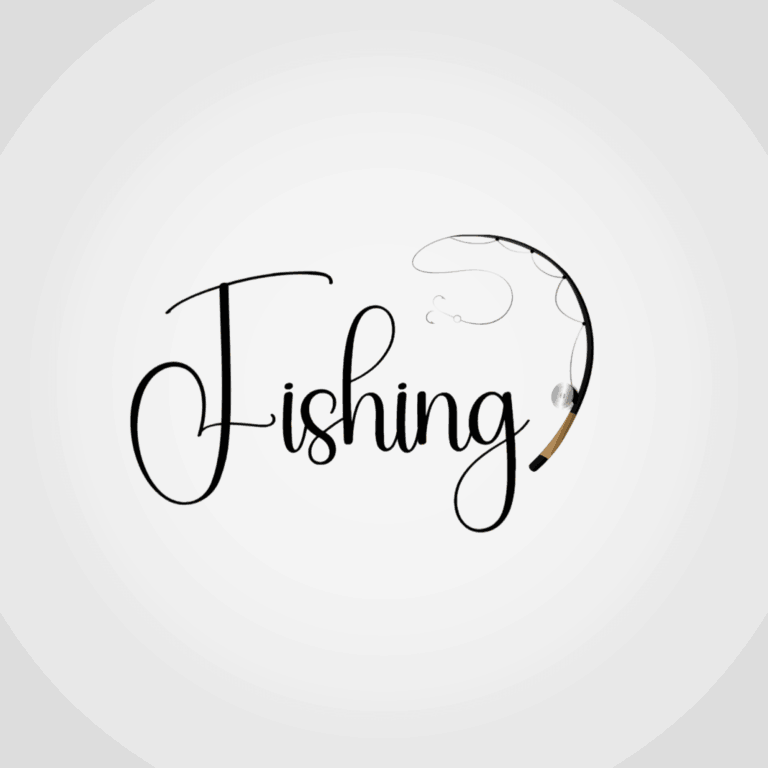
Fishing Party Text Generator
Fortnite-Inspired Party Text Generator
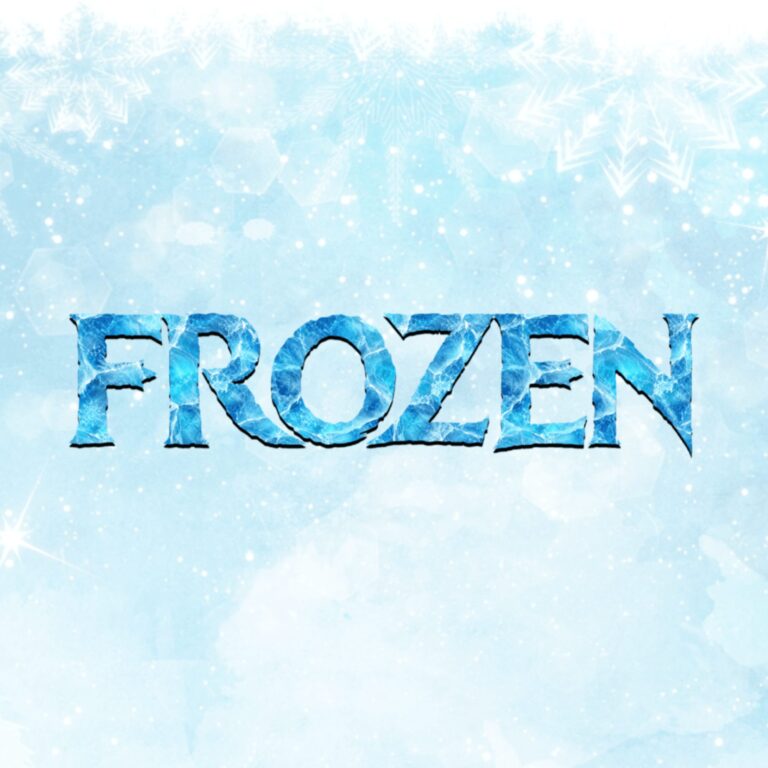
Frozen-Inspired Ice Text Generator

KPop Demon Hunters Party Text Generators

Lightning McQueen-Inspired Party Text Generators
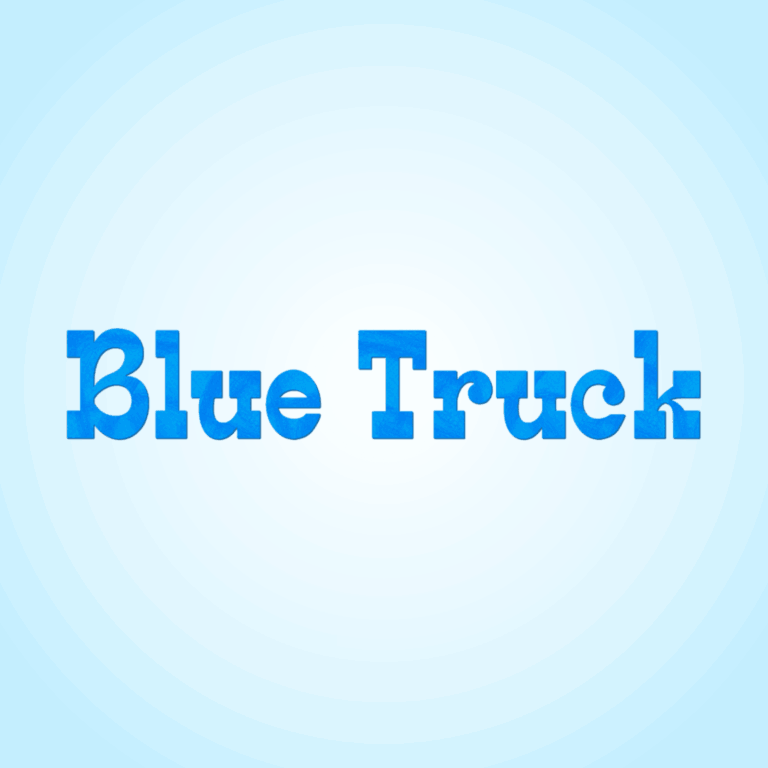
Little Blue Truck-Inspired Text Generator
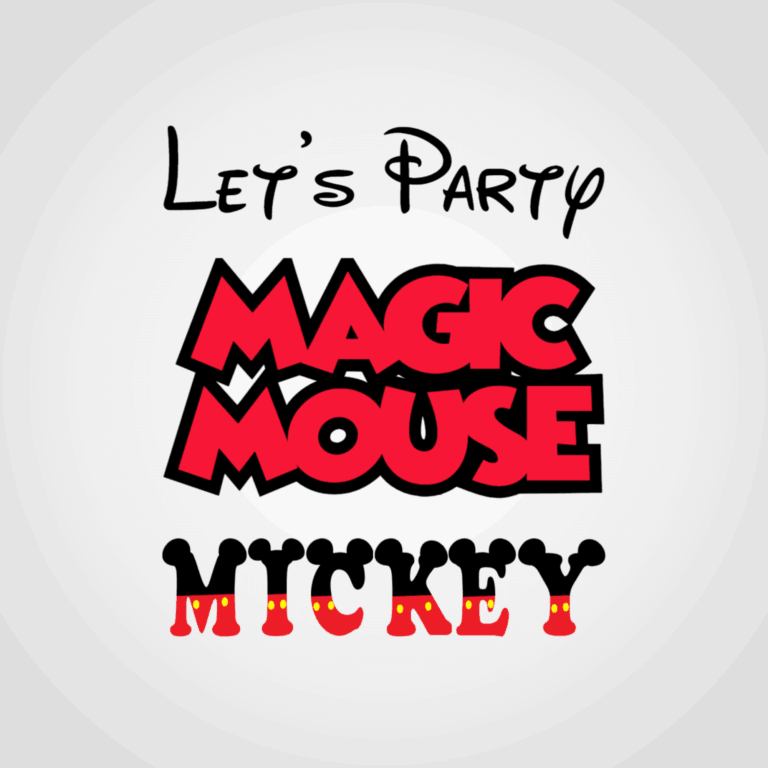
Mickey Mouse-Inspired Party Text Generators
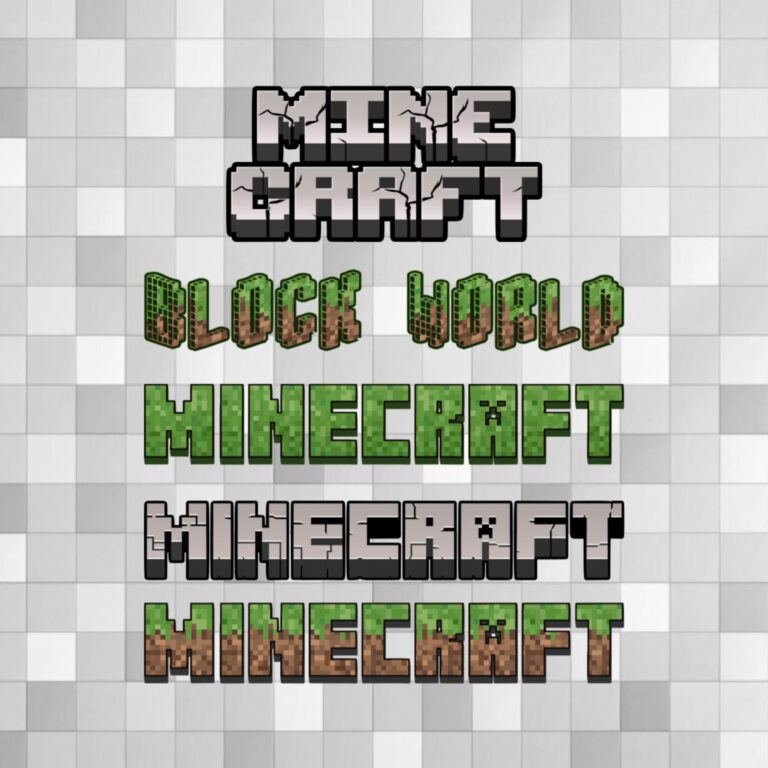
Minecraft-Inspired Party Text Generators
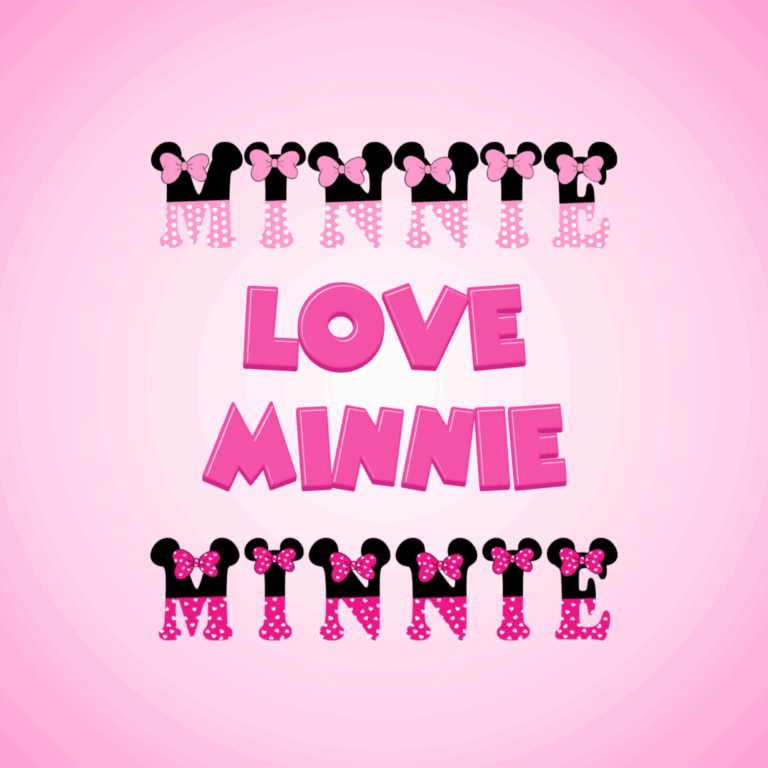
Minnie Mouse-Inspired Party Text Generators
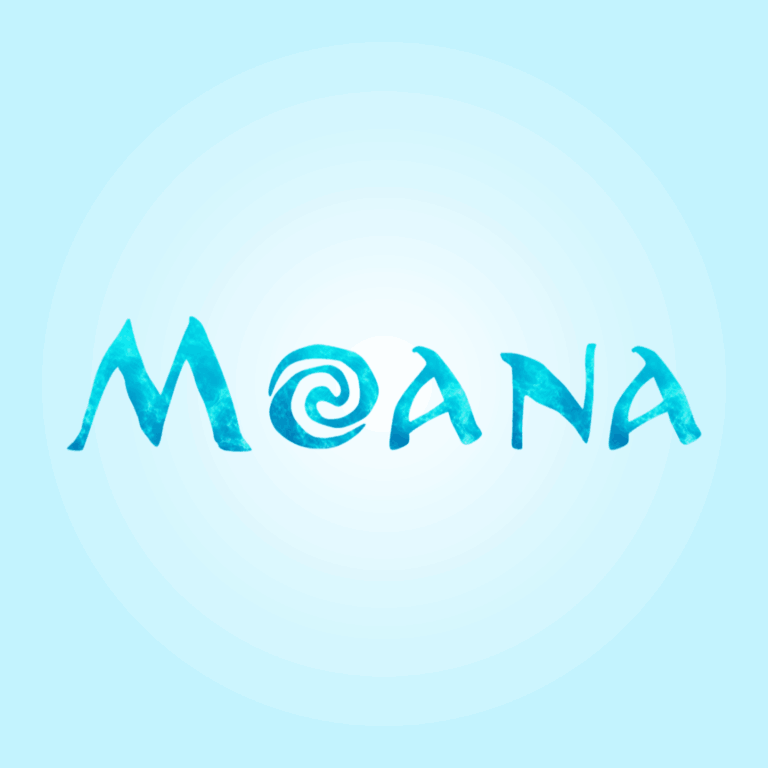
Moana-Inspired Island Text Generator
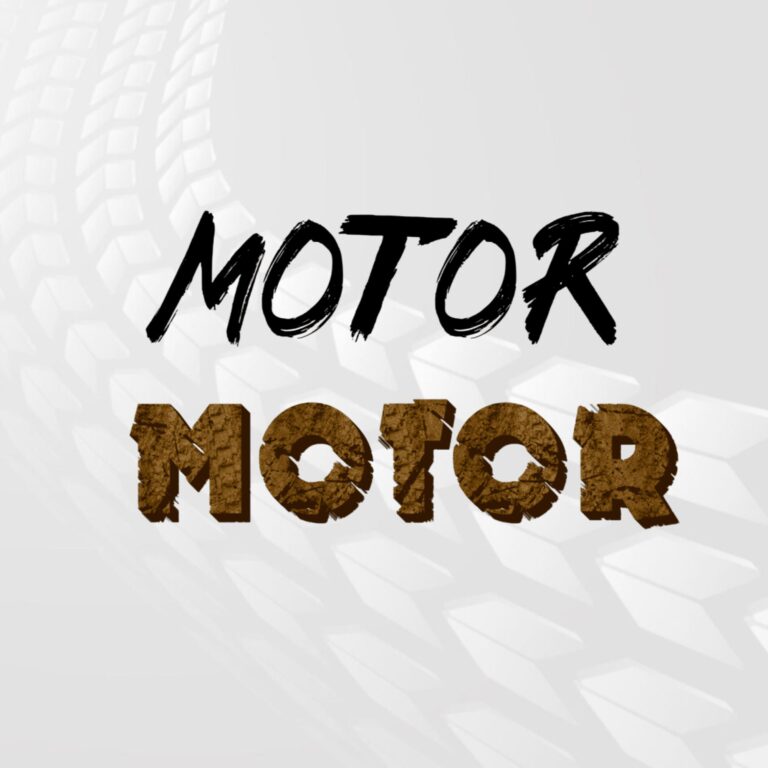
Motor and Motorcycle Party Text Generators
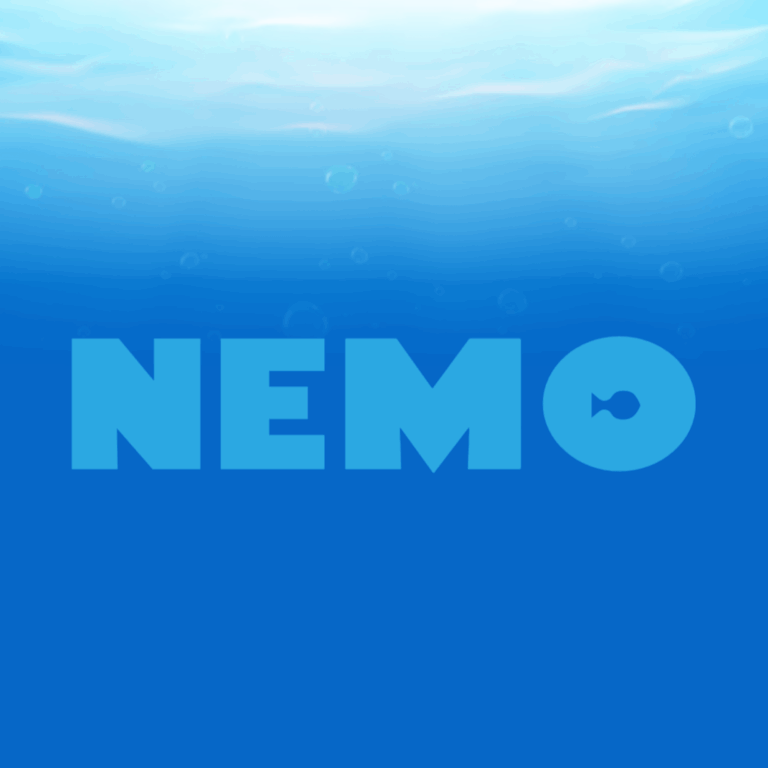
Nemo-Inspired Ocean Text Generator
Paw Patrol-Inspired Party Text Generators
Pink Pony Parody Party Text Generator
Pirates Party Text Generator
Pokémon Party Text Generator
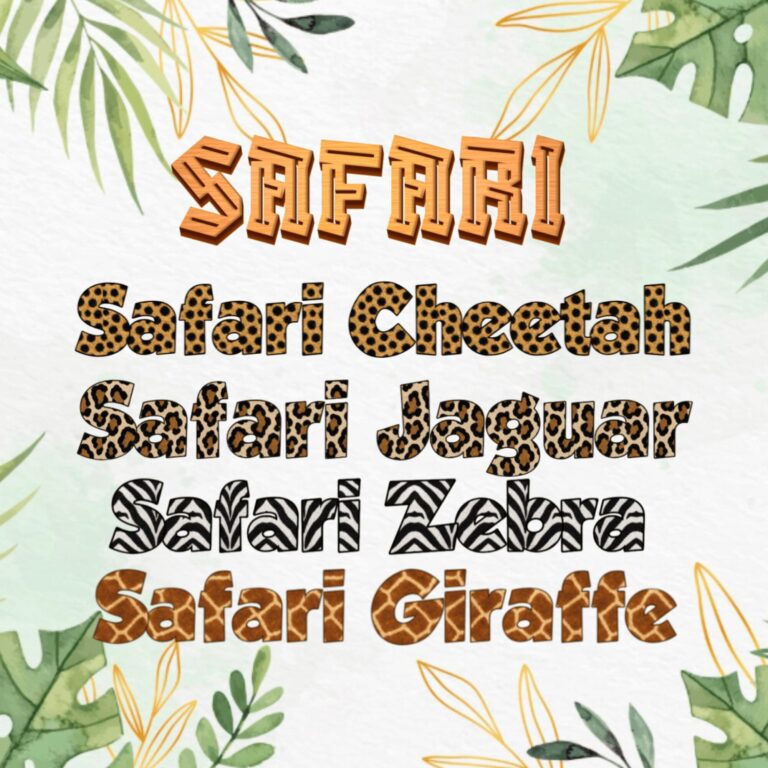
Safari Party Text Generator

Science Party Text Generator
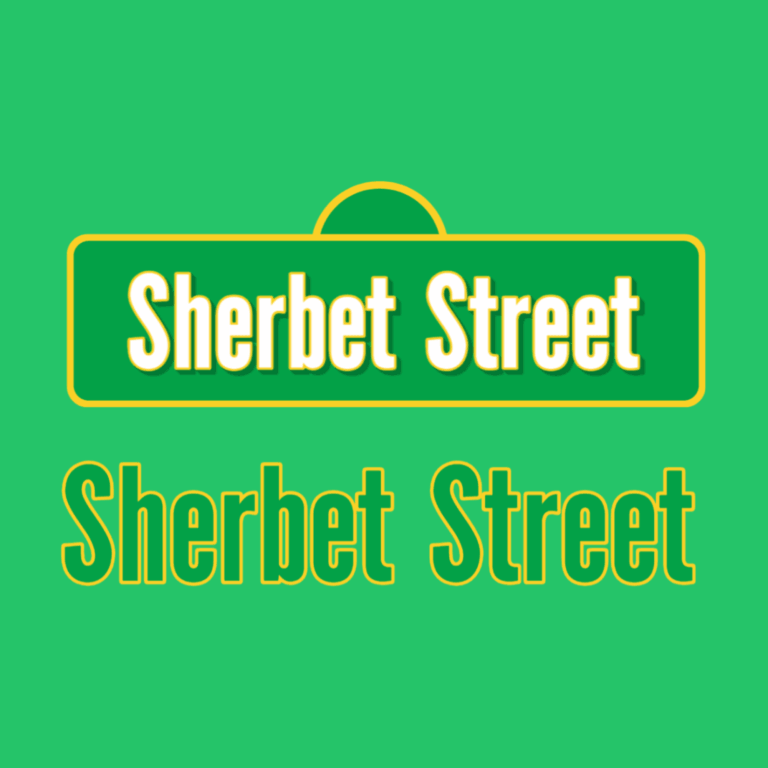
Sesame Street Party Text Generator
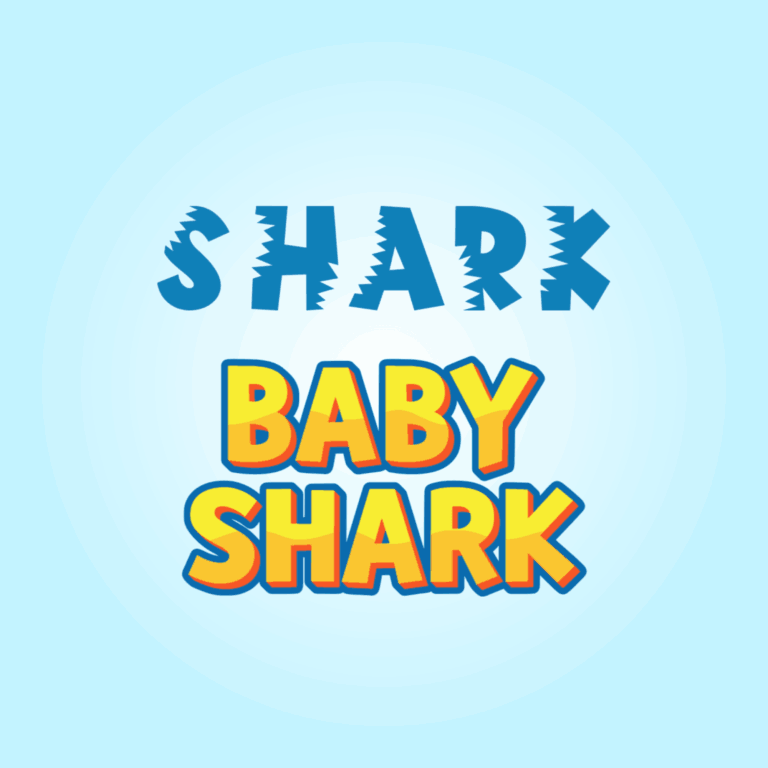
Shark Party Text Generator
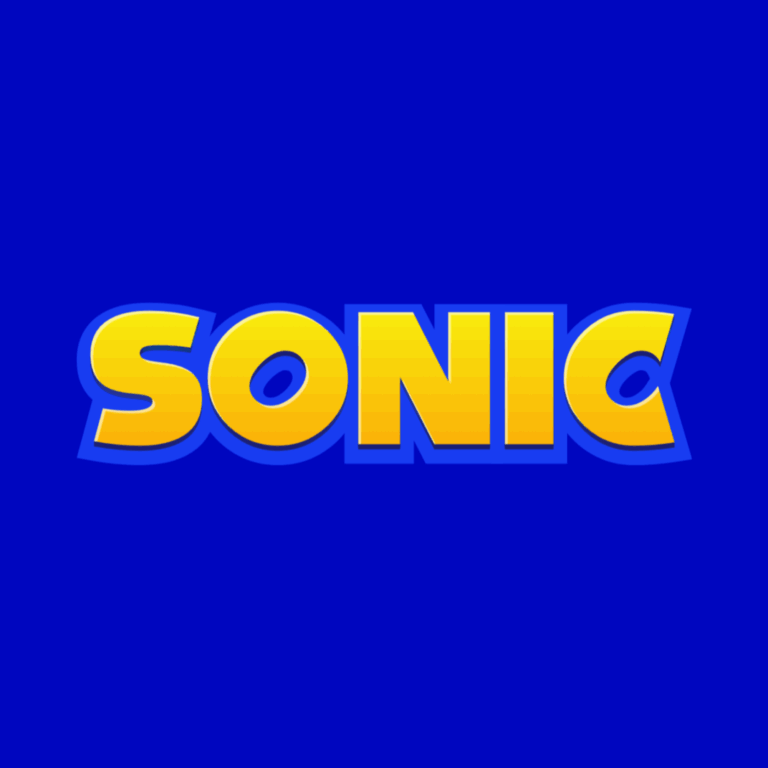
Sonic the Hedgehog Party Text Generator
Space Party Text Generators
SpongeBob Party Text Generator
Stitch Party Text Generator
Super Mario Party Text Generator
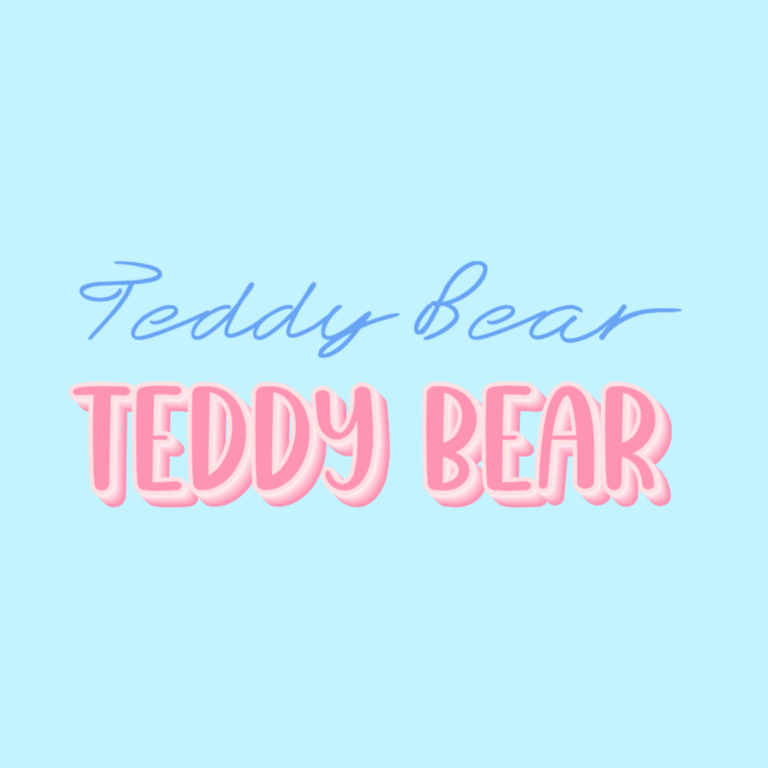
Teddy Bear Party Text Generator
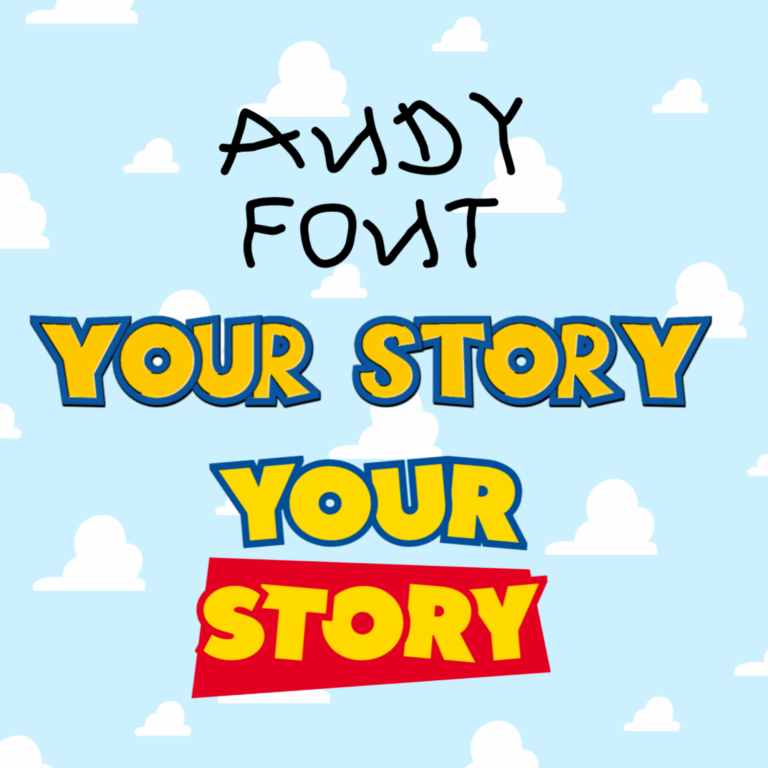
Toy Story Party Text Generator
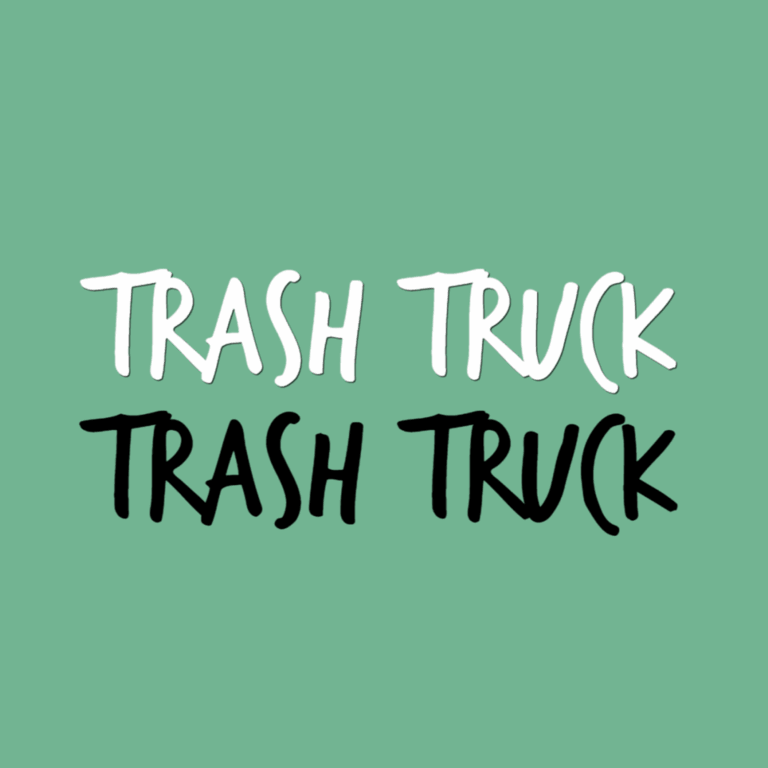
Trash Truck Party Text Generator
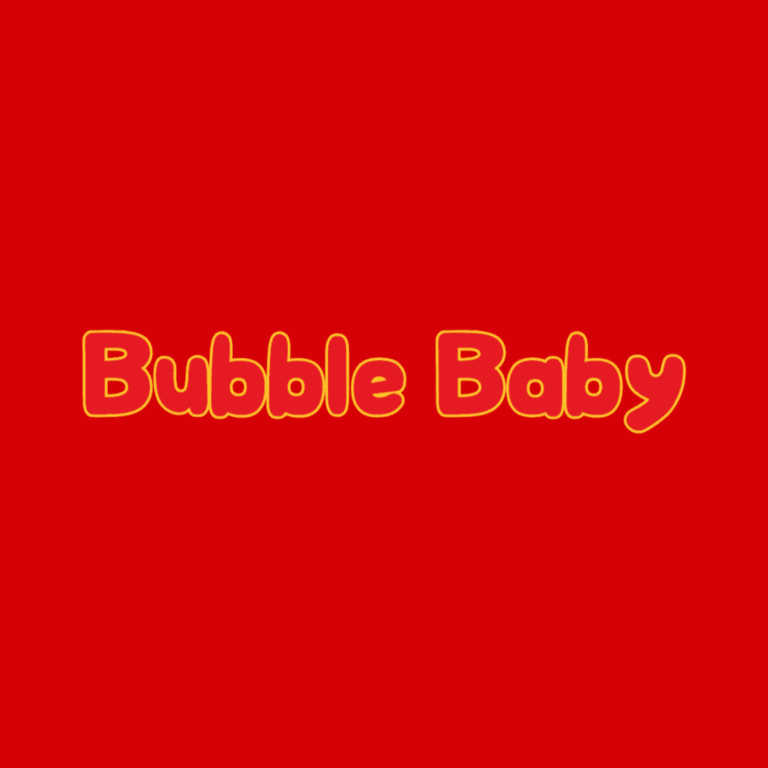
TY Beanie Baby Party Text Generator

USA Party Text Generator
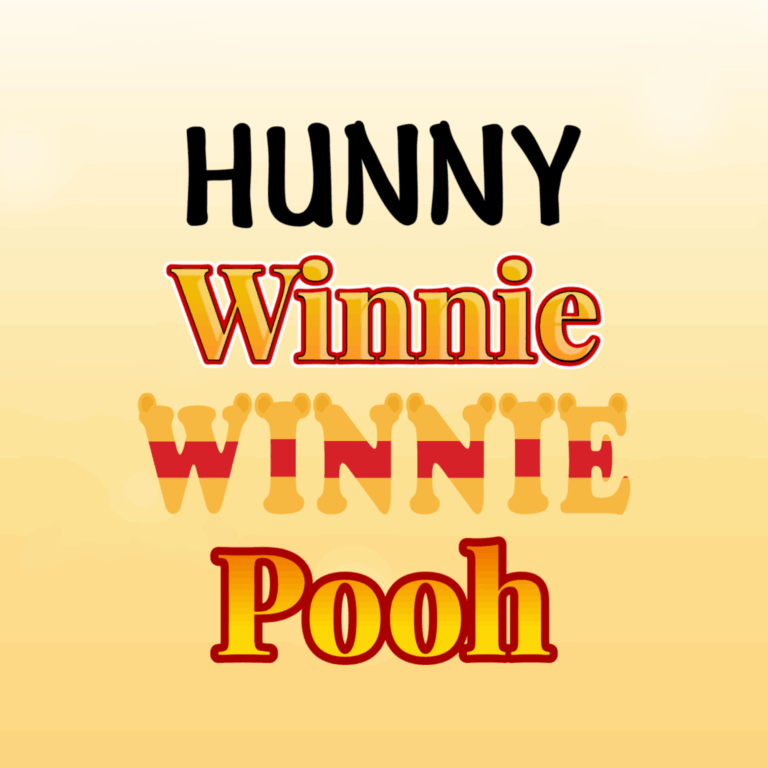
Winnie the Pooh Party Text Generator
How to Compare Tools Inside a Theme
- Use your real wording. The same style can look very different with a three-letter name and a longer message.
- Compare the full outline. Look at letter width, decorative edges, shadows, and the space between characters.
- Check the background. Transparent space around the artwork does not guarantee contrast over a photo or pattern.
- Preview the finished size. A detailed effect that works on a large sign may not remain clear on a favor tag.
- Keep two finalists. Put both versions into the same draft design so a co-host or guest of honor can choose based on the complete layout.
Can’t Find the Theme You Need?
Some requested themes do not currently have a working generator, preview, or download. If the theme you need is missing, use Request a Theme and describe the party item, wording, colors, and visual mood you want.
For something you can use now, browse the active collection cards and choose a style that fits the party colors or mood. Use the generator for personalized wording, then add any properly sourced theme artwork separately in the finished design.
Common Questions About Choosing a Generator
Why can one theme have several generators?
Generators within the same collection can use different letter shapes, colors, outlines, textures, or decorative details. Compare them with the same wording instead of assuming the first style is the best fit.
What wording usually works best?
Start with the main name, age, or a short message. Longer text can become crowded in decorative styles, so preview the exact phrase and move dates, addresses, or detailed instructions into regular text in your final layout.
Is the result a complete party design?
No. The generator provides decorative wording in the selected style. You still arrange the background, photos, supporting text, spacing, canvas size, bleed, and production settings for the invitation, sign, favor, or digital graphic.
How can I ask someone else to help choose?
Send the relevant generator-page links to your planning group, or place two downloaded options into identical draft layouts and share the comparison. That gives people a useful choice without asking them to imagine how an isolated preview will look in the finished design.
Before You Use or Share a Download
A generator result is rendered artwork, not an installable font or editable SVG. Keep its proportions locked while resizing, proof it on the final background, and review the Digital Content License before using or sharing downloaded content.
For the latest tool-review date and testing method, visit the Party Tools overview. See the Editorial Policy for PartyTopiie’s review and correction standards.
PartyTopiie is an independent party-planning resource. References to entertainment, character, game, toy, sports, and other third-party themes are descriptive navigation labels. PartyTopiie is not affiliated with, sponsored by, or endorsed by the respective rights holders. All associated names and marks remain the property of their owners.

