
My Account
Construction Party Text Generator
Choose the construction lettering by what guests need to do. Hazard Stripe makes a direct work-zone label, Racer 3D creates a fast vehicle badge, Red Brick turns a short word into textured masonry, and Truck 3D builds each capital from image artwork. All four can support a construction birthday, but their detail levels and character limits differ.
Compare All Four Construction Tools
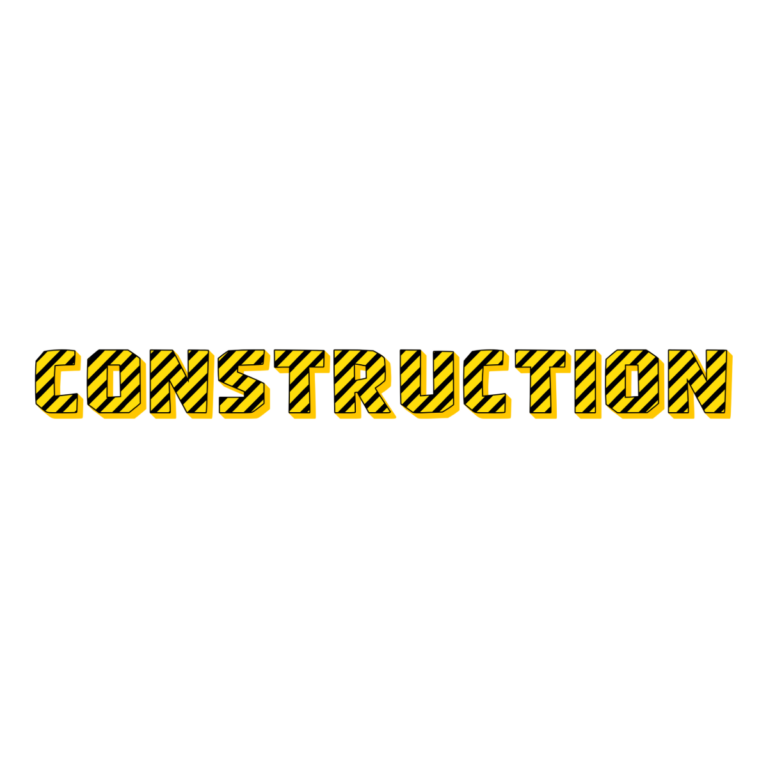
- Hazard Stripe Font: yellow textured faces with diagonal caution marks, black outline, warm depth, and a white preset background. Use it for “CREW CHECK-IN,” “DIG ZONE,” or a short direction.
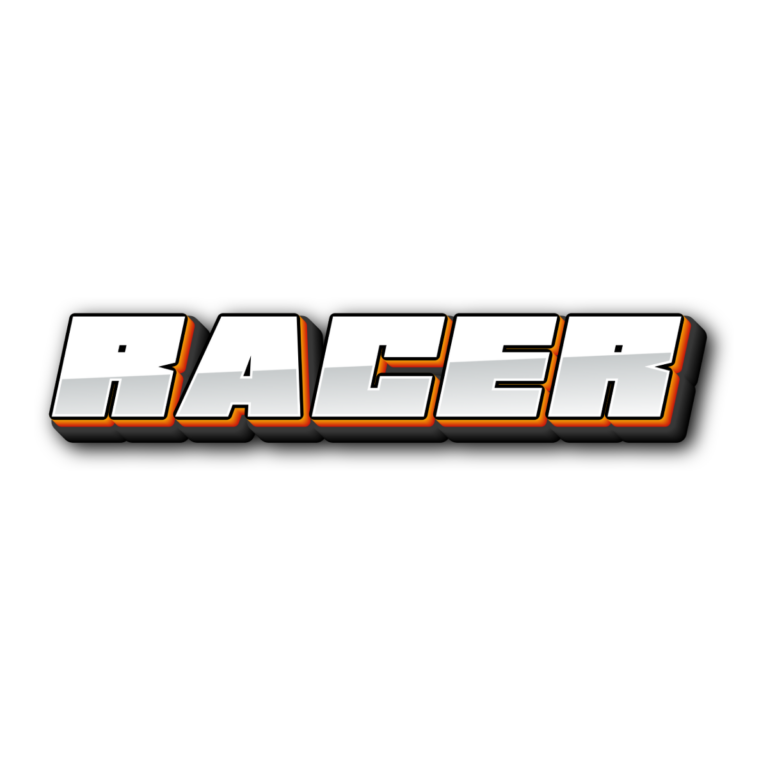
- Racer 3D Text: italic #FEE648 faces surrounded by two depth layers, white and black outlines, and a dark global edge. It suits driver names, pit stops, and race-course badges.
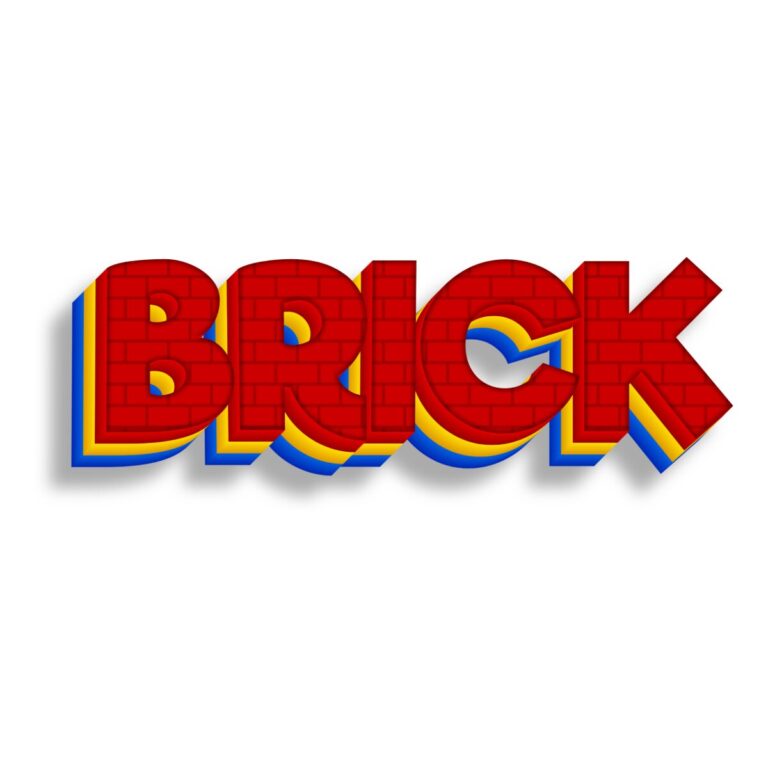
- Red Brick 3D Text: dark-red textured faces, a yellow outline, orange depth, and inner shadow. Choose it for a large birthday name, “BUILD CREW,” or dessert-table centerpiece.
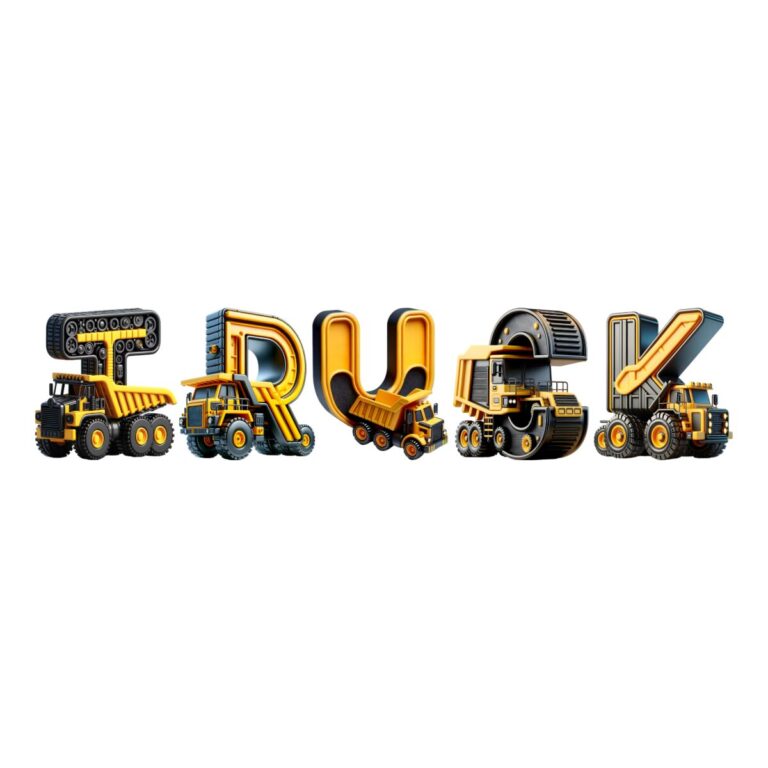
- Truck 3D Font: an image-glyph alphabet assembled from machinery-rich artwork. It declares uppercase A–Z and digits 0–9, has no conventional font file, and includes a warm off-white background. Use short supported names and ages.
Assign a Style to Each Work Zone
Hazard Stripe is the most direct for navigation. Racer 3D can identify a ride-on course or “PIT CREW.” Red Brick belongs on a large construction backdrop where mortar texture remains visible. Truck 3D is the most illustration-heavy, so reserve it for the guest of honor’s short name, an initial, or a crew number rather than long instructions.
Do not place textured lettering over similar texture: caution stripes over tape, brick letters over a brick photograph, or machinery glyphs over a crowded vehicle collage. Concrete gray, blueprint blue, kraft, black, and controlled orange panels provide clearer separation. Check the active backgrounds in Hazard Stripe and Truck 3D when transparent surrounding space is required.
Build and Proof the Sign Set
- List the hero name, navigation labels, and any supported crew numbers.
- Preview each message in the tool matched to its job.
- Leave extra crop space around italic layers and image glyphs.
- Download the PNGs and place them at actual sign or tag size.
- Use ordinary text for safety information, age guidance, ingredients, and directions.
The files are raster artwork, not font installations, SVGs, editable 3D models, safety signs, or complete print layouts. The Truck preset’s image alphabet may not represent punctuation or lowercase consistently. Fine stripes, mortar courses, and machinery details all need a printed proof before batch production.
Common Questions
Which construction tool works on the smallest label?
Start with a very short Hazard Stripe label, but test the diagonal texture. The more illustrated Truck and Brick options usually need greater size.
Can Truck 3D spell any sentence?
Its declared glyph set is uppercase letters and digits. It is intended for short display wording, not sentences or full punctuation.
How should multiple helpers divide the work?
Assign one person the hero artwork and another the navigation labels, then share exact tool links, background colors, and approved output sizes.
Explore the complete directory, or compare the mechanical energy of Firefighter and the bold signage in Circus.

