
My Account
Circus Party Text Generator Collection
Give each part of a circus party the right kind of show lettering. The four available generators range from bright marquee capitals to a tent-topped emblem, a simple western poster face, and a layered retro fairground treatment. Start by deciding whether the wording is the main attraction, a practical booth label, or a vintage accent.
Four Circus Looks, Four Different Jobs
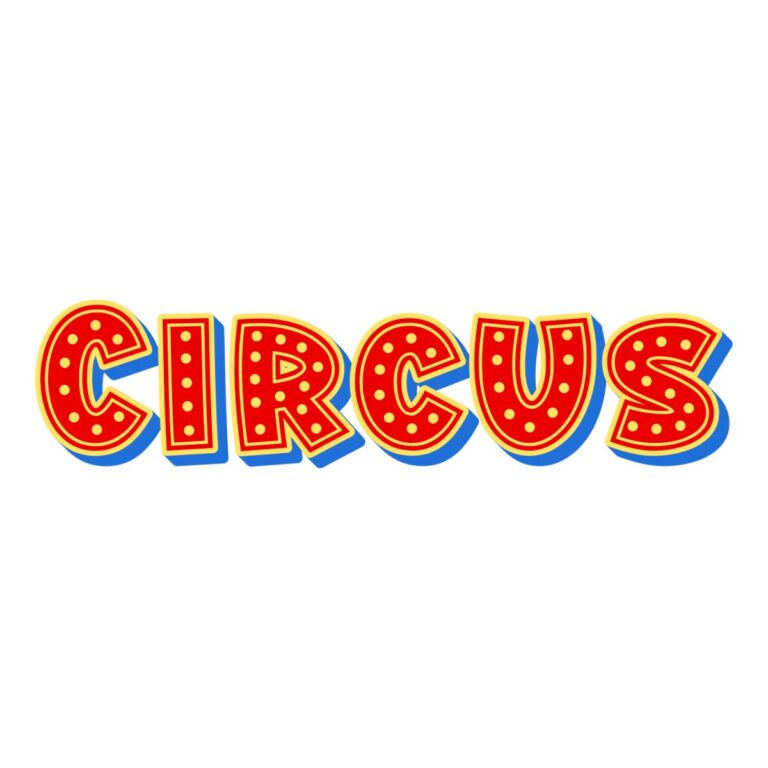
- Circus Marquee Font: red faces with blue depth, a yellow outside layer, and processed bulb-like details. Best for the guest of honor’s name, “TICKETS,” or a top-billing entrance sign.
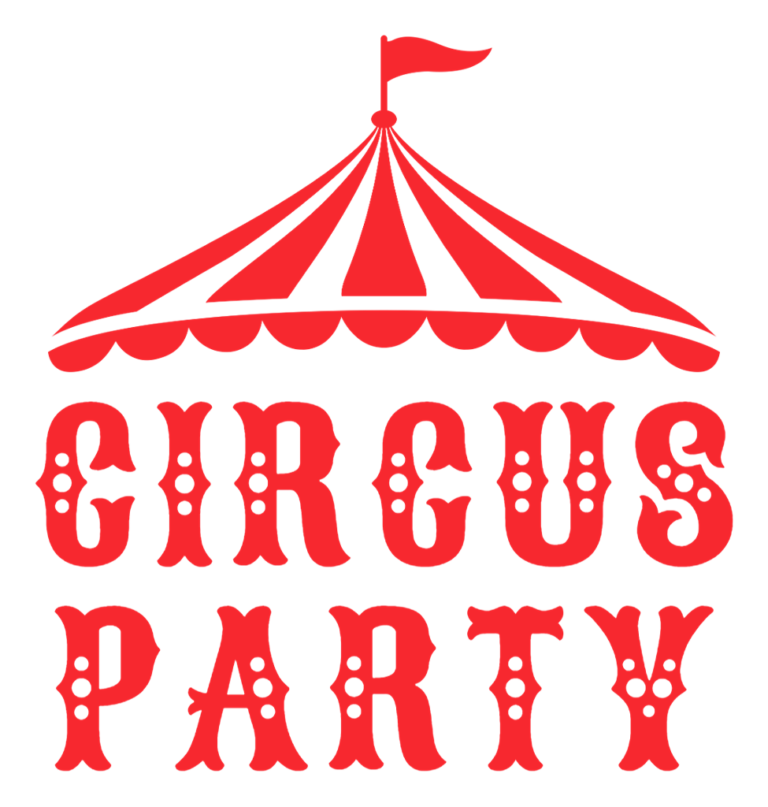
- Circus Party Text: a two-line red composition crowned by a circus-tent icon. Use it as the single central emblem on an invitation, welcome board, or photo backdrop. The preset includes a white background.
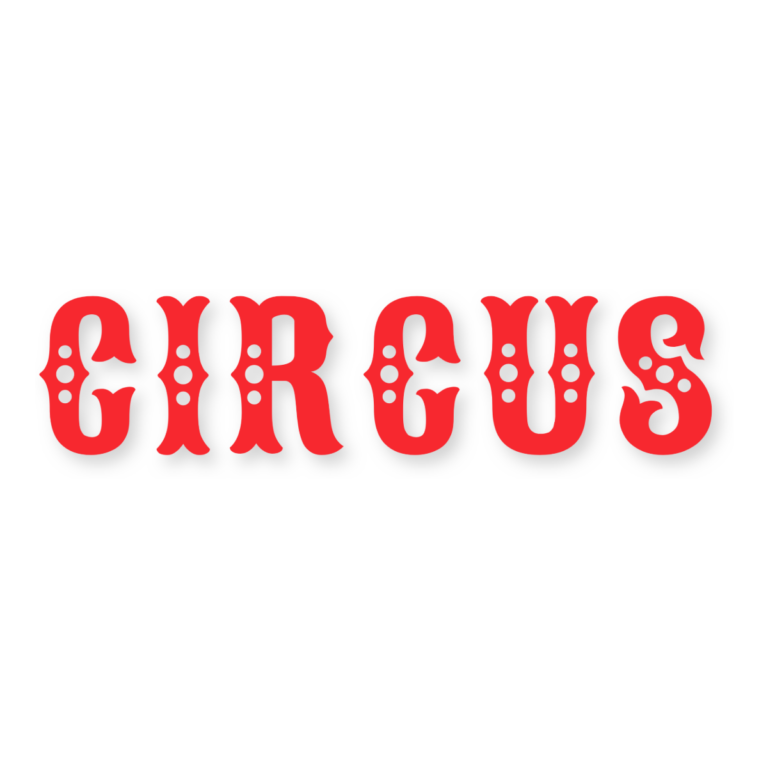
- Circus Western Font: solid red ornamental serifs without active depth or outline. It is the clearest choice for booth titles, ticket tables, or a vintage-poster heading at moderate size.
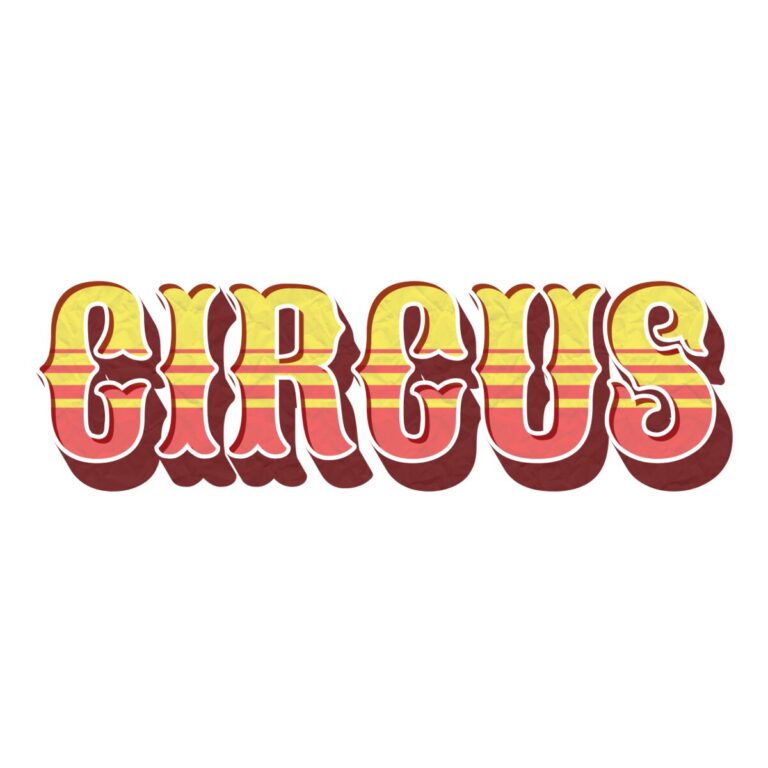
- Retro Circus Font: warm cream, gold, coral, and maroon bands with texture, depth, outline, and inner shadow. Save it for a large concession sign or aged-fairground hero headline.
Build a Visual Hierarchy Around the Big Top
Choose one hero treatment. Marquee works when the party is bright and theatrical; Circus Party works when you want the tent to establish the theme immediately; Retro Circus fits muted vintage decor. Then use Circus Western for the practical labels guests must scan, such as “GAMES,” “SNACKS,” and “PRIZES.” Repeating the most ornate generator everywhere makes booth navigation slower.
Give the layered tools quiet backgrounds. Cream, faded navy, muted teal, kraft, and broad red-and-white stripes can work if the pattern does not run through fine details. The red Western face needs contrast on pale paper. For the tent preset, check whether its active white background should remain or be disabled before export.
Turn the Tool Set Into Party Signage
- Write the main name, age, and list of booth labels.
- Preview the hero wording in Marquee, Circus Party, and Retro Circus.
- Select the simplest readable style for smaller booth cards.
- Download each PNG and place it on the actual color or poster texture.
- Proof the smallest ticket or food label before producing the set.
The downloads are raster graphics, not installable fonts, SVG signs, illuminated lights, layered posters, or complete printables. Details such as marquee dots, tent ornament, and retro color bands need more pixels than the single-color Western style. Keep dates, directions, ingredients, and safety notes as live text.
Common Questions
Which generator is best for a two-line name and age?
The Circus Party preset begins with a two-line composition and top icon. Keep both lines short so they remain centered beneath the tent.
Which style survives on a small favor tag?
Try Circus Western first because it has fewer active layers. Proof the ornamental serifs at the actual tag size.
How do several helpers divide the signs?
Assign one generator per sign tier, share the tool links and background palette, and keep a list of approved wording to avoid duplicates.
Browse the full directory, or compare the equally colorful Fiesta and Construction collections.

