
My Account
Fiesta Party Text Generator
Choose from four fiesta lettering styles that range from simple black cutout decoration to full image-based piñata fringe. Fiesta Font is the calmest, Fiesta V2 is chunky and curly, Fiesta V3 is a narrower patterned serif, and the Piñata Generator has the most color and material detail. Compare them at the real sign or label size before deciding.
Four Ways to Set the Fiesta Name
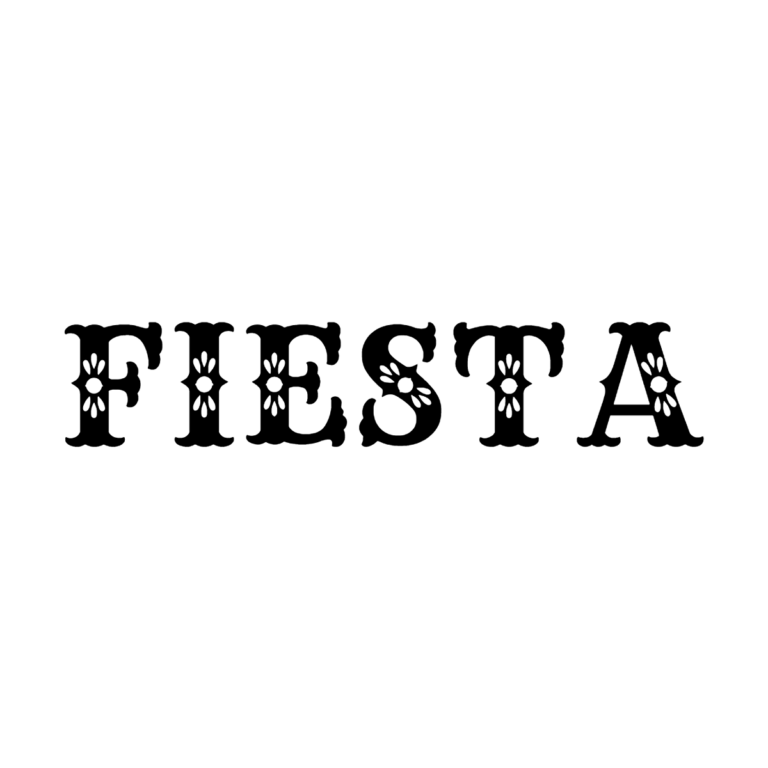
- Fiesta Font: solid black decorative capitals with white floral and leaf-like cutouts. It gives a name or food heading a folk-art silhouette while staying easier to combine with a colorful background.
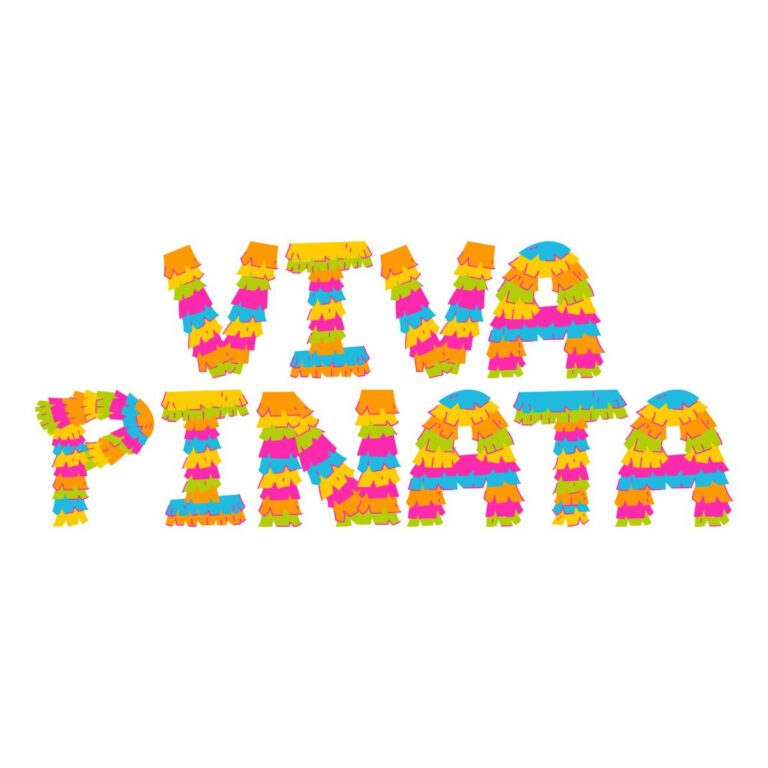
- Fiesta Piñata Font: an image-glyph alphabet made from many horizontal bands of yellow, orange, pink, green, and blue fringe. It supports uppercase A–Z and digits 0–9, starts as a two-line “VIVA / PINATA,” and has an active black background.
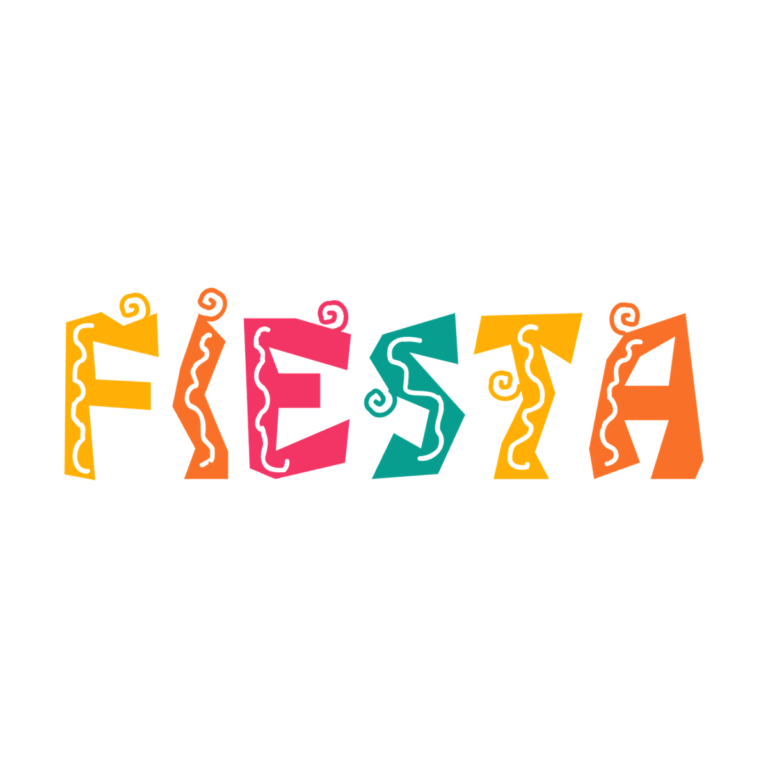
- Fiesta V2: chunky irregular capitals that rotate through teal, yellow, orange, and pink, with large white curls and wavy decorative cuts. Use it for a playful banner or activity station.
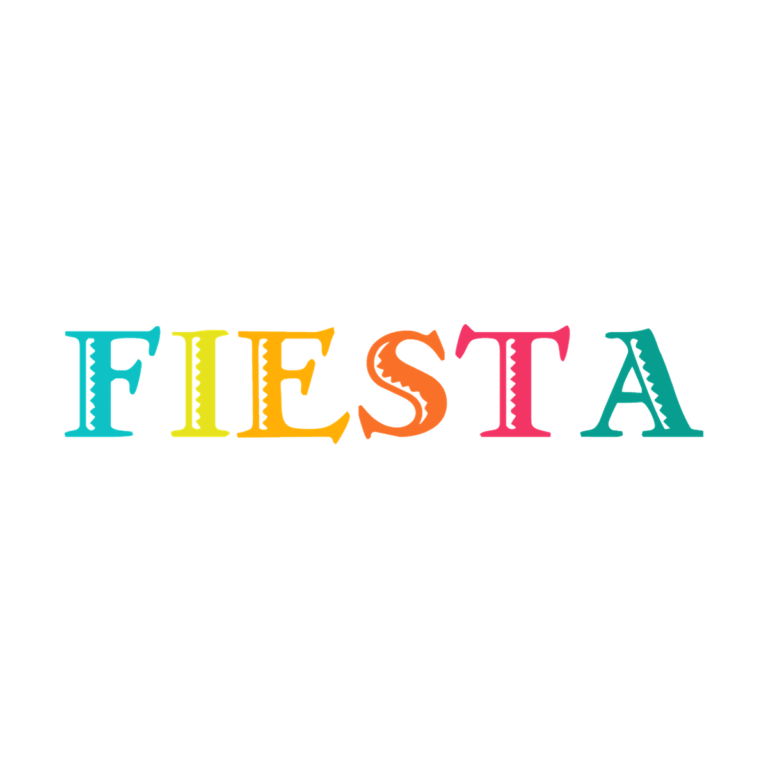
- Fiesta V3 Font: multicolor traditional serif letters with smaller zigzag, scallop, and edge patterns. Its narrower profile is useful for a name or buffet label that still needs ornament.
Choose Detail According to Distance
Use Piñata large on the entrance, backdrop, or central food table so the fringe bands remain visible. Fiesta V2 has the boldest playful silhouette and can carry a short “VIVA” or birthday name. Fiesta V3 retains celebration color in a more orderly line. The black Fiesta Font is useful when the invitation or papel-picado-inspired background already has many colors.
Do not put multicolor letters over a tiny confetti pattern. White, cream, kraft, deep navy, and broad color blocks give V2 and V3 separation. The black Fiesta Font needs a pale field. For Piñata, check whether its active black background belongs in the final design or should be disabled for transparent surrounding space.
Prepare a Coordinated Fiesta Set
- Draft the main name, a two-word welcome, and the list of food or activity labels.
- Preview the hero wording in Piñata and Fiesta V2 at a large size.
- Compare Fiesta V3 and black Fiesta Font for repeated smaller labels.
- Download the selected PNGs and test them on the actual palette.
- Proof the smallest item before making a full buffet or favor series.
The outputs are raster graphics, not installable fonts, SVG papel picado, layered invitation files, or complete signs. Piñata is image-glyph artwork and should be limited to its declared uppercase and digit set. Decorative cutouts and fringe disappear before the main silhouettes when reduced.
Common Questions
Which tool works for a long name?
Start with Fiesta V3 because its serif letters are visually narrower, then compare the black Fiesta Font. Keep secondary words outside the decorative PNG if the line becomes crowded.
Which style is best for small food labels?
The one-color Fiesta Font is the simplest, while Fiesta V3 can work if its small internal patterns remain visible in a printed proof.
How can several people divide the buffet signs?
Choose one small-label preset, share its link and output size, and keep a single spelling list. Reserve the hero generator for one person to avoid inconsistent scale.
Browse the full directory, or compare other colorful sign systems in Circus and Farm.

