
My Account
Bowling Party Text Generator
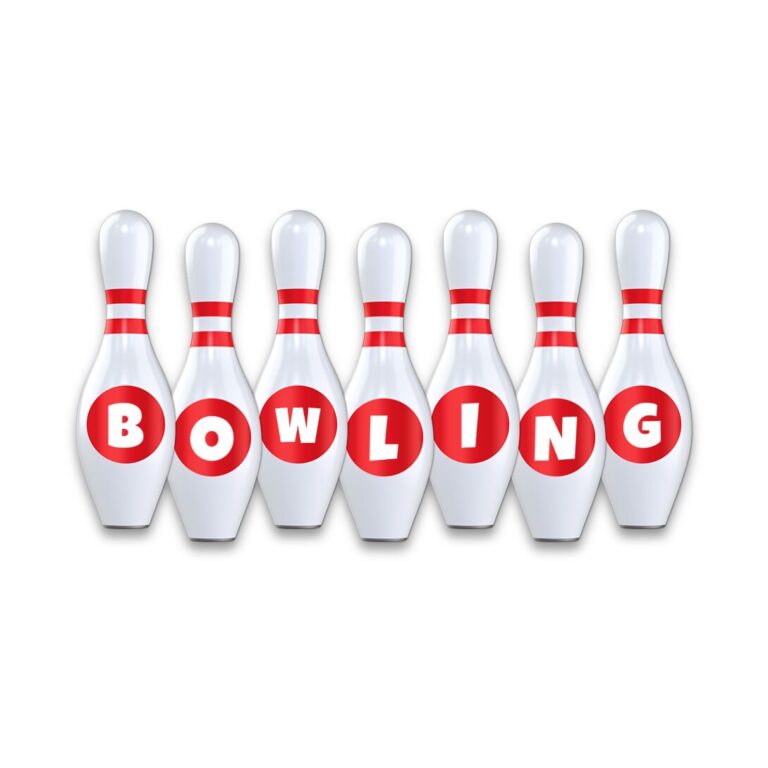
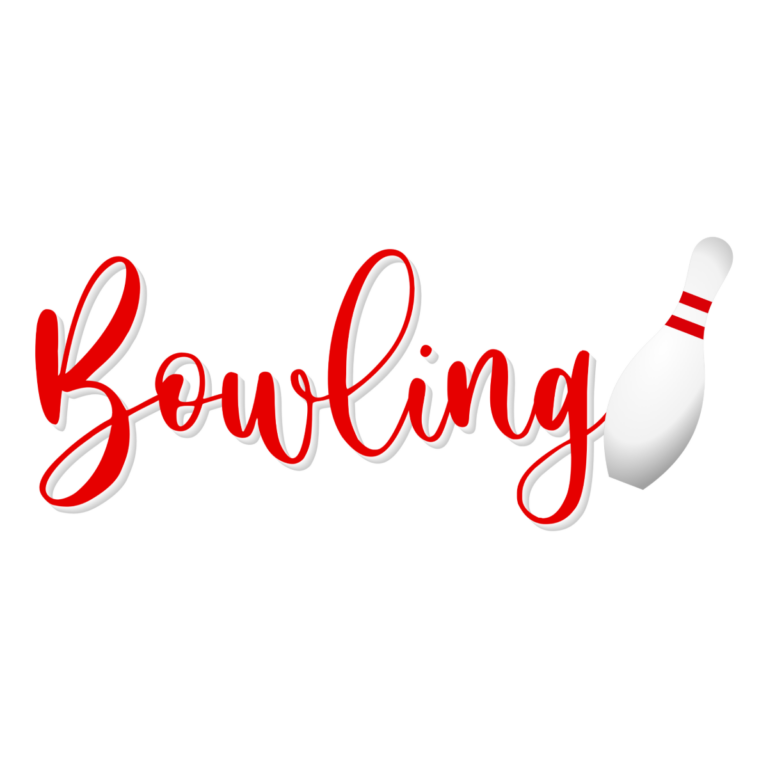
Choose between two bowling looks with very different personalities. The Pin Font turns broad white letters into polished lane-sign forms with subtle pin details. The Script Generator creates a thin red retro signature finished with a bowling-pin icon. One is made for practical team labels; the other is better as a social invitation or thank-you accent.
Which Bowling Tool Should You Open?
- Bowling Pin Font Generator: chunky white faces, gray modeling, a soft black shadow, and processed pin-like details. Use it for bowler names, team titles, lane assignments, score-table headings, and a large “STRIKE” sign.
- Bowling Script Text Generator: fine #E60000 script with short white depth and a bowling-pin icon on the right. Use it for an invitation cover, welcome greeting, team gift, thank-you card, or social post.
Pick the Pin Font when guests need to read a label quickly from a few feet away. Pick Script when the words are short, decorative, and surrounded by generous space.
Put Each Style in the Right Lane
The white Pin Font needs a dark or saturated background such as red, navy, teal, purple, or dark wood. A photograph full of white pins can hide its silhouette. The red Script style prefers white, cream, pale aqua, or a quiet light-wood field. Avoid red backgrounds, and remember that the pin icon contains light areas that still need contrast.
For a coordinated event, use the Pin Font on lane cards and team tables, then reserve Script for the invitation and one central welcome. Repeating thin script across shoe-size notes, schedules, and score instructions reduces readability. Put those operational details in a simple sans serif.
Prepare the Files for a Bowling Night
- List the short labels needed for lanes, teams, food, and favors.
- Preview the longest bowler name in the Pin Font and a brief greeting in Script.
- Check margins around the Script flourish and its right-side icon.
- Download each PNG and place it at the actual card or sign size.
- Print one white-letter lane card and one fine-script invitation proof.
The generators create raster PNG graphics, not installable fonts, editable vectors, score sheets, or complete invitation files. Keep the aspect ratio locked. The Pin Font’s low-contrast modeling and Script’s thin connections can both soften when reduced, for different reasons.
Common Questions
Which option works for every guest name?
The Pin Font is the more practical batch choice because its broad letters tolerate variation in names. Always test the longest name before setting the final card width.
Can the Script tool hold a full invitation sentence?
Use it for a name or compact greeting. Long copy becomes an extremely wide line and makes the fine strokes difficult to read.
How can teams make last-minute changes?
Share the chosen tool link and the approved output size. A helper can generate a new name instead of editing a flattened card.
Return to the generator directory, or compare sport-focused lettering in the Baseball and Basketball collections.

