
My Account
Mickey Mouse-Inspired Party Text Generators
Start by deciding whether the party needs flexible script, a bold cartoon title, or individual themed picture letters. The three tools in this Mickey Mouse-inspired collection are not color swaps of one effect: they differ in structure, supported characters, viewing distance, and how much themed decoration is already built into the wording.
Brand note: PartyTopiie created these fan-inspired generators independently. They are not affiliated with, sponsored by, or endorsed by Disney. Mickey Mouse, Disney, and related names and marks belong to their respective owners.
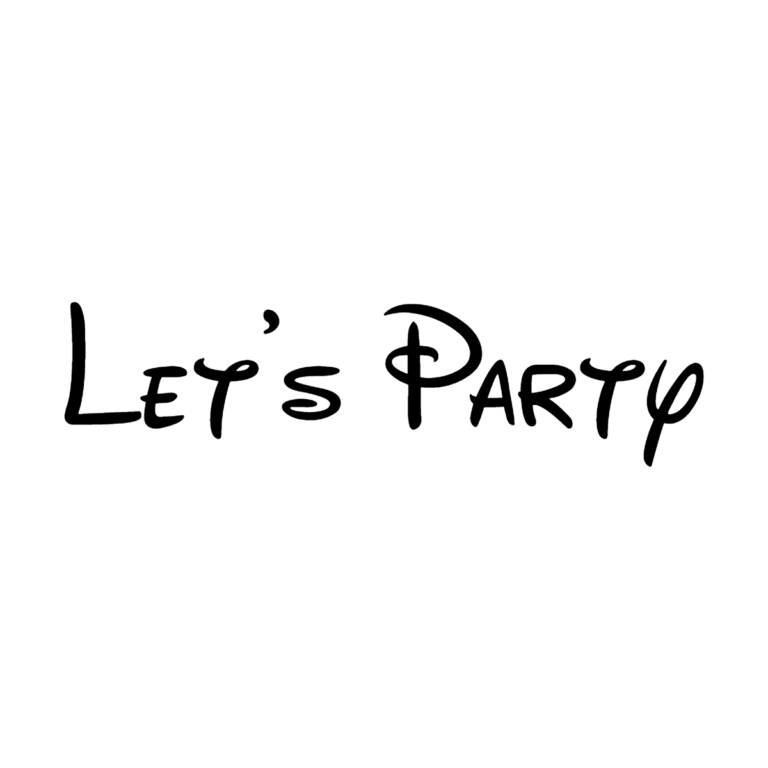
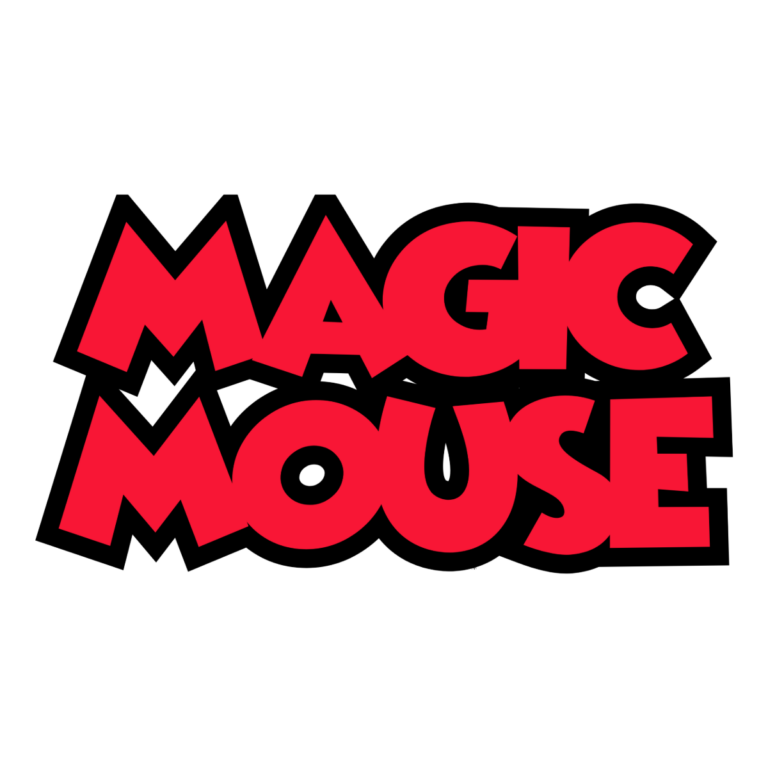
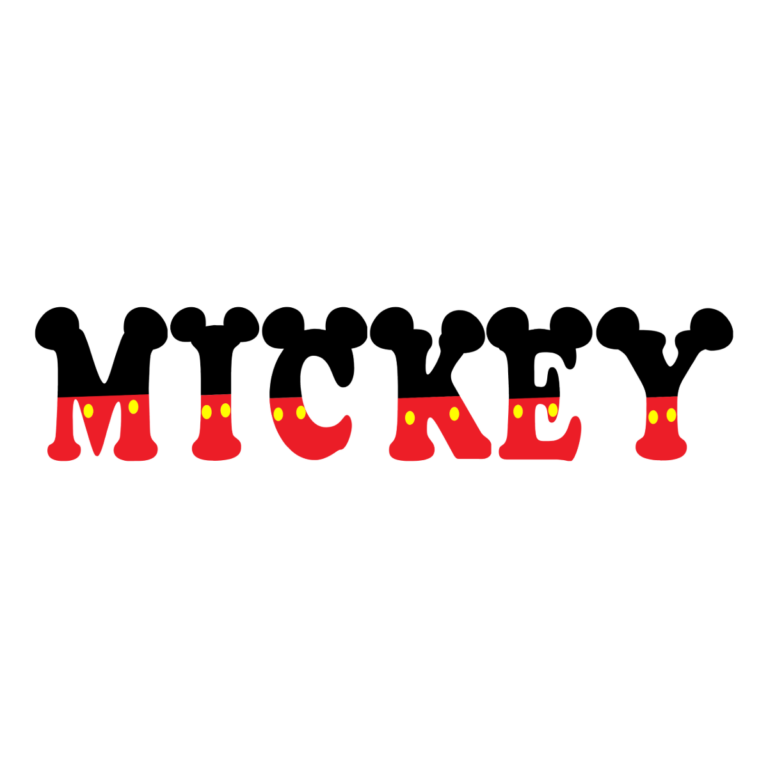
Quick Choice: Script, Red Cartoon, or Ear-Topped Glyphs
- Disney-Inspired Script Font Generator makes loose black storybook script with no active outline, depth, texture, or icon. Choose it for invitation headings, thank-you tags, place cards, and flexible black wording that must fit many palettes.
- Mickey Mouse-Inspired Cartoon Text Generator uses bright red block letters, tight spacing, and a very thick black outline. It works for a stacked name and age, backdrop title, game station, or sign that must be recognized across a room.
- Mickey Mouse-Inspired Ear Font Generator assembles black ear-topped image glyphs with red, yellow, and white details. Choose it for short names, initials, and one-word labels where each decorated character can remain large.
Match Each Tool to a Party Job
Use the red cartoon style once as the main title, then use black script for quieter supporting labels. Reserve the ear glyphs for a guest name, banner, or a small set of initials rather than every sentence. This hierarchy keeps the decor themed without making every sign equally loud.
- Create a welcome name and age for the cake table or photo wall.
- Label a clubhouse game, snack table, craft station, gift area, or favor shelf.
- Add guest initials to cups or treat bags with image glyphs after checking every supported character.
- Use script on invitations and thank-you pieces where a full badge would feel too heavy.
Preview Before You Build a Set
- Choose the visual job first: flexible script, bold title, or decorated glyph.
- Enter the exact name and inspect punctuation, mixed case, line breaks, and letter spacing.
- For the image-glyph tool, verify every letter, numeral, and accent because its artwork set is more limited than a standard font.
- Generate the transparent PNG and test it on the real background at the final display size.
- Keep dates, addresses, dietary information, and instructions in plain text outside the decorative image.
Readability and PNG Limits
Black script needs a pale or bright field. Red cartoon text needs a light panel so both the face and black edge remain visible. Ear-topped glyphs need space above and can disappear on black or detailed imagery. Every download is flattened raster artwork, not an installable font or editable SVG alphabet. Image-glyph decorations cannot be separated after export, and small details may merge on favor tags.
Common Questions
Which style is best for a backdrop?
The red cartoon tool has the strongest large-format silhouette. The ear glyphs can work for a short name, while the script is better as supporting wording.
Why might a symbol look different in the ear generator?
It can only assemble glyphs with available picture artwork. Preview the exact entry and simplify unsupported characters.
Can I combine all three?
Yes, but give each a separate role. One main title, one supporting script, and occasional initials usually feel more coordinated than placing three effects in one phrase.
Related Character-Party Themes
Compare the Minnie Mouse generators for pink dimensional and picture-letter options, the Toy Story collection for playful film-inspired text, or the Sesame Street collection for colorful children’s lettering. Browse every theme when you want a different color or structure. Share the exact child-tool link with anyone making guest names so they can confirm their own characters and download a matching PNG.

