
My Account
Minnie Mouse-Inspired Party Text Generators
Choose between picture letters and a true dimensional text effect before building the party set. Two tools assemble decorated ear-topped glyphs, while the third creates solid hot-pink wording with depth and outlines. That structural difference affects character support, reading distance, and whether the result works best as a name banner, main backdrop, or small label.
Brand note: PartyTopiie developed these fan-inspired generators independently. They are not affiliated with, sponsored by, or endorsed by Disney. Minnie Mouse and related names and marks belong to their respective owners.
Quick Choice: Soft Glyphs, Pink 3D, or Polka Dots
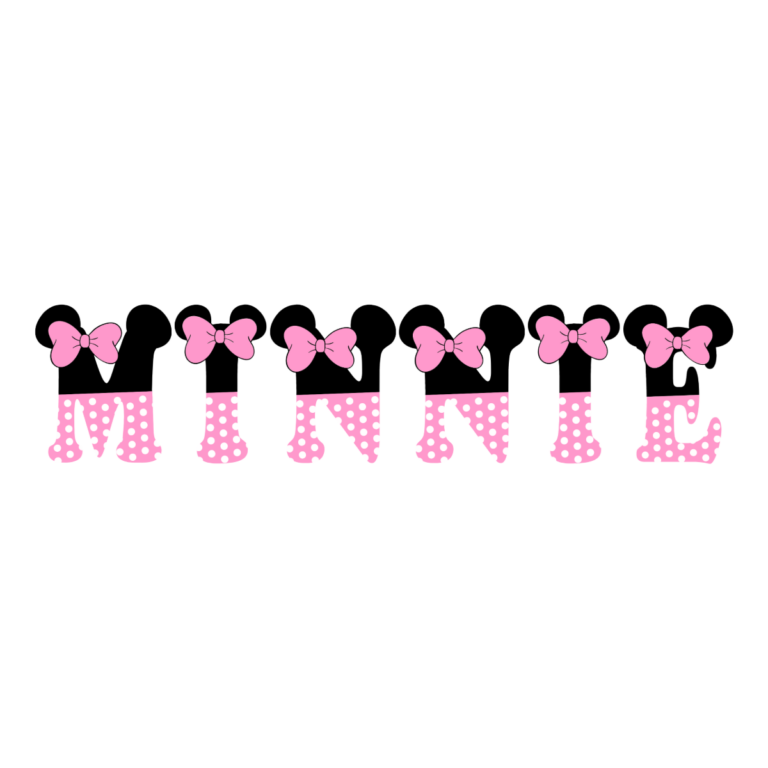
- Minnie Mouse-Inspired Cartoon Font Generator uses image glyphs with black ear-topped forms, pale and hot-pink mixed patterns, and small bow-like details. Choose it for pastel banners, nursery celebrations, and a softer pink look.
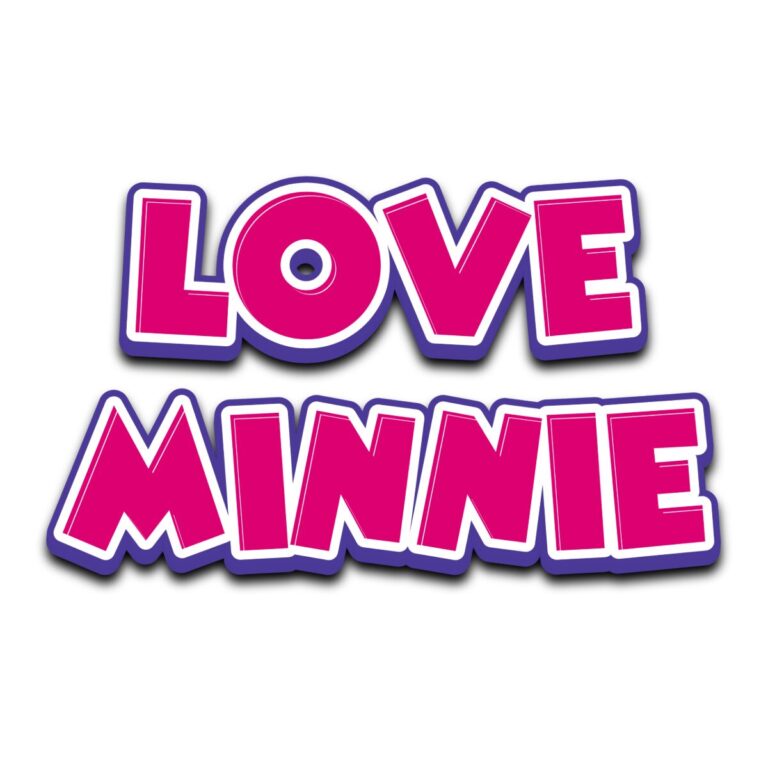
- Minnie Mouse-Inspired Logo Generator creates chunky solid-pink capitals with darker magenta depth, a bright edge, and inner shading. It is the strongest choice for a stacked name and age on a backdrop or entrance sign.
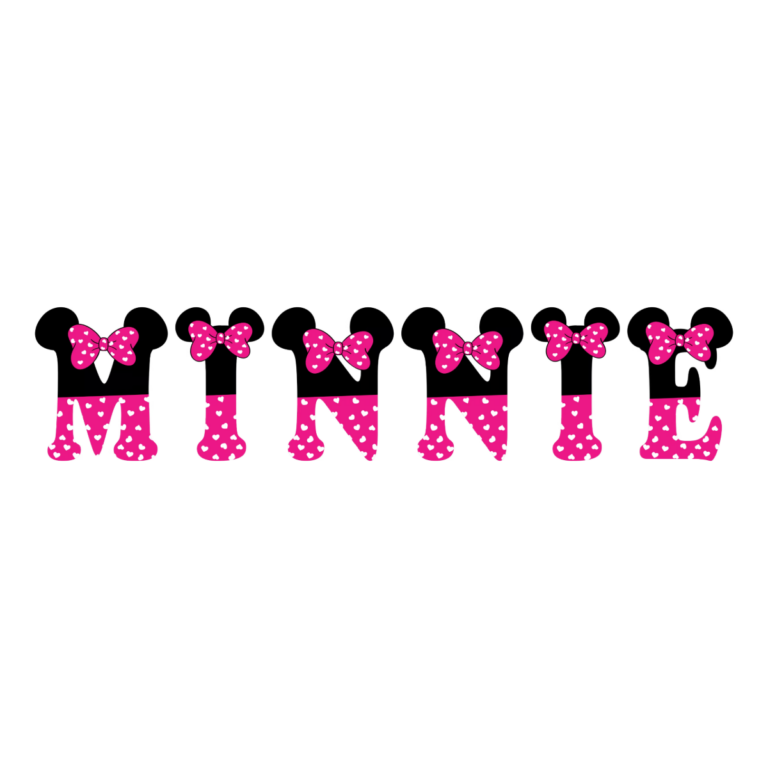
- Minnie Mouse-Inspired Polka Dot Font Generator assembles high-contrast picture letters with black tops, hot-pink polka-dot sections, and bow-like accents. Choose it for a classic pink, black, and white palette.
Assign a Different Role to Each Look
Use the dimensional logo generator for the main title because its face and depth hold together at a distance. Choose one image-glyph set for names, initials, or station words. Avoid mixing both picture alphabets in the same phrase; their internal patterns will compete. Dates and directions should remain plain text.
- Put the guest name and age on the cake-table backdrop or entrance display.
- Label a BOW BAR, SWEET TABLE, DRESS-UP corner, photo station, or favor area.
- Create guest initials for cup markers, cupcake cards, stickers, and treat boxes.
- Use the softer cartoon glyphs for keepsakes and the stronger polka dots where higher contrast is needed.
Preview Character Support Carefully
- Decide whether you need a font-based text effect or an image-glyph alphabet.
- Enter the exact name, numeral, accent, and punctuation planned for the piece.
- For both glyph tools, inspect every character because available artwork determines what can render consistently.
- Check ears, bows, dots, outlines, and depth at the intended size, then generate the transparent PNG.
- Place the raster image on a simple field and print one proof before making a large set of small favors.
Keep Pink, Black, and White Separate
White, cream, mint, and pale blue provide dependable contrast. Black hides ear tops; hot pink can absorb dots and the logo face; a busy gingham pattern competes with the image-glyph interiors. Add a neutral panel when needed. Every decoration is flattened into the PNG. The files are not installable fonts, editable SVG alphabets, separate bows, or licensed character art.
Common Questions
Which option is best for a large backdrop?
The solid dimensional Logo Generator has the clearest long-distance silhouette. Keep its wording short enough for the depth and outline to remain open.
Why might a glyph be missing?
The cartoon and polka-dot tools rely on supplied picture artwork. Preview the exact entry and simplify any unsupported character.
Can I use one generator for every sign?
Yes, and consistency may be preferable. Use one main style, then vary size and placement instead of introducing all three effects everywhere.
Related Pink and Character Themes
Compare the Mickey Mouse generators for red cartoon, black script, and ear-topped options. The Pink Pony generator offers bubbly pink dimensional lettering, while the Barbie collection provides doll-party pink styles. Browse every theme for other palettes. Share the exact glyph-tool page with anyone creating guest names so they can verify each character before downloading.

