
My Account
Toy Story Party Text Generator
This Toy Story-inspired collection gives you three genuinely different ways to label a toy-box party. Use the handwriting preset for personal details, the yellow-and-blue Toy Font for a repeatable set of bold signs, or the two-line logo treatment for one centerpiece. Choosing by job first helps guests scan the room and stops every label from competing with the backdrop.
Quick Choice: Which of the Three Styles Fits?
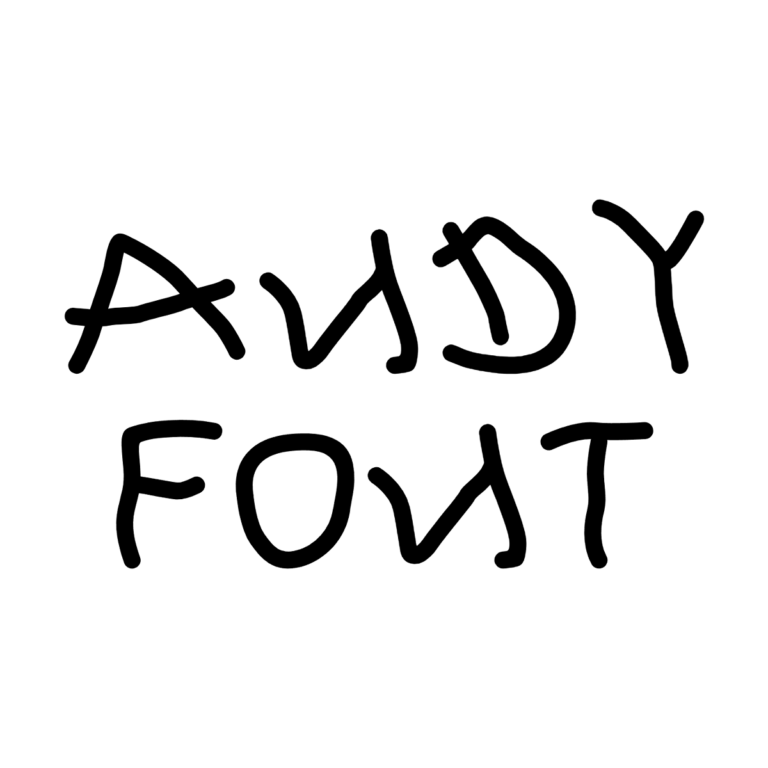
- Andy Handwriting Text Generator: flat black marker-style lettering with no active outline, depth, icon, or background. It suits guest names, toy-check labels, place cards, short notes, and thank-you graphics.
- Toy Font Text Generator: a #FFC800 yellow face, substantial #0A55A0 blue outline, and short black depth. It is the most flexible choice for repeated station names, invitation headings, favor boxes, and medium signs.
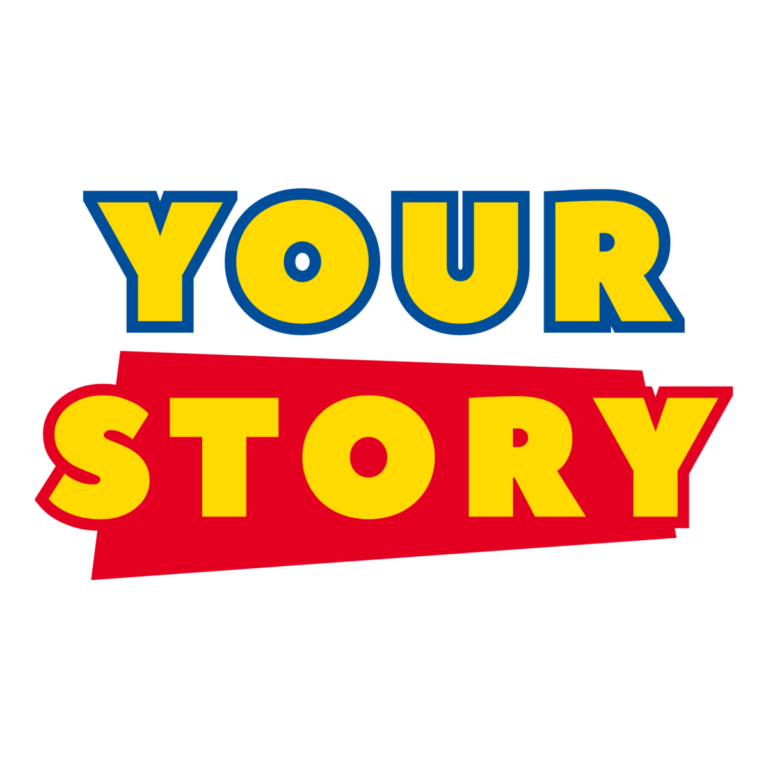
- Toy Story Logo Generator: a two-line yellow treatment with word-based blue and red outline colors plus a centered graphic layer. Reserve it for the guest of honor’s name, welcome board, cake-table title, or photo backdrop where its compact emblem can stay large.
If you need one adaptable system across ten stations, start with Toy Font. If you need one memorable hero title, use the logo treatment. Add Andy Handwriting only where a quieter personal note improves the layout.

Build a Party That Reads Like a Toy Box
Use the logo graphic at the entrance, then repeat Toy Font for labels such as TOY CHECK, BUILD ZONE, SNACKS, PRIZES, and FAVOR PICKUP. Andy Handwriting can carry individual guest names or a small message beneath a larger title. This hierarchy works for a playroom birthday, backyard rescue game, toy donation party, invitation set, or family movie-night display.
White, cloud blue, kraft cardboard, and controlled red panels support the three treatments. The black handwriting disappears on dark art, the Toy Font loses separation on yellow-and-blue patterns, and the logo’s multiple colored edges need quiet space. Keep character illustrations, clouds, stars, and confetti away from letter counters and borders.
Create the Hero Title Before the Small Labels
- Write the shortest useful name, age, or station phrase for each party piece.
- Preview the hero wording in the logo generator and check both lines and the centered layer.
- Use Toy Font for the repeatable sign family and Andy Handwriting for individual details.
- Download each PNG, preserve its proportions, and place it on the actual background.
- Print one small label and view the backdrop proof from across the room.
These generators create raster decorative text, not installable fonts, editable SVGs, character artwork, or complete invitations. No preset should carry addresses, schedules, safety directions, or allergy details; keep those as clear live text. Long wording can flatten the logo and crowd Toy Font’s heavy border, while thin handwriting can soften on tiny tags.
Common Questions
Can all three styles appear on one party piece?
They can, but two are usually enough. Pair one hero treatment with one quieter supporting style so the name remains the first thing guests notice.
Which option works best for last-minute guest labels?
Andy Handwriting is quickest for simple names on light cards. Share that generator page and one approved card size with the helper making additions.
How can guests make their own toy-box names?
Share the chosen generator link after the party or at a supervised craft station. Each guest can enter a short name without stretching the host’s finished PNG.
Return to the full Party Text Generator Directory, or compare Super Mario, Trash Truck, and Teddy Bear.
This independent PartyTopiie collection is not affiliated with, sponsored by, or endorsed by Disney or Pixar. Toy Story and related trademarks belong to their respective owners.

