
My Account
Safari Party Text Generator
Choose from five Safari lettering styles for a welcome sign, cake-table label, favor tag, photo backdrop, activity station, or digital party graphic. Start with the look you want guests to notice: dimensional carved lettering, energetic cheetah spots, warm giraffe patches, bold jaguar rosettes, or high-contrast zebra stripes.
Each generator lets you test custom wording in a 1200 x 675 preview, adjust the visible text controls, and create the transparent PNG offered in its Download panel. Check the finished file over your intended party background before printing or sharing it.
Choose a Safari Style for Your Party Project
| Generator | Look | Best party uses | Background tip |
|---|---|---|---|
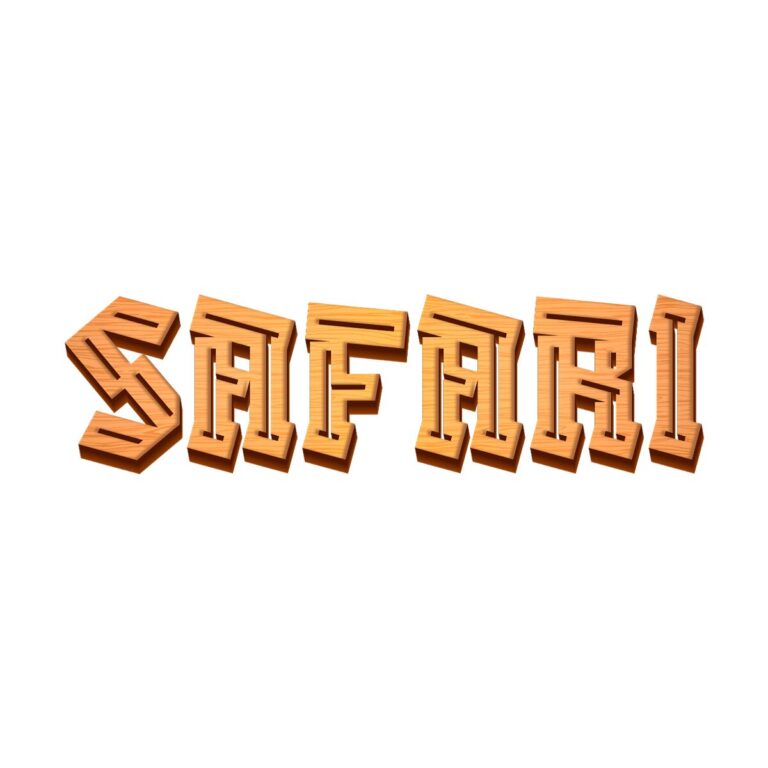
| Safari Font | Angular orange-tan letters with dark grooves and a dimensional carved-wood shadow. | Welcome signs, crate-style food labels, backdrop names, and adventure-station headings. | Give the brown edges space around wood, kraft, or tan backgrounds so the silhouette stays clear. |
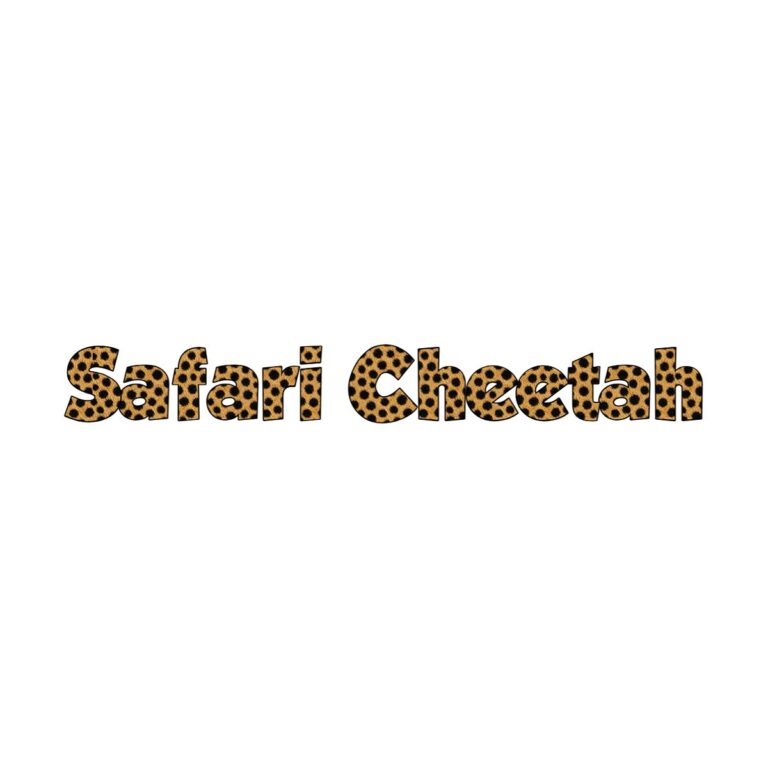
| Safari Cheetah Font | Warm golden letters covered with small dark cheetah spots. | Fast-paced game signs, favor tags, photo-booth names, and energetic birthday graphics. | Use a quiet cream, green, or solid-color area rather than placing the spots over another busy print. |
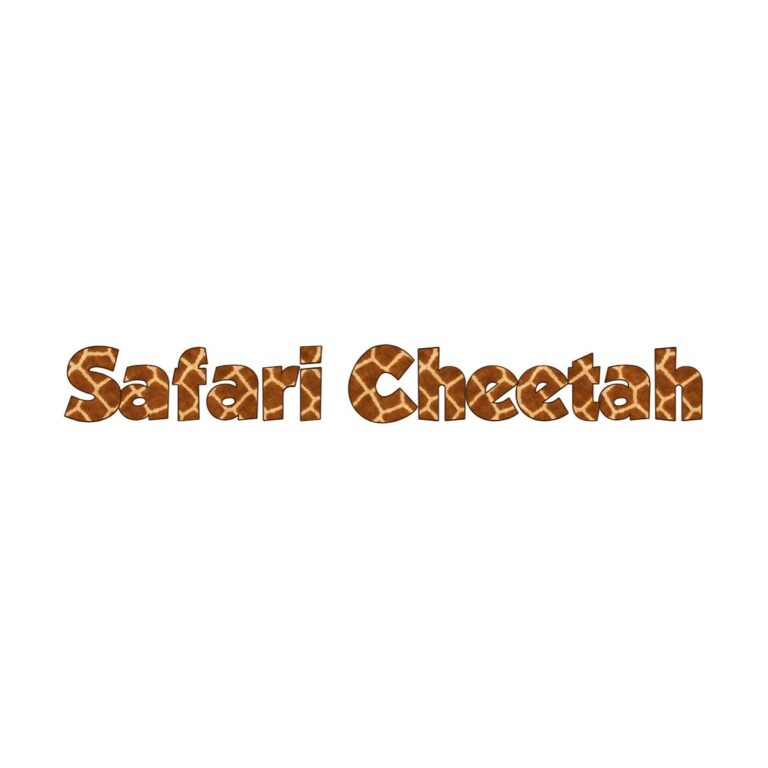
| Safari Giraffe Font | Brown-orange giraffe patches divided by pale lines inside chunky letters. | Cake-table headings, gentle first-birthday decor, treat labels, and animal-station signs. | Avoid similar beige patchwork behind the text; the pale divisions need contrast to stay visible. |
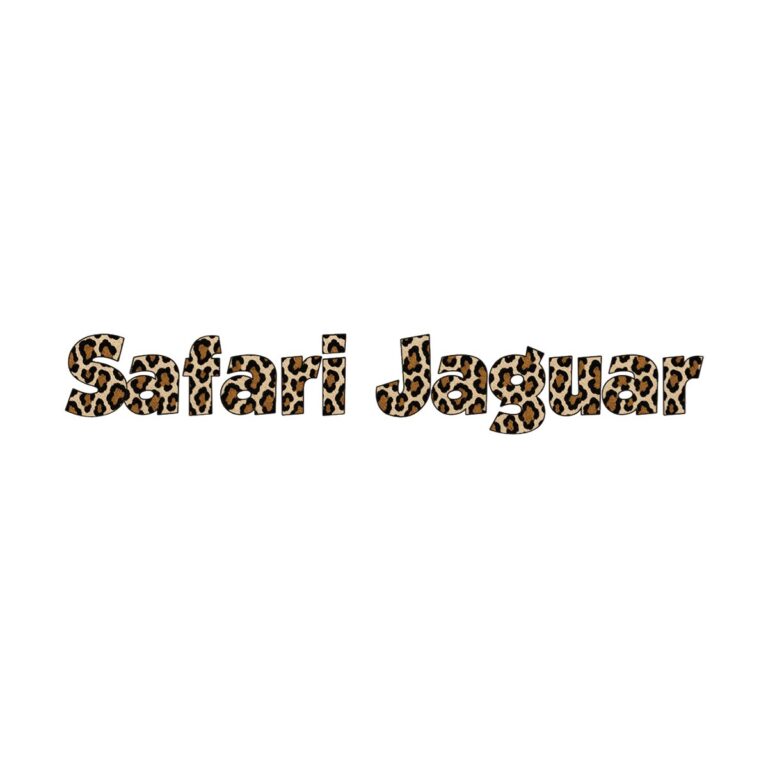
| Safari Jaguar | Tan letters with larger dark rosette-like jaguar markings. | Adventure backdrops, scavenger-hunt headings, bold name signs, and focal digital graphics. | Keep surrounding foliage or leopard print restrained so the larger rosettes remain distinct. |
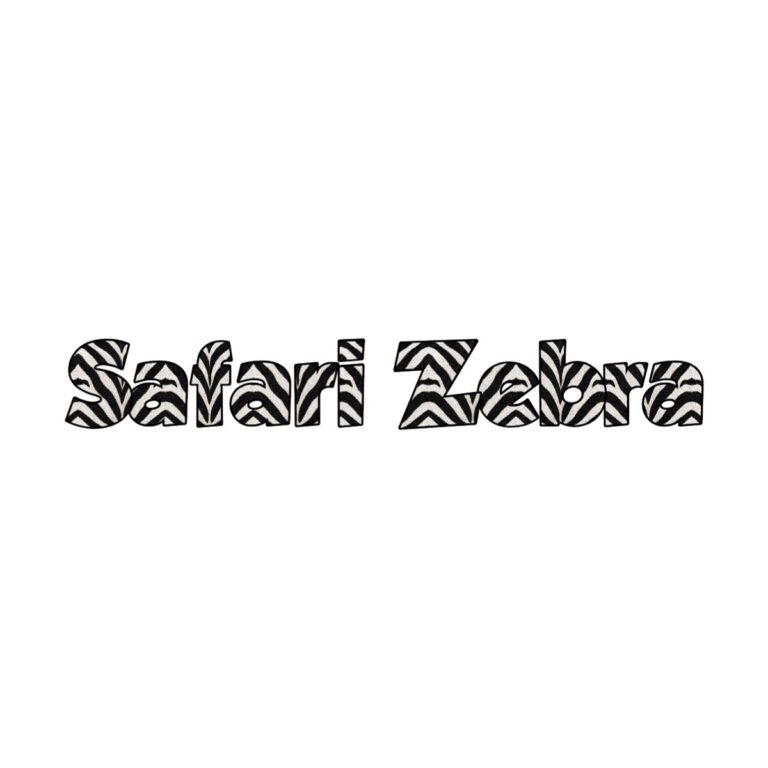
| Safari Zebra Font | Black-and-white zebra stripes with a strong outlined silhouette. | Monochrome party zones, water-bottle labels, favor stickers, and high-contrast table signs. | Use a solid color field; competing black-and-white patterns can make the letter edges disappear. |
A Fast Way to Pick the Right Generator
- Start with the item you are making: A backdrop needs a strong focal style; a small favor label needs a simpler silhouette and very short wording.
- Match the visual role: Use carved Safari Font for a sign-like effect, Cheetah for energy, Giraffe for a warmer and gentler look, Jaguar for drama, or Zebra for graphic contrast.
- Type the final wording: Test the exact name, age, or two- to three-word station label before choosing a style.
- Check every edge: If any letter is cut off, shorten the wording or reduce Zoom before doing more styling.
- Proof the real background: Compare the preview against the same solid color, foliage, kraft paper, or animal print planned for the finished design.
Ways to Use Safari Lettering Around the Party
- Entrance: Add the guest of honor’s name to a welcome board or directional sign.
- Food table: Make short headings such as “Wild Treats,” “Watering Hole,” or “Snack Safari.”
- Activities: Label a scavenger hunt, animal-adoption station, craft table, or photo area.
- Favors: Repeat a short name or age across tags, stickers, and bag toppers.
- Backdrop: Use one large treatment as the main name and keep dates or supporting wording in a plain typeface.
- Digital planning: Share direct links to two finalist generators so a co-host can compare the same wording and background idea.
Common Safari Text Generator Questions
Which style is easiest to read from across a room?
Safari Font has the clearest solid dimensional shape of the five. Zebra also has strong contrast, but its interior stripes can look busier at a distance. Whichever style you choose, use short wording and view it at the approximate size guests will see.
Why is my longer phrase cut off in the preview?
The editor uses a fixed 1200 x 675 canvas. Long wording can extend beyond its sides at the default Zoom setting. Shorten the phrase, reduce Zoom, or split the information so the decorative generator carries only the main name or heading.
Should I use animal-print lettering for all of the party text?
No. Use decorative Safari lettering for the main name and a few short labels. Keep addresses, times, menus, instructions, and safety information in a plain readable typeface.
How can I keep a patterned style readable?
Place it over a quiet area with contrast around the complete letter shape. If the party background is already filled with leaves or animal prints, add a simple solid panel behind the decorative wording.
Can I share the generator with someone helping me plan?
Yes. Send the direct generator link to your co-host, decorator, or family group with the wording you tested and the item you plan to make. That lets everyone compare the same style instead of choosing from screenshots with different names or backgrounds.
Need a different direction? Compare the Farm text generators, the Dinosaur text generators, or return to the Party Text Generator Directory.

