
My Account
Dinosaur Party Text Generator
Choose from five dinosaur text treatments, from cheerful activity-book color to dark fossil cutouts, reptile texture, gradient park lettering, and an emblem-based composition. The best choice depends on whether the wording must guide guests, reward closer inspection, or become the party’s main identity.
Compare Every Dinosaur Generator
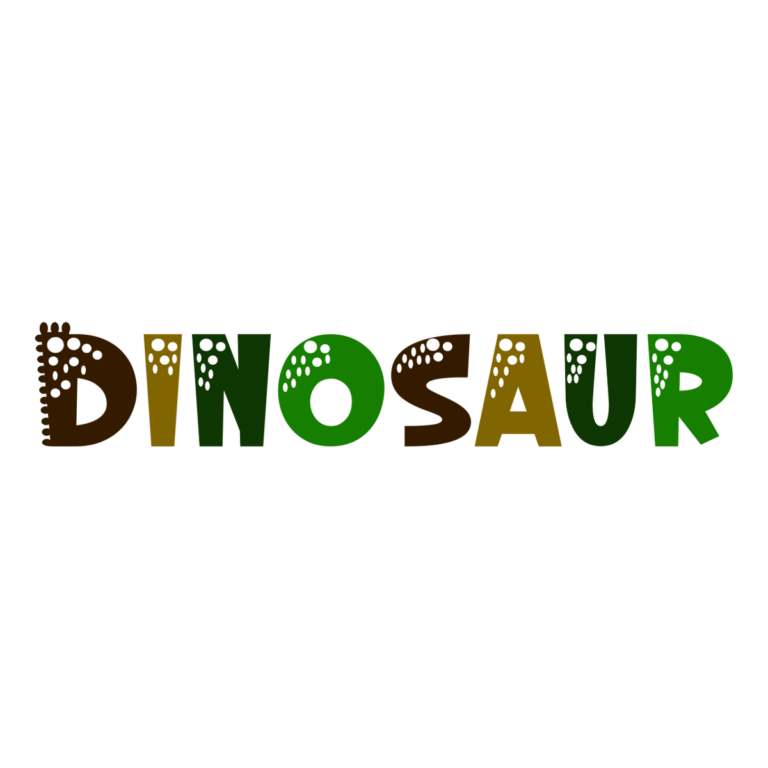
- Dinosaur Color Font: a multicolor processed face with visible prehistoric details and an active white background. It suits children’s names, excavation labels, and medium-size favor pieces.
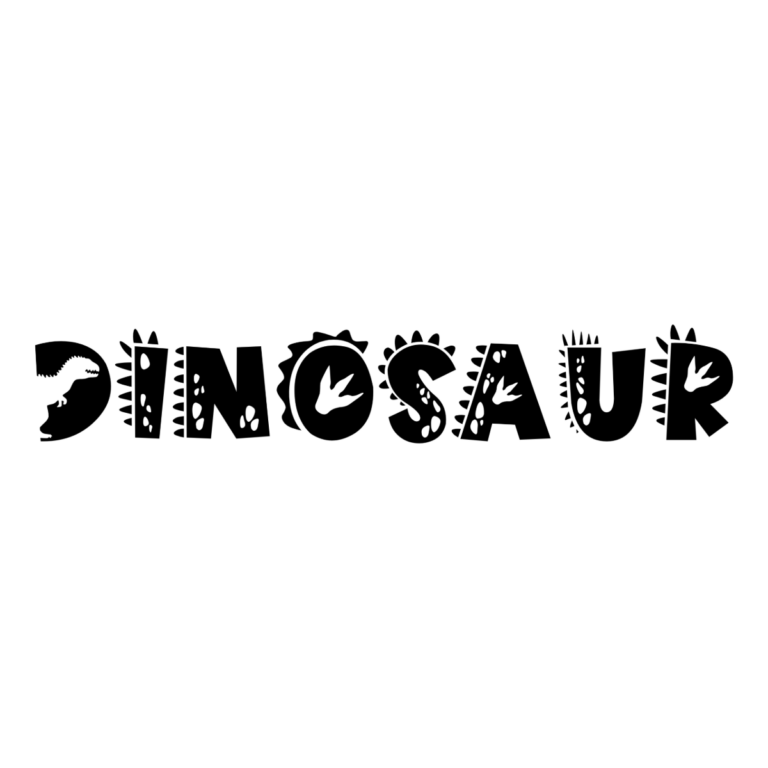
- Dinosaur Silhouette Font: rough black letters containing light dinosaur shapes, tracks, and marks, shown over an active #8FD548 green background. Use it large enough for guests to discover the cutouts.
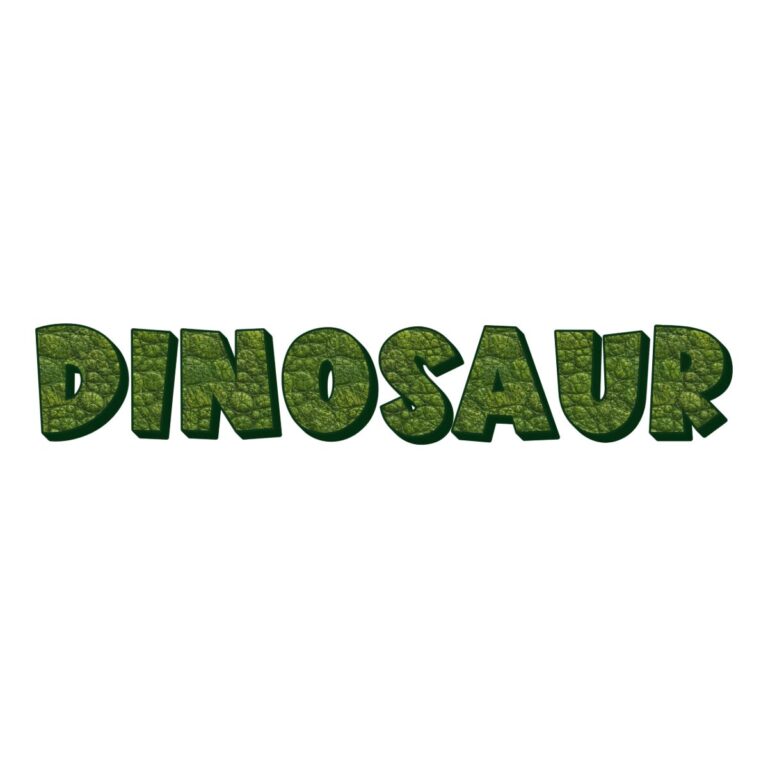
- Dinosaur Skin Font: bright-green textured faces with dark-green outline, deep extrusion, bevel, and a white preset background. It is the strongest choice for a jungle base-camp name or large backdrop.
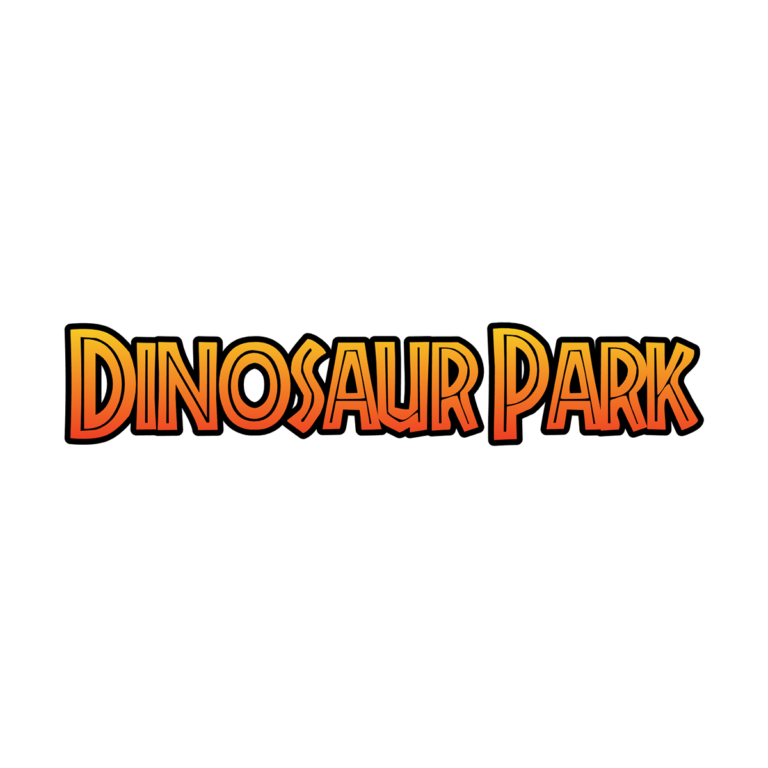
- Jurassic Park Text Generator: yellow-to-red gradient lettering with a strong black edge. It gives custom attraction and station names a dramatic park-sign feel without a fixed emblem.
- Jurassic Park Logo Text Generator: white text with a thin red outline placed over a large centered dinosaur-park icon. Reserve it for one compact main badge.
Match Detail to the Final Party Piece
Color Font is friendly for invitations and activity cards. Silhouette turns the lettering into a small observation game on a dig-site sign. Skin needs the most room for mottling and depth. Jurassic Park Text works across attraction labels, while the Logo preset is better limited to an entrance, invitation cover, or hero backdrop. Use simpler live text for maps, safety notes, schedules, and food details.
Quiet backgrounds protect the internal features. Do not place Skin lettering over camouflage, Silhouette over a dark rock photograph, or the Logo emblem inside another complex badge. Several presets include active white or green backgrounds; confirm whether those panels belong in the final export or should be disabled for transparent surrounding space.
Build a Prehistoric Sign System
- Write the main park name and a short list of stations such as “DIG SITE” and “DINO EGGS.”
- Preview the hero name in Skin, Jurassic Park Text, and the Logo preset.
- Choose Color or Silhouette for secondary activity labels based on final size.
- Download each raster PNG and test it on the real background.
- Proof the smallest item and verify crop space around every outline or emblem.
These downloads are not installable fonts, editable vectors, dinosaur illustrations, or finished signs. Interior tracks, skin texture, gradients, and emblem details all lose clarity at different rates when reduced. Keep aspect ratios locked and select an export size appropriate for the final piece.
Common Questions
Which style is easiest for a small favor tag?
Start with a very short Color Font name and proof it. Silhouette cutouts, Skin texture, and the full emblem generally need more space.
What is the difference between the two Jurassic Park tools?
The Text generator produces flexible gradient wording with a black outline. The Logo generator combines shorter white-and-red wording with a fixed centered icon.
How can helpers divide the dinosaur zones?
Assign one approved generator to each sign tier and share the exact links, background palette, and spelling list before anyone exports.
Return to the full directory, or compare nature-adjacent styles in the Farm and Fairy collections.
PartyTopiie independently provides this collection. The Jurassic Park tools are not affiliated with or endorsed by Universal. Jurassic Park is a trademark of Universal City Studios LLC; related marks belong to their respective owners.

