
My Account
Lightning McQueen-Inspired Party Text Generators
Decide whether your racing-party name should behave like a signature or a complete emblem. This collection has two visibly different tools: a slender silver script for secondary titles and a red chrome-trimmed badge for the main focal point. Both suit a Lightning McQueen-inspired birthday, but they solve different layout problems.
Brand note: These fan-inspired PartyTopiie tools were developed independently. They are not affiliated with, sponsored by, or endorsed by Disney or Pixar. Cars, Lightning McQueen, and related marks belong to their respective owners.
Quick Choice: Silver Script or Red Racing Badge
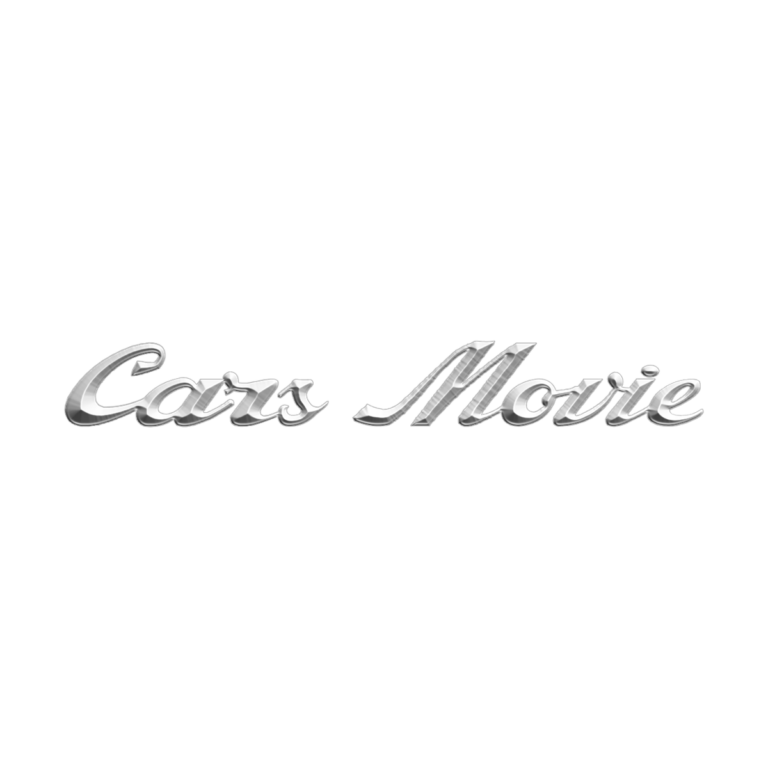
- Cars Movie V2 Text Generator creates slim silver script with a multistep metallic gradient, fine dark edge, bevel, and bright highlight. Choose it for invitation signatures, trophy labels, pit passes, and secondary wording. It needs a dark background and enough size to protect its thin connected strokes.
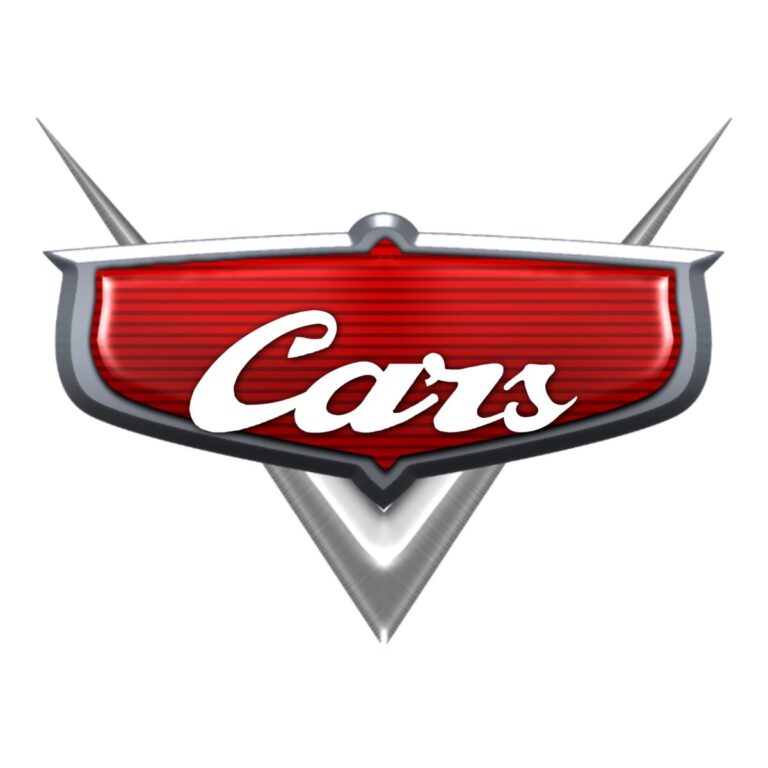
- Lightning McQueen-Inspired Logo Generator places silver italic wording inside a red shield-like badge with chrome trim and a pointed lower element. Choose it for the entrance sign, photo backdrop, cake table, or another centered focal point.
The badge is more self-contained and visually heavy. The V2 script is more flexible but less readable at tiny sizes. Use the badge once or twice, then let the script support it on smaller pieces rather than repeating two competing focal marks everywhere.
Build a Race-Day System
- Put the personalized badge on the main welcome board and winner’s-circle backdrop.
- Use silver script for pit-pass names, trophy cards, thank-you signs, or a parent signature line.
- Label the PIT STOP, FUEL TABLE, PHOTO FINISH, and race activity with short headings.
- Keep lap rules, addresses, times, and allergy information in plain text away from the decorative images.
Make the Text and Check the Composition
- Select the badge for a centered logo shape or V2 for a wide, lighter phrase.
- Enter a short first name, nickname, team name, or two-word title.
- Inspect connected script strokes, metallic highlights, and clearance around every chrome point.
- Generate the transparent PNG and place it over the intended red, black, checkered, or neutral background.
- Proof small passes and large signs separately; a size that preserves the badge may not preserve the finer V2 script.
Contrast and Output Limits
Deep red, charcoal, black, and navy reveal silver highlights, but a gray checkerboard can blend into the midtones. The badge can disappear on red, so give it a neutral panel. Each tool flattens its gradient, bevel, highlight, outline, and any active icon into raster artwork. The result is not a font, layered badge, editable SVG, or permission to use protected characters and marks.
Common Questions
Which tool should I use for a favor tag?
V2 can work for a very short name if the script remains large enough. The full badge suits larger stickers and centered labels where its outer points have room.
Can I remove the badge from the logo generator?
The badge preset is designed as an assembled composition. Choose Cars Movie V2 when you want the silver wording to stand more independently.
Should both styles appear on one sign?
Usually one is enough. Use the badge as the main mark or the script as the title, then add ordinary text for the rest.
More Vehicle and Racing Options
The Motor text generators compare black brush speed lettering with brown tire-track texture. The Construction collection includes a racer 3D style and truck effects, while Little Blue Truck text offers a friendlier blue slab look. Open the full theme directory for every choice. Share the exact generator page with whoever is making pit passes so their wording matches the main design.

