
My Account
Motor and Motorcycle Party Text Generators
Choose between speed and surface. The two tools in this Motor collection use very different treatments: one is clean black brush lettering with sharp motion, while the other fills heavy characters with brown tire-track texture and adds dark dirt-colored depth. Together they cover polished race signage and rugged motocross party details without pretending to be the same style.
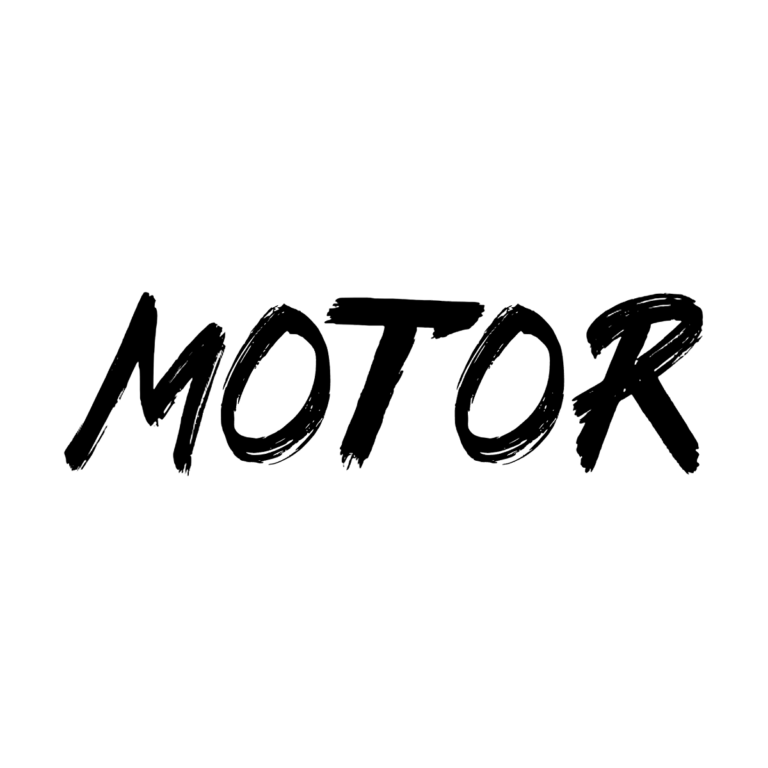
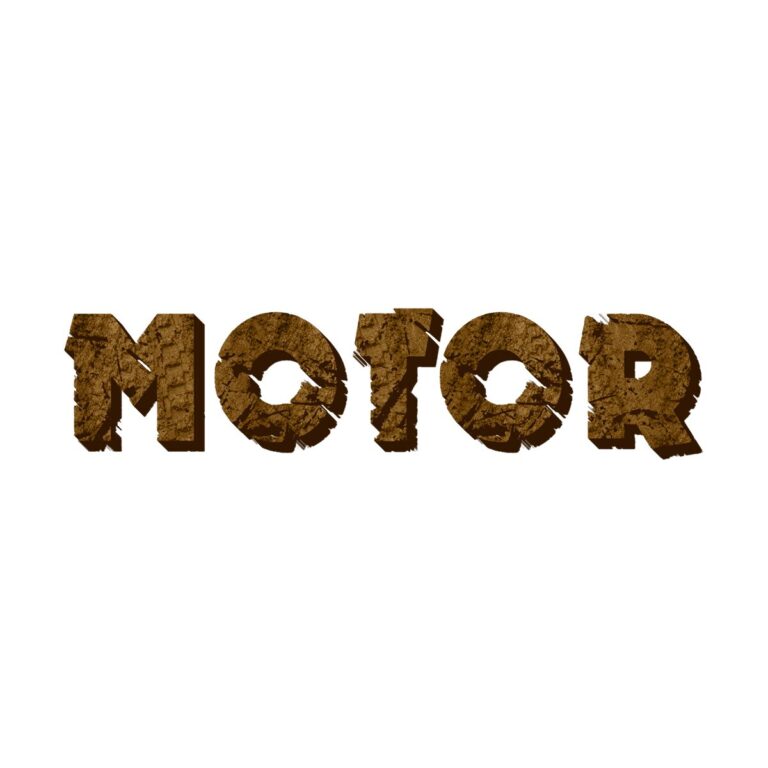
Quick Choice: Black Brush or Brown Tread
- Motor Brush Text Generator uses solid black hand-painted strokes with no active texture, outline, depth, icon, or background. Choose it for a rider name, invitation headline, pit-pass title, or garage sign that already has enough color and imagery.
- Motorcycle Tracks Text Generator uses a rugged brown face with tread-like texture and deep brown dimensional sides. Choose it for dirt-bike races, motocross obstacles, outdoor courses, and labels that need to feel stamped into soil.
The brush style is wider and visually lighter, so it works as a flexible accent. The track style needs more size because the texture is the main feature. Use brush text for supporting names and the tread effect for one or two high-impact station titles.
Build a Race-Day Sign System
- Welcome riders with a first name, age, race number, or short team title.
- Label the START LINE, PIT STOP, FUEL TABLE, GARAGE, PHOTO ZONE, and obstacle course.
- Create compact rider names for scorecards, water bottles, helmets, cup markers, and favor bags.
- Use the black brush for rules headings and the brown tread for dirt-course markers, while keeping full instructions plain.
Create the Right Version
- Pick Motor Brush for a clean speed mark or Motorcycle Tracks for visible texture and depth.
- Enter one short word or phrase. Long wording weakens the brush rhythm and makes the tread detail too small.
- Inspect sharp stroke ends on Motor, or check tread gaps and dark lower depth on Motorcycle Tracks.
- Generate the transparent PNG and test it over the actual sign color before adding flags, numbers, or tire graphics.
- Verify the image at the final print size and keep proportions locked when resizing.
Contrast and Raster Limits
Motor Brush needs a light, bright, or vivid field because black and charcoal erase it. Motorcycle Tracks works on white, pale sand, safety yellow, orange, and light blue; kraft and wood must be much lighter than the brown face. Avoid placing tread lettering directly over muddy photography. Both outputs are flattened raster images, not installable fonts or editable SVG paths. The track texture and depth cannot be separated later.
Common Questions
Which tool is better for a small pit pass?
The clean black Motor style usually holds up better at small sizes. Use a very short name if you choose the textured track effect.
Can I write safety instructions with these effects?
Use them only for the heading. Put rules, ages, and safety details in a plain, high-contrast typeface.
What if the party is about cars rather than motorcycles?
Compare the related racing collections below. Choose by the actual visual rather than forcing tire texture into every vehicle event.
More Racing and Vehicle Themes
The Lightning McQueen collection compares silver script with a red badge. The Construction generators include racer, hazard-stripe, brick, and truck effects, while Little Blue Truck text offers a friendly blue slab style. Browse all party text themes for more options. Share the chosen child-tool link with each team leader so they can make matching rider names.

