
My Account
Pirates Party Text Generator
This Pirates collection has one focused generator for turning a name, captain title, crew label, or treasure-hunt clue into warm metallic-looking adventure text. Use it when the wording should feel aged and valuable without adding a skull, ship, map, or character illustration. The result can become the visual anchor on an entrance sign, invitation, treasure map, game checkpoint, food table, or favor tag.
The One Available Pirate Style
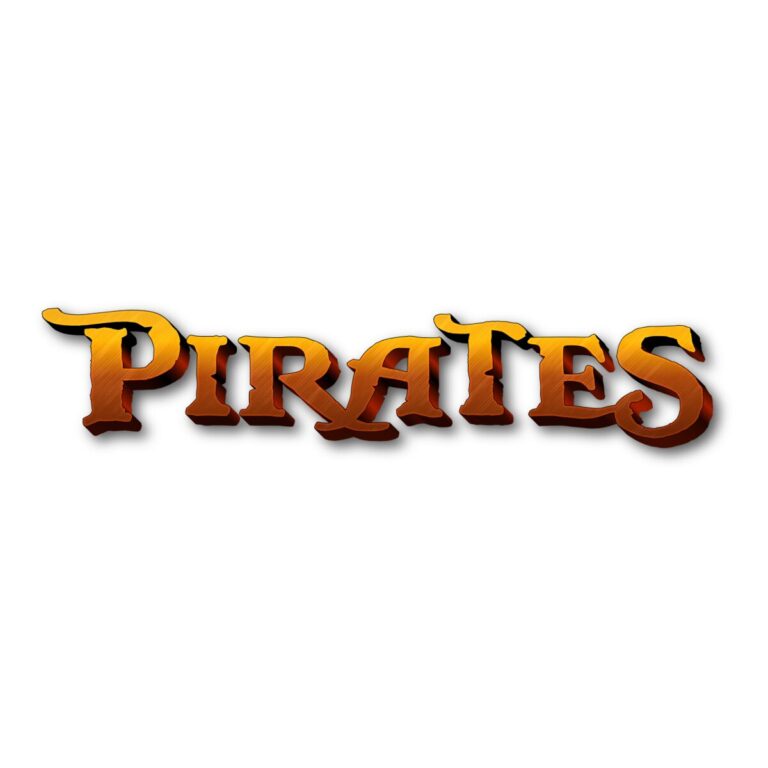
Pirate Adventure Text Generator: BlackPearl lettering with slightly tight spacing, a textured face that moves from bright gold through orange and copper into dark brown, and a very fine black edge. It has no active depth or background. Choose it for short wording that needs a weathered treasure-title mood while retaining transparent space around the generated letters.
Because this theme currently has one child tool, there is no second pirate preset to compare. The useful decision is whether this warm textured treatment suits the final background and size. If you need a flat black label, a cool ocean palette, or a heavy 3D title, start in a related collection instead of forcing this preset into that job.
Where the Gold Adventure Text Works
- Put the birthday guest’s captain name above a treasure-map welcome board.
- Label “PORT,” “TREASURE,” “CREW CHECK-IN,” or individual hunt checkpoints.
- Create a short invitation heading, chest label, drink-station sign, or favor-bag name.
- Share a personalized crew title digitally after the party, together with this generator link so another family can make its own.
Dark navy, parchment cream, muted teal, and deep red provide useful contrast for the gold-to-brown face. A detailed wood photograph can compete with the texture, and a brown kraft panel can absorb the darkest lower color. Add a quiet light or dark label area before placing the PNG over a busy map.
From Captain Name to Finished Layout
- Draft the shortest wording that identifies the person or station.
- Open the Pirate Adventure tool and inspect the whole word in the live preview, especially narrow counters and the tight spacing.
- Download the PNG and place it on the actual map, invitation, or sign background.
- Check a real-size proof of the smallest clue card or favor tag before making the full set.
- Keep addresses, hunt rules, allergy information, and schedules as normal high-contrast text.
The generator supplies raster PNG artwork rather than an installable font, editable SVG, pirate illustration, or complete printable. Output dimensions vary with the wording. Preserve the aspect ratio, avoid enlarging a small export for a backdrop, and confirm transparency in the destination design before handing the file to a printer.
Common Questions
What phrases keep the pirate texture readable?
A first name, “CAPTAIN MIA,” “TREASURE AHEAD,” or another brief label leaves enough width for the color shifts and fine black boundary. Create a separate graphic for a subtitle instead of shrinking a long sentence.
Can every clue use this decorative lettering?
Use it for the checkpoint title, then set the clue itself in a plain font. That makes directions easier for children and adults to scan.
How should a co-host make late additions?
Share the tool page, approved background color, and one finished example. They can generate another name without repainting the original PNG.
Return to the Party Text Generator Directory, or compare the related Shark, Fishing, and Moana collections.

