
My Account
Shark Party Text Generator
This Shark collection covers two different party jobs. The Baby Shark Logo Generator makes a colorful stacked centerpiece with enough weight for a backdrop or invitation. Shark Bite is a single flat blue treatment that can repeat across game signs, food cards, and favor labels. Choose according to viewing distance and the amount of color already in your layout.
Compare the Two Shark Presets
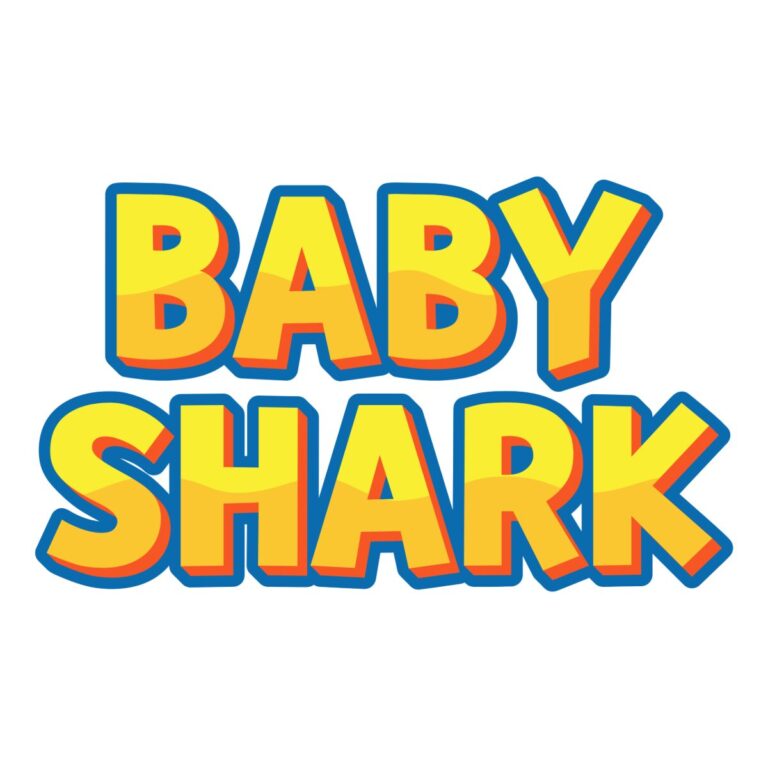
- Baby Shark Logo Generator: a two-line default with textured #F9EE32 yellow faces, #F75726 orange depth, and a broad #0A6BAF blue outer frame. Use it for the main name, age, undersea welcome board, invitation cover, or photo backdrop.
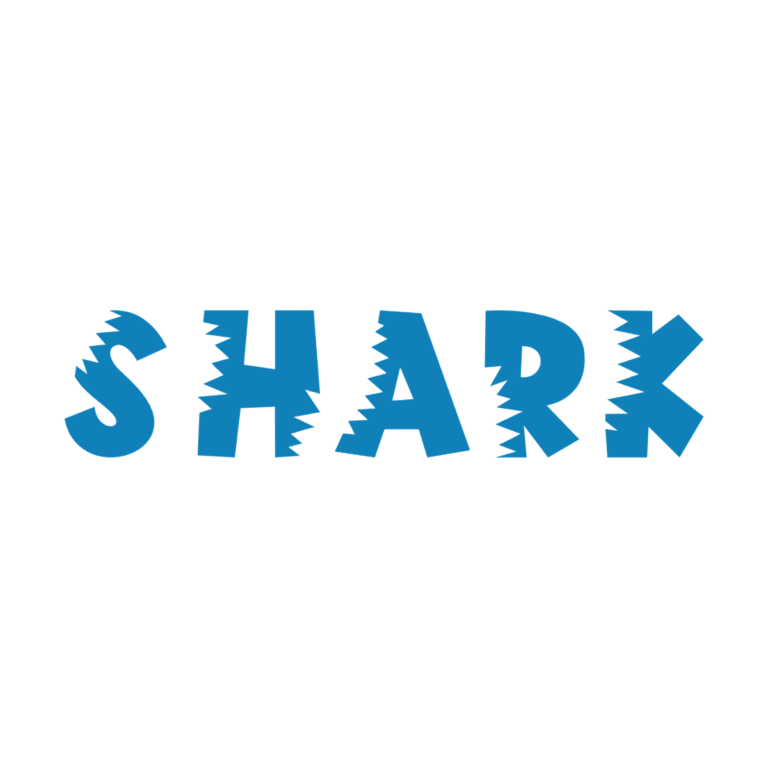
- Shark Bite Text Generator: a custom bite-shaped face in flat #0F80B8 blue, without active outline, depth, icon, or background. Use it for “FIN TOSS,” “SHARK ZONE,” place names, water-bottle labels, and other supporting pieces.
Use the logo tool once or twice at a generous size. Use Shark Bite when several labels must feel coordinated without repeating the same multicolor emblem everywhere.
Build an Undersea Route Through the Party
Put the stacked name at the entrance, then guide guests with short Shark Bite labels at the bubble activity, fin toss, snack reef, photo area, and favor dock. A generated heading can establish each zone while plain text underneath carries rules, ingredients, or age guidance. This hierarchy helps both children and adults find what they need quickly.
Pale aqua, white, or deep navy can separate the yellow, orange, and blue logo layers, but keep fish and wave graphics outside the wordmark. Shark Bite needs a noticeably lighter or warmer field because it has no outline. White, pale sand, and coral are safer than medium-blue water photography.
From Main Logo to Small Labels
- Enter a short two-line name or age in the Baby Shark tool and balance the line widths.
- Draft one-word or two-word station labels for Shark Bite.
- Preview both at their intended visual sizes rather than comparing only the editor defaults.
- Download the PNGs and place them over the actual party backgrounds.
- Print one representative small label before creating the whole undersea set.
The tools create raster PNG graphics, not installable fonts, SVG logos, shark illustrations, or complete invitations. Neither preset has an active background, so transparent surrounding space can be available, but verify the files inside the destination layout. Long text reduces the texture and bite details; reserve decorative generators for headings.
Common Questions
Which tool is best for the child’s name?
Start with Baby Shark when the name can sit in a stacked centerpiece. Choose Shark Bite if the layout is already colorful or the name must behave like a simple label.
Can I mix the two blues?
Yes. Let the logo define the main palette, then place Shark Bite on consistent pale panels so its single blue feels like a supporting system.
How can guests personalize an ocean name?
Share the appropriate tool link in a party message or follow-up post. Families can enter their own short wording instead of editing your flattened PNG.
Browse the full directory, or compare the related Nemo, SpongeBob, and Pirates themes.
The Baby Shark option is an independent PartyTopiie creative tool. PartyTopiie is not affiliated with, sponsored by, or endorsed by The Pinkfong Company. Baby Shark and related trademarks belong to their respective owners.

