
My Account
Space Party Text Generators
Choose between two space treatments built for different missions. Purple Blue Galaxy is bright, luminous, and suited to a hero name or photo backdrop. Space Sci-Fi has a pale face, deep navy construction, and a more technical profile for mission boards and station labels. Preview the same call sign in both before deciding which visual language should lead the party.
Quick Comparison: Galaxy Glow or Engineered Type?
- Purple Blue Galaxy 3D Text Generator: a five-stop face that moves from blue through magenta to white and back, plus light- and dark-blue outlines and purple depth. Use it for the main astronaut name, invitation cover, cosmic photo wall, or a large “SPACE” headline.
- Space Sci-Fi Text Generator: warm cream faces over a relatively deep textured #2B3990 navy extrusion, a matching textured outline, and a white outer frame. Choose it for “MISSION CONTROL,” “AIRLOCK,” crew labels, launch checklists, and activity stations.
Both presets start without a fixed background. The Galaxy option has more color transitions and needs a generous display size. The Sci-Fi option has deeper side construction and feels more structured, so it is useful when the party layout resembles panels, consoles, or flight labels.
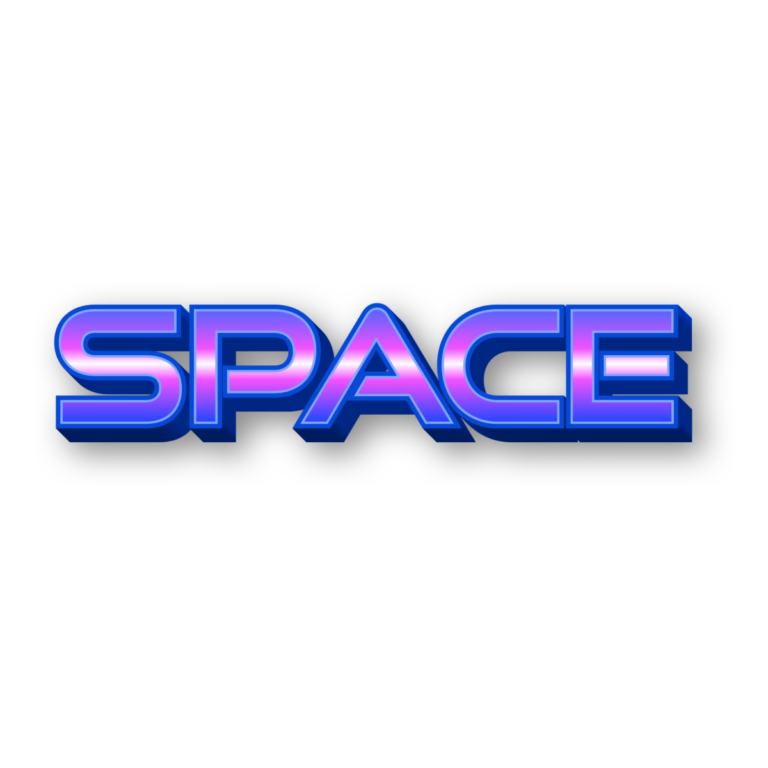

Assign Each Style a Mission
Use one luminous Galaxy name at the entrance or behind the cake. Create Sci-Fi labels for the launch station, moon walk, craft lab, fuel table, photo bay, and favor return. If you mix the presets, repeat a consistent navy panel and white supporting text so they feel like parts of one space system rather than unrelated graphics.
A near-black or deep navy field makes the Galaxy center glow, but keep stars away from its white band. Space Sci-Fi also benefits from a dark panel; the cream face and white outside edge need separation from pale paper. Textured depth and multiple outlines in both tools can close up on tiny stickers.
Prepare the Crew Graphics
- Draft a short astronaut name, call sign, or station label.
- Preview the hero wording in both generators at a similar visual size.
- Choose Galaxy for luminous emphasis or Sci-Fi for technical structure.
- Download the PNG and place it in the real sign, badge, or invitation layout.
- Print the longest crew name and smallest station card before producing the set.
These exports are raster images, not installable fonts, SVGs, animations, space illustrations, or complete print files. Keep mission instructions, schedules, addresses, and safety guidance as live text. Preserve aspect ratios and avoid enlarging an output intended for a small card into a backdrop.
Common Questions
Which generator is better for a dark star field?
Galaxy is the natural first choice, but place it over a quiet portion of the field. Sci-Fi works when the design has a solid console-like panel beneath it.
Can I create astronaut badges for every guest?
Yes. Pick one tool and output scale, make each short call sign separately, and place the PNGs in one badge template. Test the longest call sign first.
How can guests continue the mission at home?
Share the chosen generator page in the photo follow-up and invite them to make another call sign. A page link is more reusable than sending only one flattened image.
Browse the full directory, or compare the related Science, Fortnite, and Sonic themes.

