
My Account
Paw Patrol-Inspired Party Text Generators
Choose by visual weight and party palette. This three-tool collection includes a lighter rounded blue style, a heavy dimensional blue-and-gold title, and a pink version of the lighter lettering. All three support rescue-party names and mission labels, but they are suited to different backgrounds, viewing distances, and roles in the room.
Brand note: PartyTopiie created these fan-inspired generators independently. They are not affiliated with, sponsored by, or endorsed by Spin Master or other rights holders. PAW Patrol and related names and marks belong to their respective owners.
Quick Choice: Light Blue, Heavy Badge, or Pink
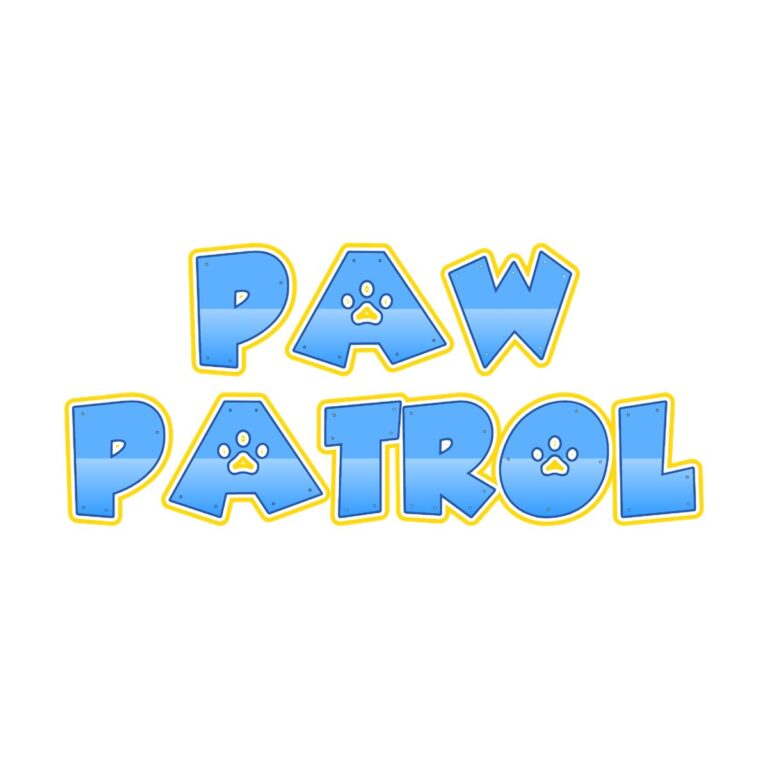
- Paw Font Regular Generator uses rounded mixed-case letters, a light-to-medium blue gradient, deep-blue inner edge, white separator, and gold outer line. Choose it for invitations, team cards, and friendly supporting labels.
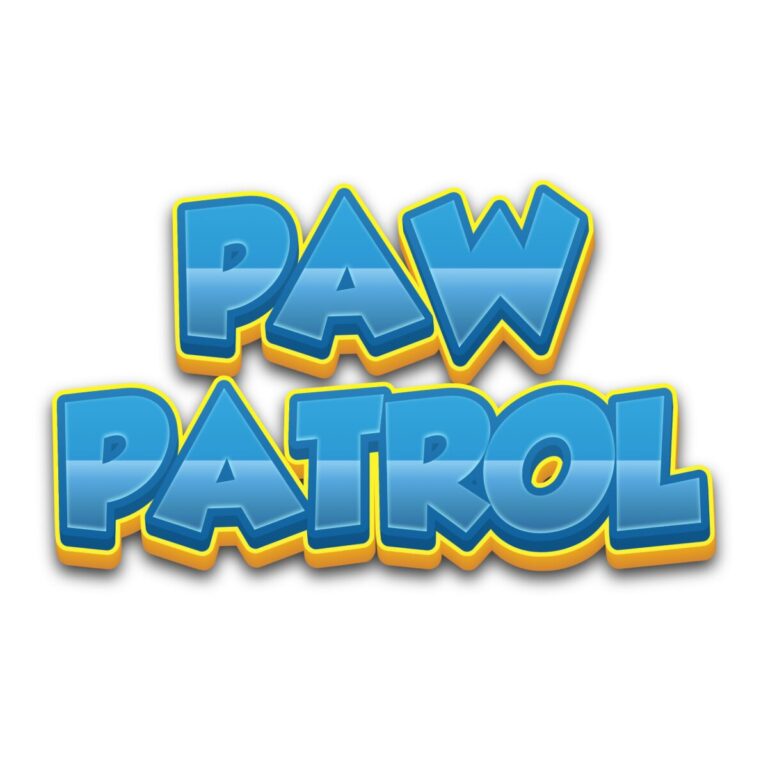
- Paw Patrol-Inspired Font Generator uses broad capitals, a complex blue gradient, two depth layers, gradient outline, yellow global rim, and inner shading. It has the strongest badge-like silhouette for an entrance, backdrop, or headquarters sign.
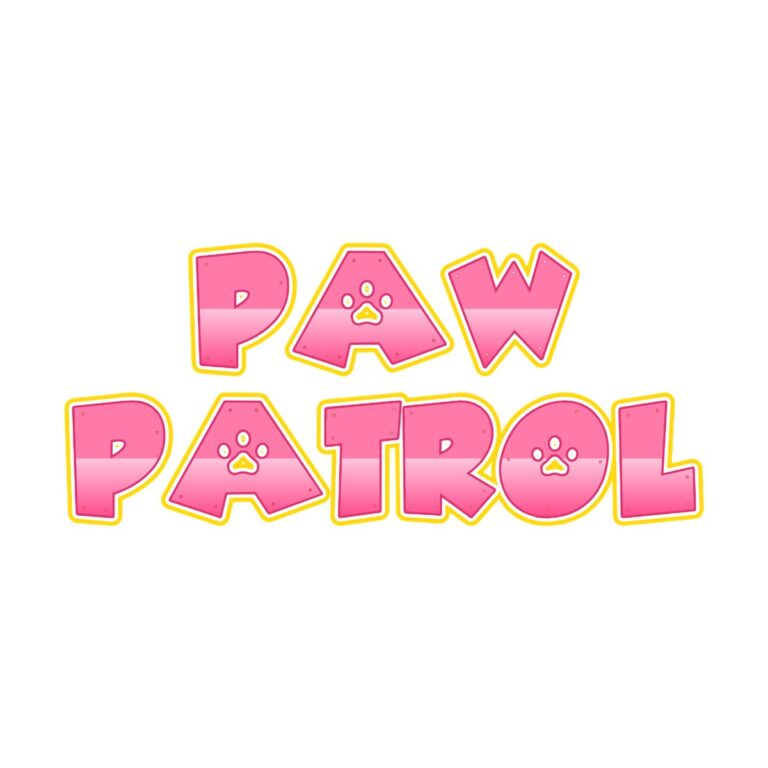
- Paw Pink Font Regular Generator keeps the lighter rounded structure but replaces the blue face with pink, blush, and rose tones. Choose it for pink, white, mint, or mixed rescue-team decor.
Give Each Style a Clear Role
Use the heavy Paw Patrol Font Generator once as the main mission title. Select one Regular palette for invitations, table signs, and team cards. Mixing blue and pink Regular can help distinguish groups, but keep the same scale and background treatment so the set still feels coordinated.
- Introduce the birthday captain with a name and age on the rescue-headquarters board.
- Label a badge workshop, obstacle mission, pup snack stop, photo station, or favor area.
- Create short team call signs for backpacks, cups, mission cards, and treat boxes.
- Keep detailed rules, addresses, allergy notes, and schedules in ordinary text.
Create and Review the Mission Text
- Choose the heavy style for long-distance impact or a Regular style for lighter supporting pieces.
- Enter a first name, age, crew name, or short station command.
- Inspect gradients, dark edges, white separators, gold rims, depth, and line breaks in the preview.
- Generate the transparent PNG and place it on the final background before adding badges or character graphics.
- Proof one small favor and one large sign; layered borders need different minimum sizes.
Keep Every Border Visible
White, cream, and pale gray suit most versions, though white separators may become subtle. Royal blue hides the darker blue edges, hot pink absorbs the pink face, and yellow can erase gold rims. Use a neutral panel on a busy backdrop. Each gradient, outline, and depth layer flattens into a raster PNG. The output is not an installable font, editable vector badge, separate outline set, or licensed character asset.
Common Questions
Which tool is best for the main backdrop?
The dimensional Paw Patrol Font Generator has the strongest long-distance profile. Keep the wording compact so its depth and borders remain open.
Are the two Regular styles structurally different?
They share a lighter rounded construction but use different blue and pink palettes. Choose based on the surrounding colors.
Can I make two rescue teams?
Use blue Regular for one and pink Regular for another, then keep layouts and label sizes consistent.
Related Rescue and Action Themes
The Firefighter generator offers red-to-yellow action lettering, the Construction collection includes hazard and vehicle effects, and the Clifford collection provides red children’s party styles. Browse every party text theme for more choices. Share the selected child-tool page with team leaders so each can make a matching call sign.

