
My Account
Super Mario Party Text Generator
This Super Mario-inspired collection currently provides one multicolor game-title preset. It is built for the party’s short, high-impact wording: a player name, age, level, course, checkpoint, or welcome phrase. The colored faces and heavy black construction need room, so use the graphic as a headline and keep game directions, addresses, and schedules as ordinary text.
The Available Multicolor Game Style
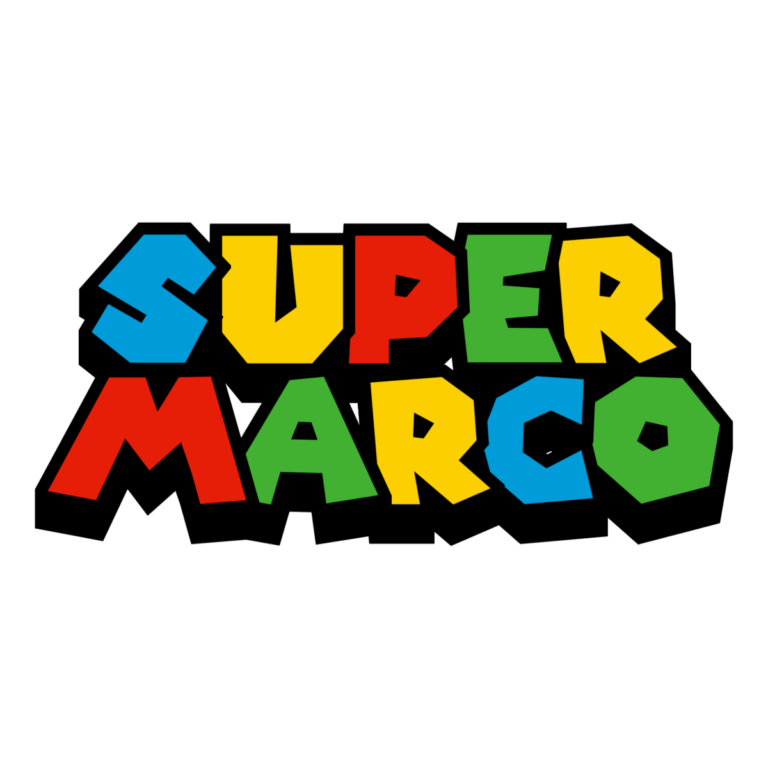
Super Mario Party Text Generator: a per-letter palette that cycles blue, yellow, red, and green, surrounded by a substantial black outline and deep black side layer. Its compact line height supports a two-line title. No background is active, allowing transparent surrounding space in the PNG.
The current preset sample reads “SUPER / MARCO,” so replace it with the real party wording before judging line balance or color order. There is no second Super Mario child tool to compare. For a yellow-and-blue trainer shape, a speed-focused title, or a toy-box emblem, use the related Pokémon, Sonic, or Toy Story collection as a deliberate alternative.
Turn the Wording Into a Level Map
- Place the player name and birthday level on the welcome board or photo backdrop.
- Mark a coin hunt, obstacle course, bonus zone, snack station, or favor checkpoint.
- Use a shortened name on scorecards, cup labels, and player badges.
- Share the generator link after the party so guests can create another player title without editing the host’s PNG.
White, pale sky blue, and a controlled checkerboard panel keep all four face colors visible. Dense multicolor confetti can break up the sequence, while a black background can absorb the outline and depth. Leave clear space around the whole two-line block and inspect the lower edge before cropping.
Create the Player Title First
- Replace the preset sample with one short name, age, or level phrase.
- Review the line break, color sequence, counters, black outline, and side depth.
- Download the PNG and place it at the actual backdrop, card, or badge size.
- Proof the smallest favor and the longest guest name before making a roster.
- Keep rules, times, locations, and safety information in a simple live font.
The generator produces raster artwork rather than an installable font, SVG, game asset, character art, or complete invitation. Long phrases can become shallow, and the heavy black layers can merge on tiny stickers. Create separate exports for the hero name and secondary stations and preserve every file’s aspect ratio.
Common Questions
Can I change the sample words?
Yes. Enter your own wording immediately; the sample is not a recommendation and currently does not read “MARIO.” The preview should reflect the exact name you plan to use.
Which party pieces show the multicolor palette best?
Welcome signs, invitation covers, photo backdrops, and medium game cards give every colored face and the black construction enough space.
How should a co-host add a new player?
Share the generator page, chosen line-break rule, background, and one approved card. They can create another name while preserving the party system.
Return to the full directory, or compare Pokémon, Sonic, and Toy Story.
This independent PartyTopiie tool is not affiliated with, sponsored by, or endorsed by Nintendo. Super Mario and related trademarks belong to their respective owners.

