
My Account
SpongeBob Party Text Generator
This SpongeBob-inspired collection currently offers one bright two-line generator. It works best when a child’s name, age, or compact undersea phrase should become the main visual on a welcome board, invitation cover, photo wall, game station, or cake-table panel. The textured yellow face already has strong character, so reserve ordinary text for the party details around it.
The Available Yellow Undersea Style
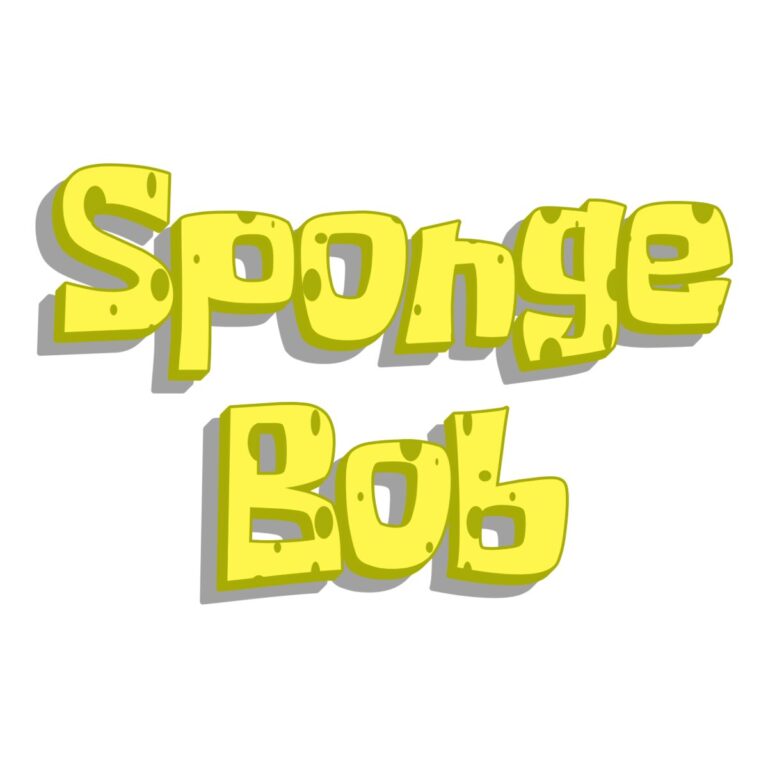
SpongeBob Logo Generator: a two-line default in Spongeboy Me Bob with textured #FFF64D yellow faces, a slim #A8AC06 olive-gold outline, and short matching depth. The generous line height gives stacked wording room to breathe. No fixed background is active, so transparent space can remain around the downloaded graphic.
There is no second SpongeBob child tool to compare. Choose this one for a medium or large centerpiece where the texture and edge can stay visible. For simpler flat ocean text or another preschool street treatment, compare the Shark and Sesame Street collections instead of reducing this layered preset until its details disappear.
Carry One Bubbly Title Across the Party
- Stack the child’s name and age on the entrance sign or invitation cover.
- Use a shorter version for a jellyfishing game, snack reef, bubble station, or favor table.
- Repeat only the yellow-and-blue color idea on small supporting cards rather than forcing the full graphic everywhere.
- Share the generator page with families who want a personalized undersea name after the event.
Medium blue, deep aqua, or a soft coral panel separates the yellow face from the layout. Pale yellow and dense sponge textures can absorb it. Keep fish, bubbles, and wave illustrations outside the words so the darker edge and short depth remain continuous.
Balance the Two Lines Before Download
- Replace the sample “Yellow / bubbles” with a short top and bottom line.
- Compare their widths and inspect every textured face and olive-gold edge.
- Download the PNG and place it at the actual backdrop, card, or label size.
- Proof the smallest planned favor before generating the full batch.
- Keep addresses, game rules, and food information in a clear standard font.
The generated asset is raster artwork, not an installable font, editable SVG, character image, licensed logo, or complete invitation. Long lines can unbalance the stack and make the surface texture difficult to see. Create separate images for unrelated messages and preserve their proportions.
Common Questions
Do I have to keep two lines?
No, but the preset begins as a stacked title. If you use one line, review the new width and allow enough space for the short depth on both ends.
Which background makes the yellow easiest to read?
Start with medium or dark ocean blue, then keep other yellow decorations away from the wording. Test the actual shade in the final layout.
How can a helper make another food-table label?
Share the generator page, selected background color, and one approved example. They can create a new short phrase without editing the pixels of the original.
Return to the full directory, or compare the related Shark, Nemo, and Sesame Street collections.
This independent PartyTopiie tool is not affiliated with, sponsored by, or endorsed by Paramount, Nickelodeon, or other rights holders. SpongeBob SquarePants and related trademarks belong to their respective owners.

