
My Account
Sonic the Hedgehog Party Text Generator
This Sonic-inspired collection currently centers on one fast, dimensional title style. Use it for the birthday racer’s name, age, level, course title, or a short challenge phrase. The yellow face and substantial blue construction have enough energy for a finish-line banner or invitation, so keep secondary directions in regular text rather than asking the decorative graphic to carry every detail.
The Available Speed-Style Generator
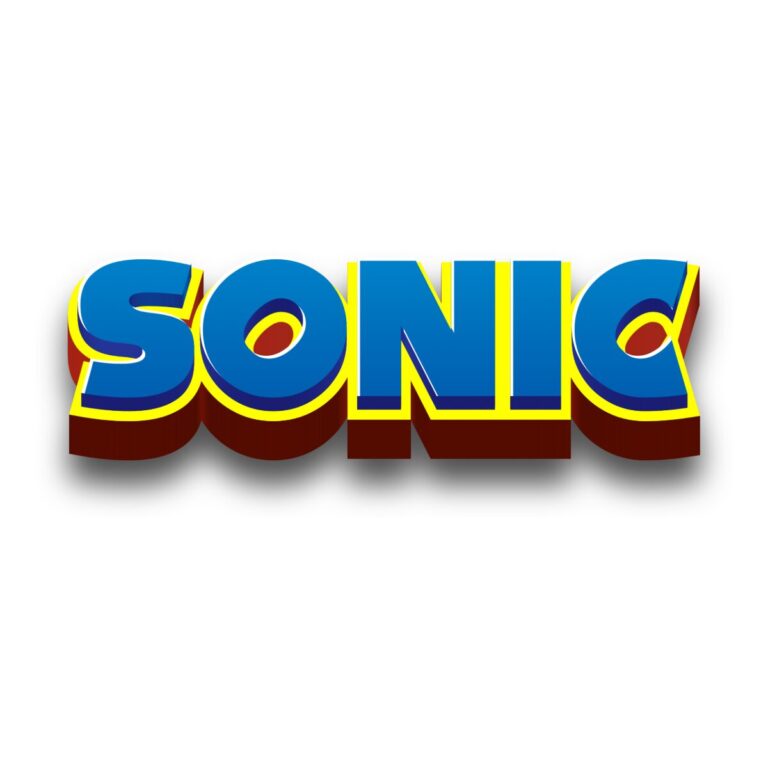
Sonic 3D Logo Generator: Sonic Logo Bold lettering with a bright yellow-to-orange face, broad #183CF2 blue framing, and a short multitone blue depth layer. Slightly tight spacing helps the word feel compact and fast. No preset background is active, allowing transparent surrounding space in the downloaded PNG.
Because there is one Sonic child tool, the choice is about fit rather than comparing multiple variants. Use it when a short word can remain large enough for the yellow center and blue side layers to separate. For multicolor per-letter text, a rounded trainer title, or a vehicle-style race label, compare the related Super Mario, Pokémon, and Lightning McQueen collections.
Turn the Party Into a Race Course
- Place the child’s racer name and age on the entrance or finish-line backdrop.
- Label a ring hunt, relay lane, speed challenge, game checkpoint, or refueling snack table.
- Reuse a shortened name on scorecards, bottle bands, favor bags, and photo props.
- Share the generator link after the party so guests can create a new racer title instead of stretching the host’s finished image.
White, pale sky blue, and a simple checkerboard field keep the yellow face and blue frame distinct. Leave extra space at both ends of the word and below the depth. Avoid placing arrows, rings, and speed lines through the lettering; the preset already supplies strong directional motion.
Make a Fast Title Without Cropping It
- Enter one racer name, level, or concise course label.
- Inspect the left and right edges, outline, depth, and spelling in the live preview.
- Download the PNG and position it at the actual banner or card size.
- Proof one small favor or scorecard before repeating the design.
- Set race rules, times, addresses, and safety notes in a plain high-contrast font.
The generator creates raster artwork rather than an installable font, editable SVG, game asset, character image, or finished invitation. Output dimensions depend on the entered wording. Long phrases can become shallow and make the layered blues merge, so create separate images for the main name and station labels.
Common Questions
What wording keeps the sense of speed?
A first name, “LEVEL 8,” “RING RUN,” or another brief race label leaves enough width for the blue frame and depth. A sentence loses the compact silhouette.
Can the PNG sit on a dark blue background?
It can, but the outer frame may blend in. Add a pale panel or test a lighter blue field and leave open space around the edge.
How do co-hosts add another checkpoint?
Give them the generator page, one approved example, and the final sign dimensions. They can enter new wording while keeping the same preset and scale.
Return to the Party Text Generator Directory, or compare Super Mario, Pokémon, and Lightning McQueen.
This is an independent PartyTopiie creative tool. PartyTopiie is not affiliated with, sponsored by, or endorsed by SEGA. Sonic the Hedgehog and related trademarks belong to their respective owners.

