
My Account
Sesame Street Party Text Generator
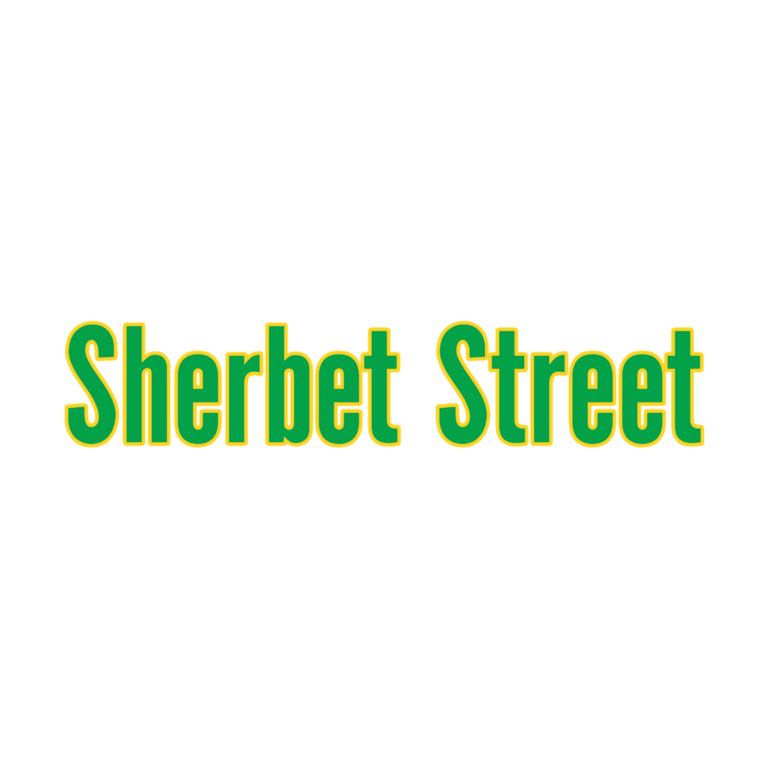
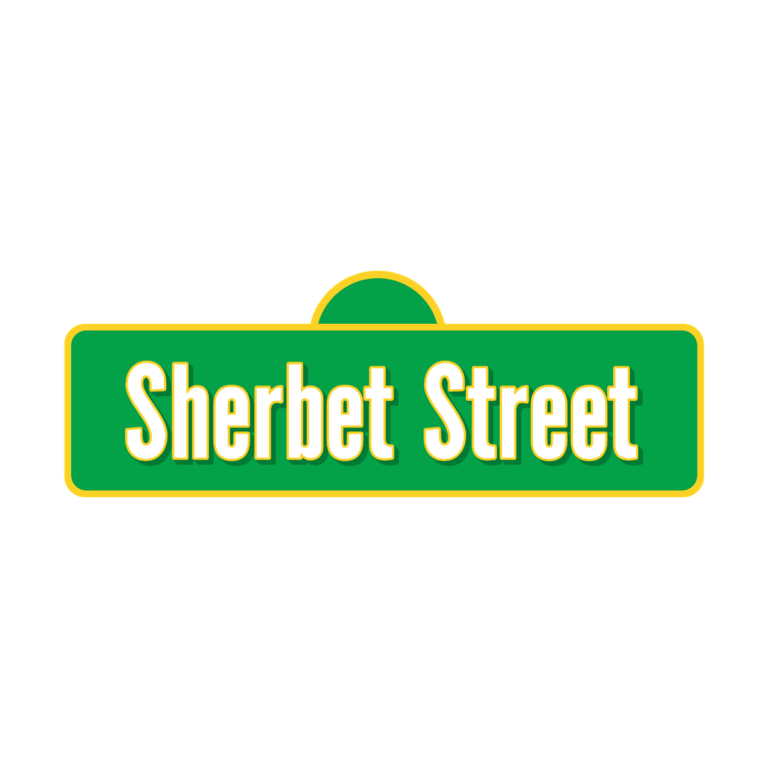
Choose between two street-style presets for a bright preschool celebration. The original Sherbet Street is a flexible flat label that can repeat across several stations. V2 combines white faces, green depth, yellow trim, and a centered graphic layer, making it better for one compact emblem. Decide first whether you need a family of labels or a single main badge.
Quick Choice: Flat Label or Layered Emblem?
- Sherbet Street Text Generator: #03A148 green faces with a 0.05 #FBD126 yellow outline. It has no depth, icon, or background. Choose it for a child’s name, alphabet table, snack sign, favor label, or a series of simple party “street” destinations.
- Sherbet Street V2: white faces, short #007A35 green depth, a #FBD126 yellow edge, and an active centered icon. Use it for the welcome board, invitation cover, photo-area emblem, or another piece where the full composition can stay relatively large.
If co-hosts need to make many different station names, start with the original. If one personalized title should behave like a logo, preview V2 first and leave enough room around its graphic layer.
Map the Wording to a Preschool Party
Use the main name at the entrance and repeat shorter labels at an alphabet activity, reading corner, counting game, snack table, music area, or favor pickup. A flat “STORY TIME” or “SNACK STREET” sign can sit beside illustrations without fighting them. Reserve V2 for the piece guests notice first so its extra layers feel intentional rather than repetitive.
White and pale blue keep the green-and-yellow original readable. V2 needs a medium or dark panel because its letter faces are white; medium blue, warm red, or a controlled neutral can show all three colors. Do not place either result over dense green-and-yellow confetti. Keep directions and food information in a simple dark typeface.
Create a Coordinated Street of Signs
- Draft the main name and the shortest useful version of every station label.
- Preview the hero wording in both tools at a comparable visual size.
- Select V2 for the emblem or the original for the reusable label system.
- Download each PNG and test it on the real invitation, sign, or favor background.
- Proof the smallest label and confirm that the outlines and icon remain distinct.
These downloads are raster images, not installable fonts, vector logos, character art, or full invitation templates. Dimensions change with the wording. Preserve proportions and give the V2 icon extra space rather than cropping the composition tightly.
Common Questions
Can both styles appear at the same party?
Yes. Give V2 the hero role and use the flat original for secondary stations. Repeating the same green and yellow elsewhere will tie them together.
Which preset is safer for a small favor label?
Start with the original Sherbet Street. It has fewer layers and no icon, although you should still proof the yellow outline at final size.
How can another adult add a new station?
Share the selected generator page, one approved background, and the output scale. They can enter a new label without reconstructing the design.
Return to the Party Text Generator Directory, or compare the related SpongeBob, Shark, and Teddy Bear collections.
These are independent PartyTopiie tools. PartyTopiie is not affiliated with, sponsored by, or endorsed by Sesame Workshop. Sesame Street and related trademarks belong to their respective owners.

