
My Account
Minecraft-Inspired Party Text Generators
This five-tool collection ranges from heavy stone depth to mossy outlines and grass-toned pixel texture. Choose by the party job and background, not just by the word Minecraft: a backdrop needs a stronger silhouette than a small loot-bag label, and a forest-biome sign benefits from different colors than a gray cave entrance.
Brand note: These fan-inspired PartyTopiie generators are independently produced. They are not affiliated with, sponsored by, or endorsed by Mojang Studios or Microsoft. Minecraft and related marks belong to their respective owners.
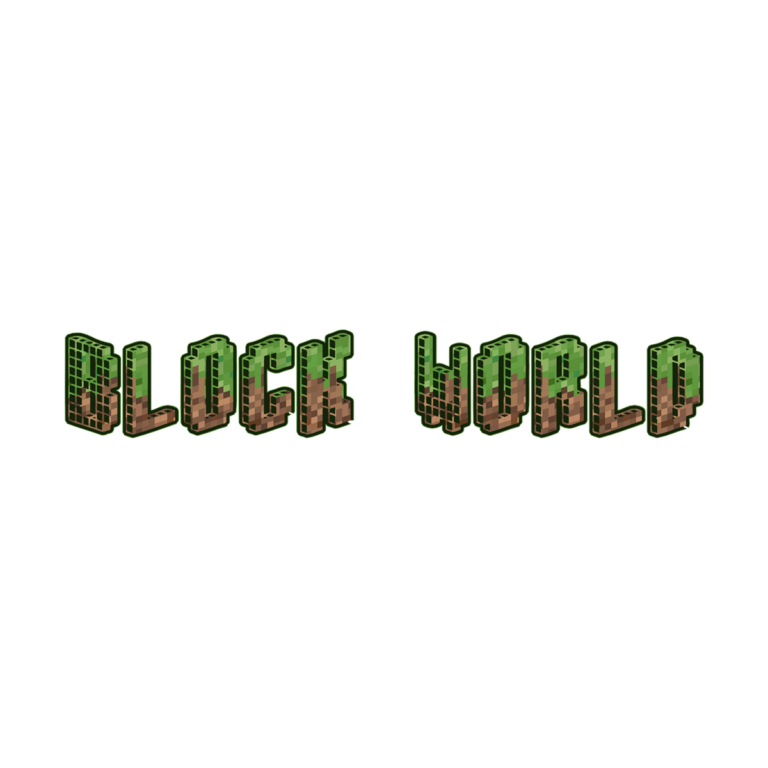


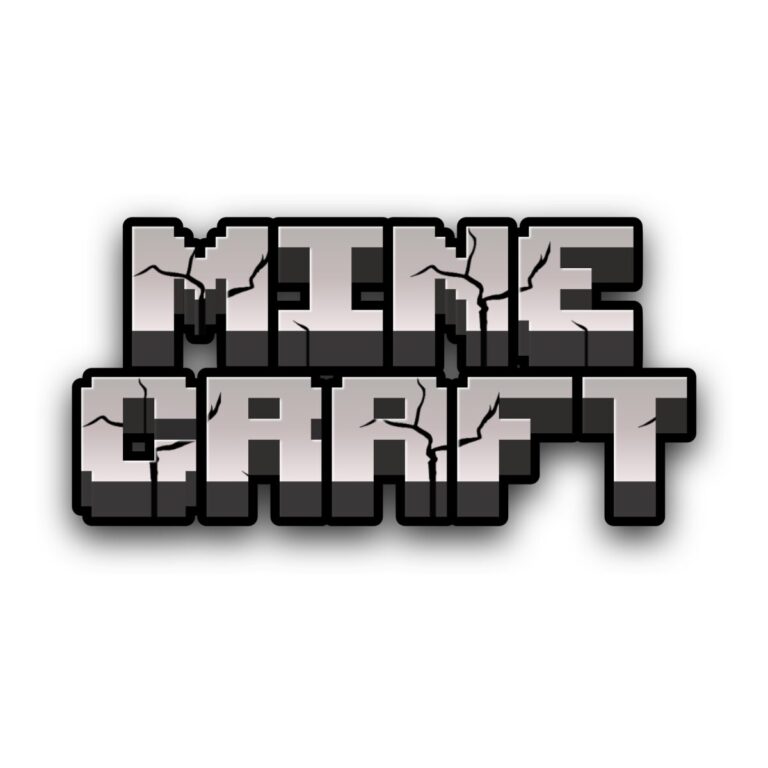
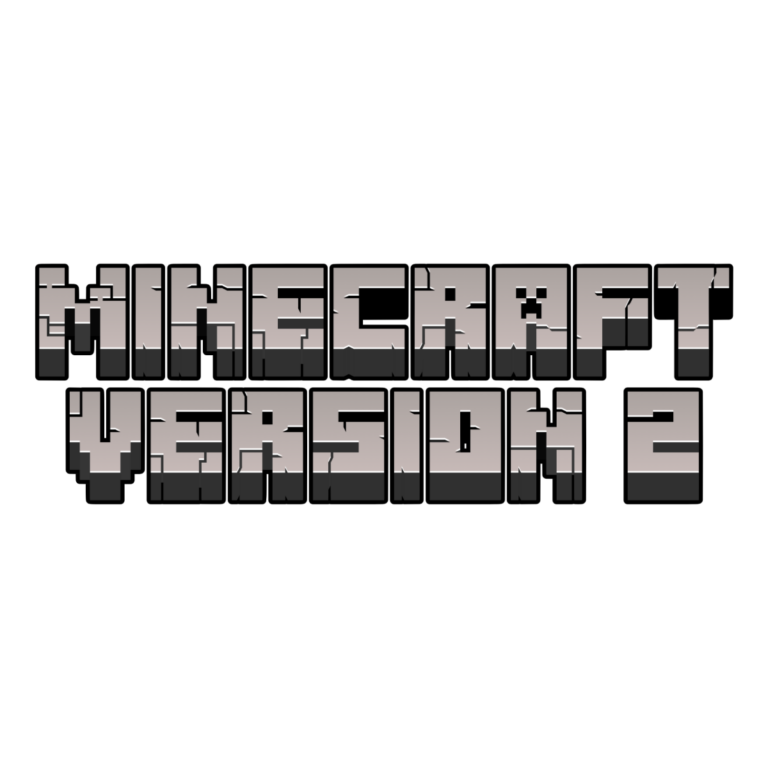
Compare All Five Minecraft Text Styles
- Minecraft-Inspired 3D Text Generator combines a rough gray face, stone gradient, black depth, global outline, outer shadow, and inner shading. Its stacked sample makes it the strongest option for a name and age on a large entrance or photo backdrop.
- Minecraft Blox Text Generator uses a very dark face, mossy green texture, deep forest outline, and a fine brighter-green edge. Choose it for overgrown ruins, forest biomes, or darker challenge cards.
- Minecraft-Inspired Logo Generator has a cleaner gray gradient, dark depth, black outer silhouette, and inner shade. It is easier to use as a general main title when rough texture is not needed.
- Minecraft Pixel Text Generator mixes green grass-like detail with brown earth tones, charcoal depth, and a fine near-black outline. Use it for biome labels, build stations, and names that should show both topsoil and ground color.
- Minecraft Pixel Green Text Generator keeps the face brighter and more consistently green, then adds dark forest depth and a thin outline. It stands out better when brown is already prominent elsewhere.
Quick Picks by Party Need
For the main backdrop, start with 3D Text or the cleaner Logo Generator. For a forest table, compare Blox with Pixel Green: Blox is darker and mossier, while Pixel Green is brighter and more dimensional. Choose Minecraft Pixel when you want a visible grass-and-earth split. Use only one dominant effect in a given sign, then repeat a lighter version on supporting labels.
Turn the Room Into a Custom World
- Welcome players with a world name, guest name, age, or two-line build title.
- Label the CRAFT TABLE, BUILD ZONE, FOREST BIOME, MINING GAME, SNACK CHEST, and loot station.
- Create short team names for cups, scorecards, challenge cards, and favor boxes.
- Use a larger stone style for navigation and a pixel style for smaller biome-specific details.
Create and Check the Text
- Choose the preset whose face and depth contrast with the planned background.
- Enter a compact name or phrase. Test one line against a stacked version when the destination is square.
- Inspect textures, outlines, lower depth, internal gaps, and supported numerals or punctuation in the live preview.
- Generate the transparent PNG and place it into the complete layout before adding grass, dirt, stone, or interface artwork.
- Check sharpness at the final size; use plain body text for rules, dates, addresses, and safety information.
Avoid Pixel Camouflage
Sky blue, cream, pale gray, and tan separate most green-and-dark effects. Dense grass, dirt, cave, and stone photos can hide the very textures that define these presets, so add a quiet signboard. Black backgrounds absorb depth; bright green fields can erase Pixel Green. Each result is flattened raster artwork, not a font, layered texture, 3D model, editable SVG, or licensed game asset.
Common Questions
Which generator is easiest for a big sign?
Minecraft 3D Text has the heaviest silhouette, while the Logo Generator offers a cleaner gray title. Test both at the actual backdrop proportions.
How do Minecraft Pixel and Pixel Green differ?
Pixel combines brown earth and green surface detail. Pixel Green emphasizes a brighter green face with dark depth.
Can I mix two presets?
Use one for the main title and another for a clearly separate station. Do not stack competing textures inside the same phrase.
Related Gaming Collections
Explore the Fortnite generator for a condensed blue match title, the Sonic generator for high-speed 3D branding, or the Super Mario generator for colorful game-party wording. Browse all text themes when another palette fits better. Share the selected child-tool page with activity leaders so they can create matching station names without copying a flattened screenshot.

