My Account
Minecraft Pixel Text Generator
Loading editor…
The editor could not be loaded. Please try again later.
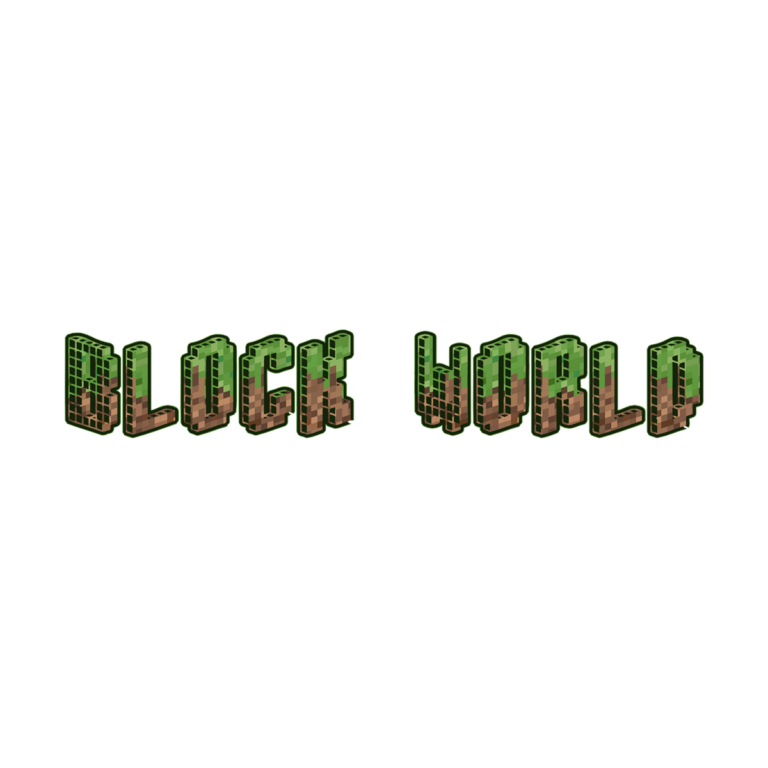
Need a block-world name with both grass and earth detail? Minecraft Pixel uses square capitals filled with a mottled green-and-brown SVG texture, then adds charcoal depth and a fine near-black outline. The combination gives a custom name more surface detail than the clean gray logo preset while staying compact enough for invitations, station signs, challenge cards, and favor labels.
Brand note: This independent, fan-inspired PartyTopiie tool is not affiliated with, sponsored by, or endorsed by Mojang Studios or Microsoft. Minecraft and related marks belong to their respective owners.
Put the Pixel Texture Around the Party
- Welcome players to a custom world with the guest of honor’s name and age.
- Label a FOREST BIOME, BUILD ZONE, CRAFT TABLE, MINING GAME, or snack chest.
- Create short team names for loot bags, scorecards, cups, and challenge stations.
Create and Check the Graphic
- Replace the default word with a short name, age, or station label such as MIA 7.
- Inspect the live preview for supported characters, the green upper texture, brown earth tones, dark side depth, and clear interior gaps.
- Open the download controls, generate the transparent PNG, and check the saved image at the size and on the background planned for the party.
Keep the Grass-and-Earth Face Readable
Sky blue, cream, pale gray, and light stone colors separate both the textured face and charcoal depth. Dense grass, dirt, or forest photography can camouflage the same colors, so place the PNG on a quiet signboard or leave a clear area around it. Keep nearby pixel icons outside the letter counters and lower edge.
The texture, outline, and depth are flattened into raster artwork. The download is not an installable pixel font, layered texture file, editable SVG, or complete invitation. Choose an output large enough for the final piece, resize proportionally, and inspect a same-size proof before producing small tags or a large backdrop.
Common Questions
Can I include an age with the name?
A short name-and-number combination makes a useful birthday title. Enter the exact wording and review every glyph because decorative character coverage and width can vary.
How is this different from Minecraft Pixel Green?
Minecraft Pixel mixes green grass-like detail with brown earth tones and charcoal depth. Pixel Green uses a brighter, more consistently green face, so it can stand out better when brown is already prominent in the layout.
Compare the Block-World Styles
Return to the Minecraft collection, or compare Minecraft Pixel Green, Minecraft Blox, and the Minecraft Logo Generator. Send this generator page to a co-host or activity leader so they can create their own matching station title instead of rebuilding the effect.