
My Account
KPop Demon Hunters Party Text Generators
Choose the background before choosing a Huntrix style. Both generators use sharp performance lettering and blue gradients, but one has an icy near-white center for dark stages while the other stays more saturated for pale signs. That visible difference makes this two-tool collection useful for K-pop dance parties, watch nights, karaoke setups, team challenges, and fan-photo backdrops.
Brand note: PartyTopiie created these fan-inspired generators independently. They are not affiliated with, sponsored by, or endorsed by Netflix, Sony Pictures Animation, or other rights holders. KPop Demon Hunters, HUNTR/X, and related marks belong to their respective owners.
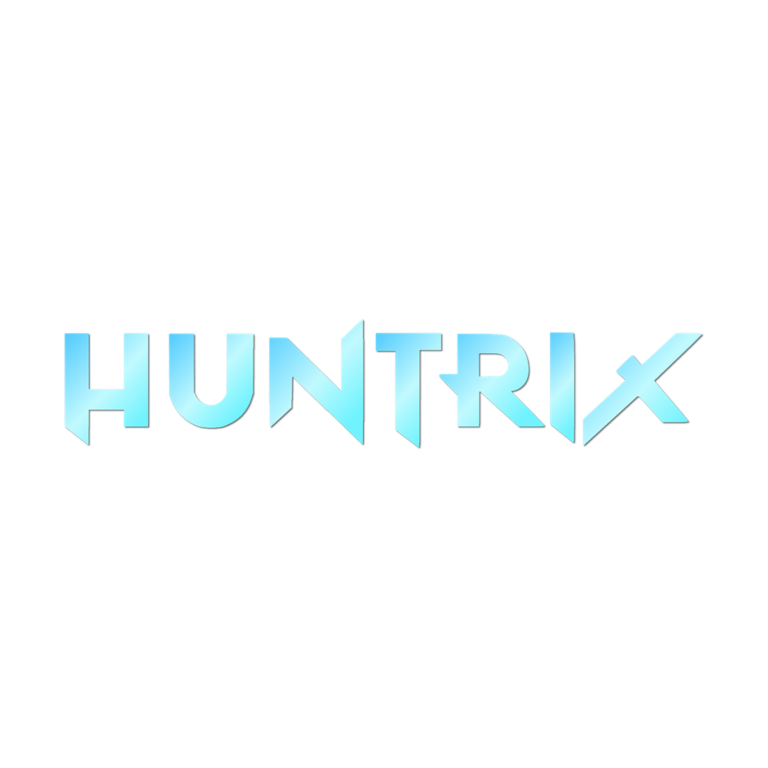
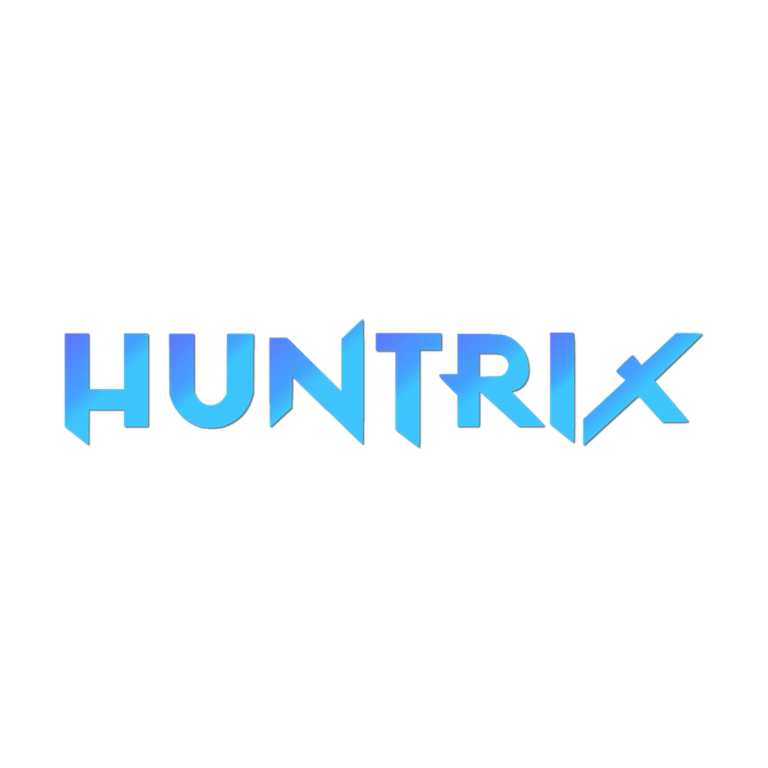
Quick Choice: Icy Aqua or Saturated Blue
- Huntrix Font Generator moves from cyan through an almost-white center and back to bright turquoise. Select it for black, midnight blue, or deep violet backgrounds where the pale band can glow. Thin highlights may fade on white.
- Huntrix Regular V2 Generator stays sky blue through medium blue and ends in periwinkle. It is the stronger choice for white, silver, or pale lavender signs because more of the face remains colored.
Both presets use angular Huntrix letterforms, active gradients, and a very small shadow. Neither is a complete concert logo or invitation. Choose based on contrast and mood rather than assuming V2 is simply a larger or newer export.
Party Scenes for the Two Blue Treatments
- Headline a dance-floor entrance, karaoke schedule, or fan-photo wall with the guest or team name.
- Label a choreography challenge, light-stick craft, snack table, song-request station, or viewing lounge.
- Create individual performer names for badges, scorecards, and phone graphics.
- Use one generator for the main backdrop and the other for a contrasting secondary station without changing the overall blue palette.
Create a Coordinated Set
- Decide whether the final surface is light or dark, then open the generator with the better contrast.
- Enter a compact performer name, team label, age, or one-line event title.
- Inspect angular joins, pointed terminals, and the lightest part of the gradient in the live preview.
- Generate the transparent PNG and test it at the actual phone, card, or backdrop size.
- Keep dates, rules, and detailed schedules in a simpler font beside the image.
Readability and File Boundaries
Busy neon photography competes with both versions, even when the colors technically contrast. Reserve a quiet panel and leave room around the sharp final strokes. The gradient and shadow flatten into a raster PNG; the file is not an installable font, layered logo kit, editable SVG, or licensed character artwork. Avoid stretching the image and inspect resolution before a large print.
Common Questions
Which version works on white?
Huntrix Regular V2 usually keeps more visible blue on a pale field. The icy version has a near-white center that benefits from a darker stage.
Can each dance-team member make a name?
Yes. Share the chosen generator page so each person can enter their own wording. Use consistent background, scale, and margins when assembling the set.
Can I add a long lyric?
Use these effects for names and short headings. Put lyrics, schedules, and directions in ordinary text that remains readable and respects applicable rights.
Related High-Energy Themes
Compare the Frozen ice generator for crystalline serif lettering, the Space generators for cosmic and technical styles, or the Fortnite generator for tall condensed blue capitals. Browse every party text theme if the event needs another palette. Send the final generator link, not just a screenshot, to co-hosts and guests so they can personalize matching graphics.

