
My Account
Frozen-Inspired Ice Text Generator
Start a winter-party design with one icy headline, then let snowflakes, silver accents, and pale fabrics support it. This Frozen-inspired theme currently offers one generator: tall serif capitals filled with irregular blue ice texture and a small shadow. The result feels crystalline and elegant, making it useful beyond character-centered birthdays for skating parties, winter wonderlands, cocoa gatherings, and snow-day celebrations.
Brand note: This fan-inspired PartyTopiie collection is independently produced. It is not affiliated with, sponsored by, or endorsed by Disney. Frozen and related names and marks belong to their respective owners.
The Available Ice Style
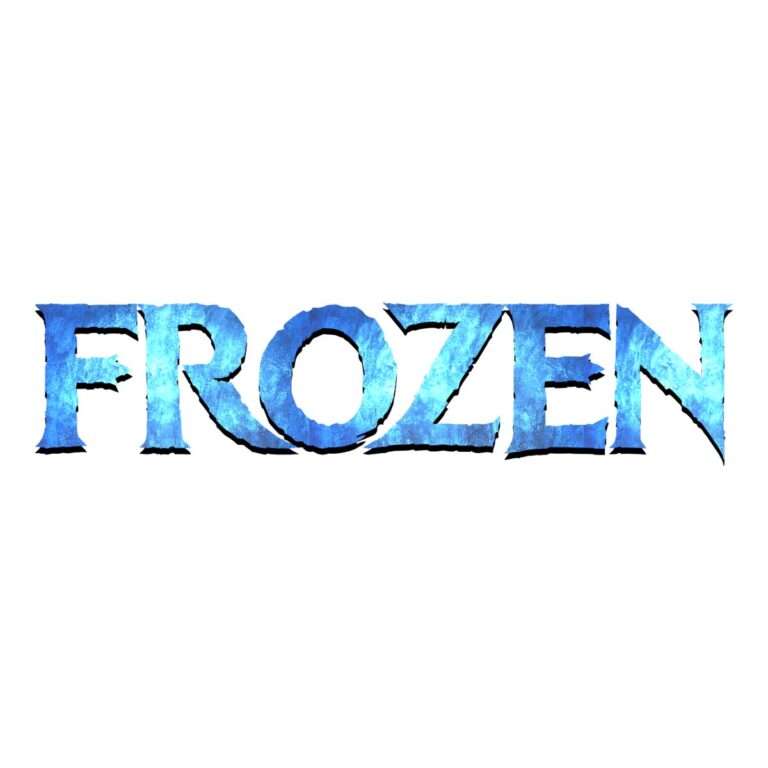
Frozen-Inspired Ice Font Generator uses an Ice Kingdom-style serif with a textured blue face. Pale frost, darker facets, pointed serif ends, and a slight shadow create the impression of carved ice without adding a separate snowflake or character icon. Choose it for the primary name or station heading; use a simpler typeface for times, addresses, and long instructions.
Winter Party Uses
- Center a guest name and age on an entrance sign, cake-table panel, or snowflake photo backdrop.
- Label a cocoa bar, snow craft, skating area, dessert display, gift table, or favor station.
- Add a short title to an invitation or phone reminder while leaving essential details in high-contrast body text.
- Create compact names for place cards and treat bags, provided the icy texture remains visible at that scale.
Create the Winter Heading
- Open the ice generator and replace the sample with a short name or phrase such as SNOW DAY or ICE PALACE.
- Review the pointed serifs, interior frost, and every punctuation mark in the live preview.
- Try the wording over the planned background color before generating the transparent PNG.
- Place the raster image into the full layout, resize proportionally, and inspect one final-size proof before printing multiples.
Choose Contrast for Light and Dark Ice
Midnight blue, plum, charcoal, and muted lavender make the pale facets stand out. Pure white can erase frosted edges, while a light-blue panel can flatten the middle tones. Add a darker solid shape behind the text when the surrounding image is snowy or photographic. The texture and shadow are baked into the PNG; the file is not an installable font, a layered texture, an editable SVG, or a finished sign.
Common Questions
Can this generator make all the invitation text?
Use it for a short decorative headline. Dates, addresses, RSVP details, and accessibility information should stay in a plain font that remains easy to read on a phone.
Why does the texture change from letter to letter?
The frozen image crosses each character differently. Preview the actual name because broad and narrow letters expose different areas of the texture.
What if the lettering disappears on white?
Place it on navy, plum, or another darker panel, or introduce a quiet contrasting shape behind the PNG.
Explore Related Magical Looks
The Fairy text generators provide softer storybook options. The KPop Demon Hunters collection includes icy aqua and saturated blue stage lettering, and the Space collection offers blue-purple science-fiction styles. Visit the full party text directory for every theme. Share the ice generator page with the person designing cocoa labels or favors so they can create coordinated wording.

