My Account
Space Sci-Fi Text Generator
Loading editor…
The editor could not be loaded. Please try again later.
Use this Space Sci-Fi Text Generator for a more technical mission-board look than the neon galaxy option. A call sign, crew name, birthday age, or label such as “AIRLOCK” can anchor a launch checklist, astronaut activity, food station, invitation header, favor crate, or photo backdrop without adding another illustration.
Prepare a Mission Label
- Enter a short word or phrase and check the angular shapes in the live preview.
- Inspect the pale face, textured blue side layer, blue outline, and outside white edge at the intended display size.
- Download the PNG and place it on a simple dark panel, leaving room for the deep extrusion.
Pale Letter Faces Over Textured Navy Construction
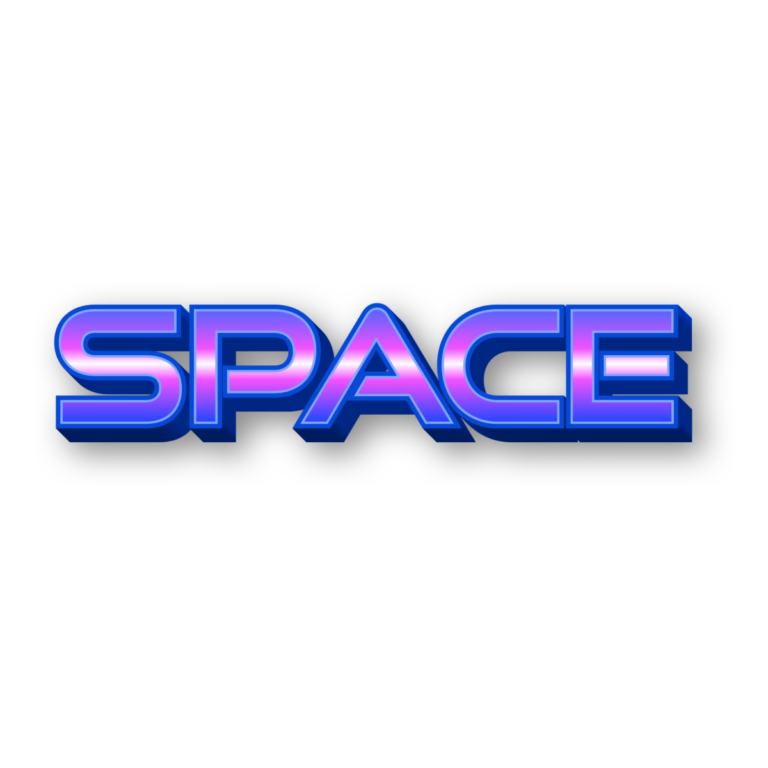
The preset opens with “SPACE” in Space Quest at 116 pixels. A warm #F9F8EA face sits above a relatively deep 0.16 #2B3990 blue textured extrusion. A matching textured blue outline and a wider white global outline make the silhouette feel engineered and layered. No fixed background is active, so the surrounding canvas can remain transparent.
The export is raster artwork, not a font installation, SVG, animated title, or complete party sign. The textured side faces and multiple edges need space; a long sentence or tiny food pick can make them merge. Keep instructions, schedules, and addresses as live text, and proof the image at final size before printing a full set.
Common Questions
How is this different from the galaxy preset?
This option is cream and navy with a deeper, technical-looking build. The galaxy generator uses a luminous blue-magenta gradient for a brighter cosmic centerpiece.
Can a guest make a personal call sign?
Yes. Share this page so each guest can enter a short name, then use the downloaded graphic on a badge layout you prepare separately.
Browse the Space collection, compare the Purple Blue Galaxy 3D generator, or try the Pokémon 3D and Sonic 3D tools. Use this sci-fi lettering alongside real astronaut, rocket, and milestone examples in the Space Party Ideas hub.