My Account
Minecraft-Inspired Logo Generator
Loading editor…
The editor could not be loaded. Please try again later.
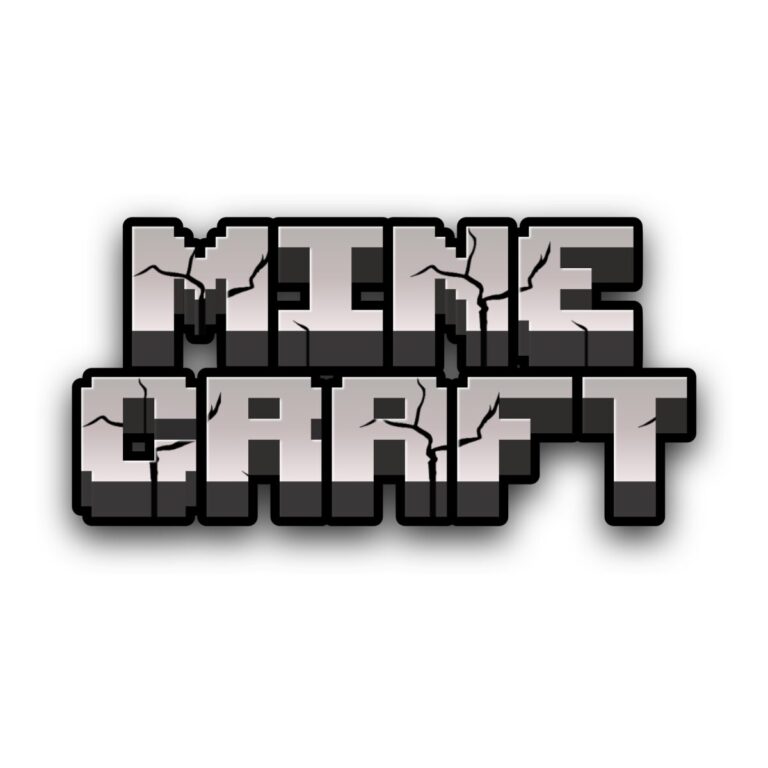
This generator produces the cleanest logo-like option in the Minecraft collection: broad gray capitals with a stone gradient, dark dimensional depth, black global outline, and inner shading. It works when the wording must stay readable across a room, such as a main birthday backdrop, game-room entrance, build contest sign, or digital invitation header.
Brand note: PartyTopiie created this fan-inspired tool independently. It is not affiliated with, sponsored by, or endorsed by Mojang Studios or Microsoft. Minecraft and related marks belong to their respective owners.
Make a Main Event Title
- Enter a first name, world name, age, or compact phrase.
- Check the preview for the light gray face, dark depth gradient, interior shade, and black outer silhouette.
- Generate the PNG and position the full composition so the lower depth is not cropped by a banner or sticker boundary.
Use It Where Fast Recognition Matters
- Headline the entrance, cake table, or photo wall.
- Label a crafting station, mining challenge, snack chest, or build tournament.
- Create one-word team signs that guests can identify from across the room.
Design and Export Limits
Grass green, bright blue, tan, or white gives the gray-and-black effect strong separation. Dark cave photos and charcoal panels can absorb the outline and depth; add a light signboard when using them. The preset also contains a background image configuration, so review the full preview rather than assuming the text face is the only rendered element. The output is flattened raster artwork, not a font, editable SVG, 3D model, or licensed game asset. Size it before print and do not expect to recolor the depth as a separate layer later.
Common Questions
What makes this different from Minecraft 3D Text?
The Logo Generator has a cleaner gray face and conventional title silhouette. The 3D preset adds rougher texture, more pronounced shadow, and a stacked sample.
Can I write detailed instructions?
Use the effect for a heading only. Keep rules, addresses, and schedules in a plain font with enough contrast.
Explore the Block Collection
See the Minecraft theme page, then compare Minecraft 3D Text, Minecraft Blox, and Minecraft Pixel Green. Share this generator with anyone producing game-station signs so their custom names use the same logo treatment.