My Account
Fairy Legend Text Generator
Loading editor…
The editor could not be loaded. Please try again later.
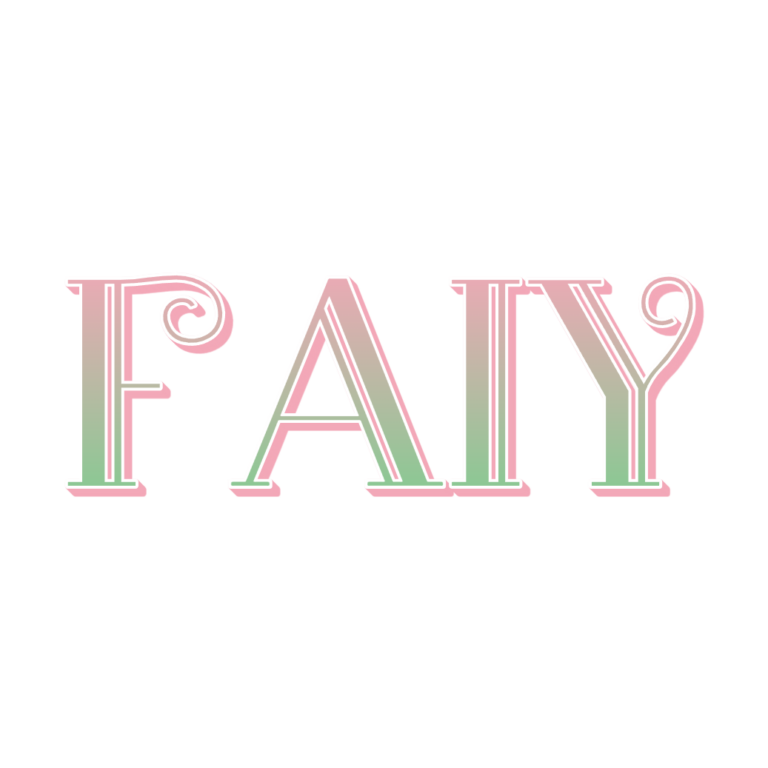
Choose Fairy Legend when the name should feel like a small enchanted emblem rather than a line of pastel type. A decorative icon sits above the wording, giving the result a vertical shape for invitation covers, welcome boards, wand stations, garden backdrops, and favor-box fronts.
Build Around the Top Ornament
The preset’s source sample is the misspelled “Faiy,” so replace it before judging the design. The Fairy Legend face starts at 102 pixels with a pink-to-green gradient (#F3A8B8 to #86CA92), a fine white outline, shallow pink depth, and a top-positioned SVG icon at about 0.94 scale. Processing completes the composition.
- Enter one short name or two-word fairy title.
- Leave clear space above the letters so the ornament is not clipped.
- Preview the full vertical silhouette, then generate the PNG at a size suitable for the final piece.
Use Contrast for Both Pastel Colors
Muted navy, plum, medium moss, or kraft gives the light face and white edge more definition. A white invitation can make the upper highlights disappear; add a colored medallion in your layout. Unlike the plain Fairy preset, this preset has no active background, so the open surrounding canvas is intended to remain transparent.
The export is raster artwork, not an SVG ornament, font file, animation, or complete invitation. The small top accent and fine outline are poor candidates for very small stickers. Keep essential information in ordinary dark text.
Common Questions
What is the difference from the Fairy generator?
Fairy Legend adds a top ornament and creates a taller emblem. The plain Fairy option is easier to fit into a narrow banner.
How should I share a personalized set?
Send the finished PNGs for exact placement and share this page with helpers who need additional names.
Compare the simpler Fairy Text Generator, visit the Fairy collection, or try the patterned Farm Gingham style. Pair this lettering style with real party galleries and planning ideas in the Fairy Party Ideas hub.