My Account
Farm Cow Pattern Font Generator
Loading editor…
The editor could not be loaded. Please try again later.
Use the guest of honor’s own wording as the cow-print element in a barnyard party. Rounded white capitals with irregular dark spots make a name, “MILK BAR,” “MOO CREW,” or “BARNYARD” instantly thematic on an invitation, welcome board, snack table, photo backdrop, or favor label.
Let the Spots Stay Visible
The Farm Cow Pattern preset starts with “Farm cow” at 114 pixels. It uses an off-white #EFEFE6 base, an active texture, a slim white first outline, a stronger black second outline, processing, and an active white background. The black perimeter keeps the letters together, but the white inner edge can disappear against the preset panel at small sizes.
- Enter a short name or station title and inspect the spot distribution in the preview.
- Try the graphic on kraft, red, denim blue, pale yellow, or a quiet wood tone.
- Check whether the active white background should remain or be disabled before creating a transparent-layout PNG.
A Patterned Accent, Not Body Copy
Avoid placing cow-print lettering over another cow-print pattern; the silhouettes will disappear. Use it for headings and keep menus, directions, and ingredient notes in a plain dark typeface. The output is a raster PNG, not a seamless cow texture, installable font, SVG, or finished sign. Fine spots can merge on tiny tags, so proof one real example first.
Common Questions
Will every name have the same spots?
The texture is applied through the preset, but each set of letter shapes reveals it differently. Review the exact word in the preview.
How can I make a label for every favor?
Use the same output settings for each name, or share this page with helpers and provide one approved size reference.
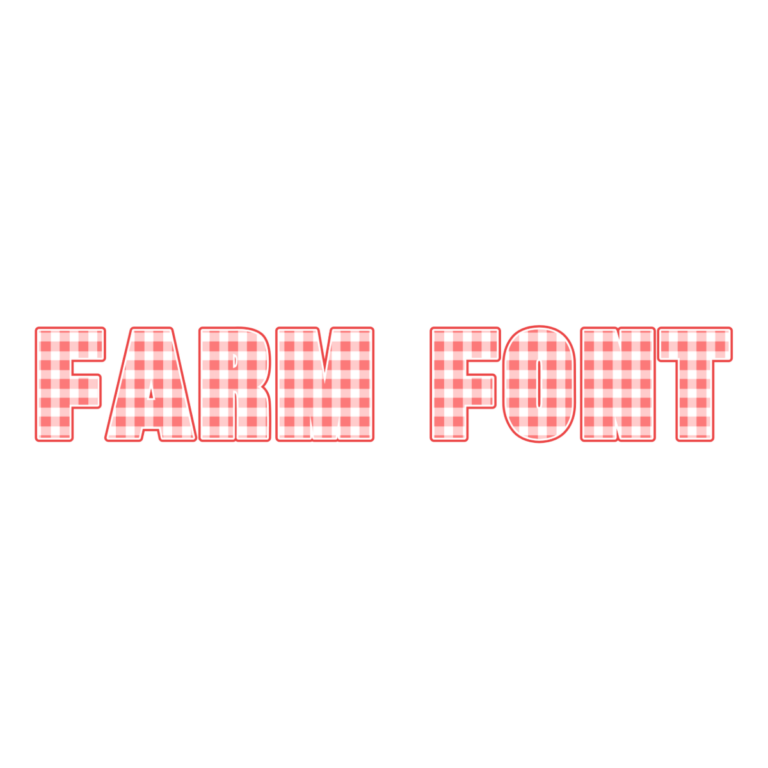
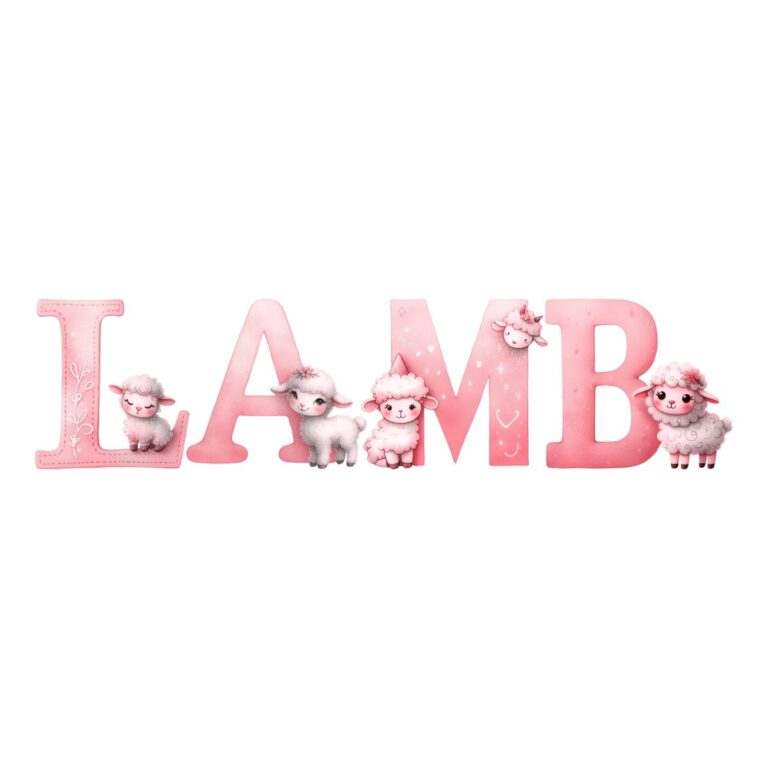
Pair it with the Farm Gingham Generator or the Cute Lamb Font, and browse the Farm collection. For barnyard planning ideas beyond cow-pattern lettering, visit the Farm Party Ideas hub.