
My Account
TY Beanie Baby Party Text Generator
This collection currently has one Bubble Baby preset for the bold, compact wording in a plush-toy party. Its warm red face and yellow edge work best for a child’s name, adoption station, birthday age, welcome sign, invitation heading, favor label, or a short tag displayed beside the toy collection. Use ordinary text for care instructions, addresses, and longer messages.
The Available Red-and-Yellow Bubble Style
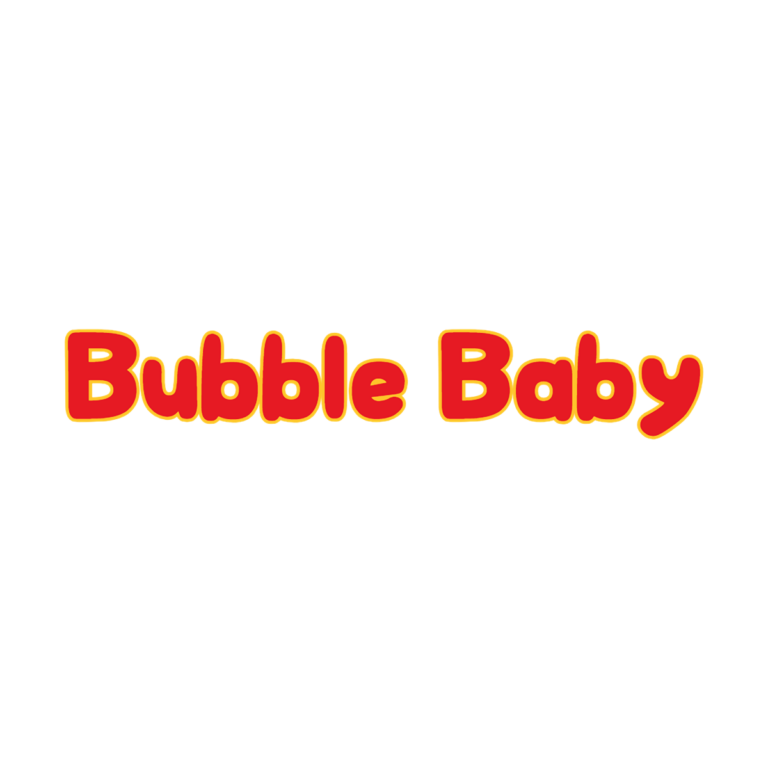
Bubble Baby Text Generator: rounded #E61A23 red lettering with a #FEC52A yellow outline. No active dimensional depth, icon, or background is part of the preset, so the exported artwork can keep transparent surrounding space and sit on your own card or sign.
There is no second TY Beanie Baby child generator to compare. Bubble Baby is the direct choice when you want a bright badge-like name. For a softer dimensional centerpiece, use Teddy Bear; for a rustic storybook label, compare Winnie the Pooh; for animal-station labels without a toy-brand look, explore Farm.
Use the Text Around a Plush Adoption Party
- Place the guest of honor’s name on the welcome board or photo backdrop.
- Label an adoption desk, naming station, certificate table, grooming stop, or favor pickup.
- Create one short name tag for each plush animal and keep the card size consistent.
- Add a scannable link or short URL to a follow-up message so families can open the generator and make another name at home.
White, cream, pale aqua, soft pink, and light kraft give the red face and yellow border clear separation. A red tablecloth can absorb the letter face, while a yellow pattern can break up the outline. Put a quiet panel behind the PNG when the party background already contains many plush colors.
Create One Approved Tag Before the Full Set
- Enter a short first name, animal name, or station label.
- Inspect enclosed spaces and the yellow edge at the smallest planned size.
- Download the PNG and preserve its proportions when placing it on the tag.
- Print one sample with the real background, hole punch, and ribbon position.
- Give helpers the generator link, maximum word length, and approved tag dimensions.
The generator creates raster text artwork, not an installable font, editable SVG, heart tag, plush illustration, adoption certificate, or complete invitation. Longer phrases can make the rounded letters too shallow, and small tags can close narrow counters. Make separate graphics for the hero name and each label rather than shrinking one long line.
Common Questions
Does the PNG include a colored background?
No background is active in the current preset. Verify the checkerboard or surrounding canvas in the preview, then place the exported text over your own panel.
Can I make a different name for every plush?
Yes. Use short names and the same card dimensions. Ask one helper to proof the longest name before making the whole adoption set.
What should I share after the party?
Share the generator page when guests want to create a new bubble name. Share the finished PNG only when they need the exact approved design.
Return to the Party Text Generator Directory, or compare Teddy Bear, Winnie the Pooh, and Farm.
This independent PartyTopiie collection is not affiliated with, sponsored by, or endorsed by Ty Inc. TY, Beanie Babies, and related trademarks belong to their respective owners.

