
My Account
Teddy Bear Party Text Generator
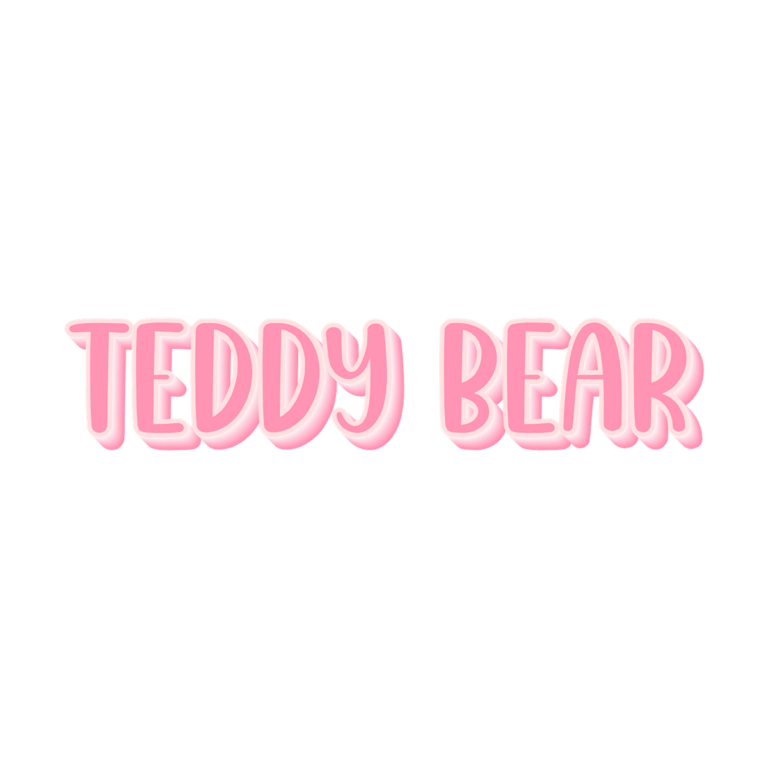
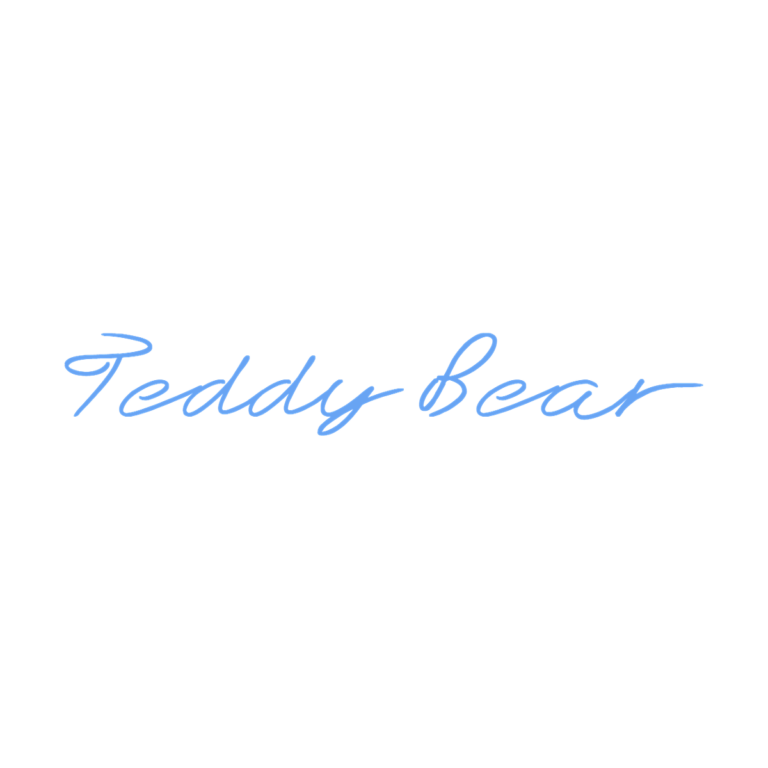
Choose between a rounded pink centerpiece and a light blue handwritten accent for a baby shower, first birthday, nursery celebration, or teddy-bear picnic. The two presets solve different jobs: Pink Teddy Bear has enough depth for the main name, while Teddy Bear Handwriting is quieter and easier to use on secondary labels and personal notes.
Quick Choice: Dimensional Name or Handwritten Note?
- Pink Teddy Bear Text Generator: #FF94B4 pink faces, a pale #FFE0E0 outline, and a soft pink-to-near-white gradient depth layer. Choose it for the welcome board, invitation cover, cake-table title, name backdrop, or a larger favor label.
- Teddy Bear Handwriting Generator: a flat #68A4F3 blue custom handwriting face without active outline, depth, icon, or background. Use it for place cards, story-corner labels, food cards, thank-you wording, or a subtitle beneath the hero name.
If guests must read the wording from across the room, begin with the pink dimensional preset. If the phrase should feel personal and understated beside illustrations, begin with the handwriting version.
Build a Gentle Nursery-Style Set
Put one pink name on the entrance or photo display, then use short blue handwritten labels at the gift area, dessert table, story corner, and favor pickup. A consistent cream, warm gray, pale blue, or kraft panel can connect the two. You do not need to repeat both styles on every piece; hierarchy keeps the layout calm.
The pale border on Pink Teddy Bear can disappear on white paper, while the flat blue handwriting can blend into medium-blue backgrounds. Dusty blue, mint, blush, cream, and light kraft are useful starting points, but always test the exact party palette. Keep gingham and teddy illustrations away from thin strokes and letter edges.
Plan the Main Name, Then the Notes
- Enter the guest of honor’s name in the Pink Teddy Bear tool and check the full dimensional outline.
- Draft the shortest useful station labels for the Handwriting tool.
- Preview each design at its intended viewing size.
- Download the PNGs and place them on the actual invitation, sign, or tag backgrounds.
- Print one small card to confirm the pale edge and thin blue strokes survive.
Both tools create raster PNG artwork, not installable fonts, SVGs, bear illustrations, or complete party templates. No preset background is active. Preserve proportions, avoid enlarging a small export for a backdrop, and keep addresses, schedules, ingredient notes, and other essential information as live text.
Common Questions
Can I use only one Teddy Bear style?
Yes. Use Pink Teddy Bear when you want a polished, cohesive display set. Use Handwriting alone when the party is informal and the labels sit on light, uncluttered panels.
Which option is better for a tiny tag?
Try a very short word in Handwriting first, then print a proof. Pink Teddy Bear has more layers that need size, although its broad forms can work on medium tags.
How can relatives add personalized place cards?
Share the selected generator page, one approved card, and the exact label dimensions. They can enter new names without redrawing the style.
Browse the Party Text Generator Directory, or compare the related Winnie the Pooh, TY Beanie Baby, and Farm collections.

