
My Account
Fairy Party Text Generator
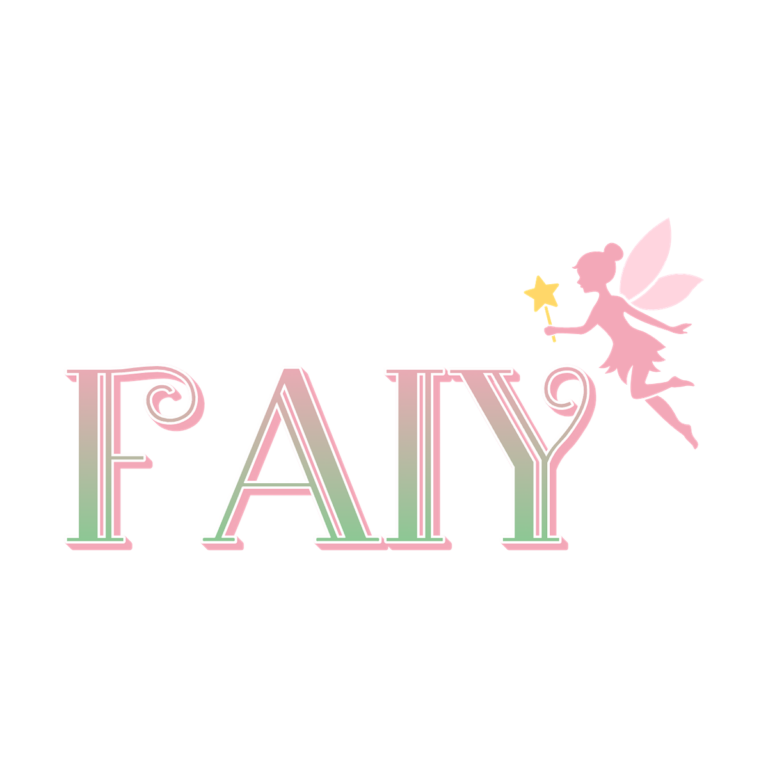
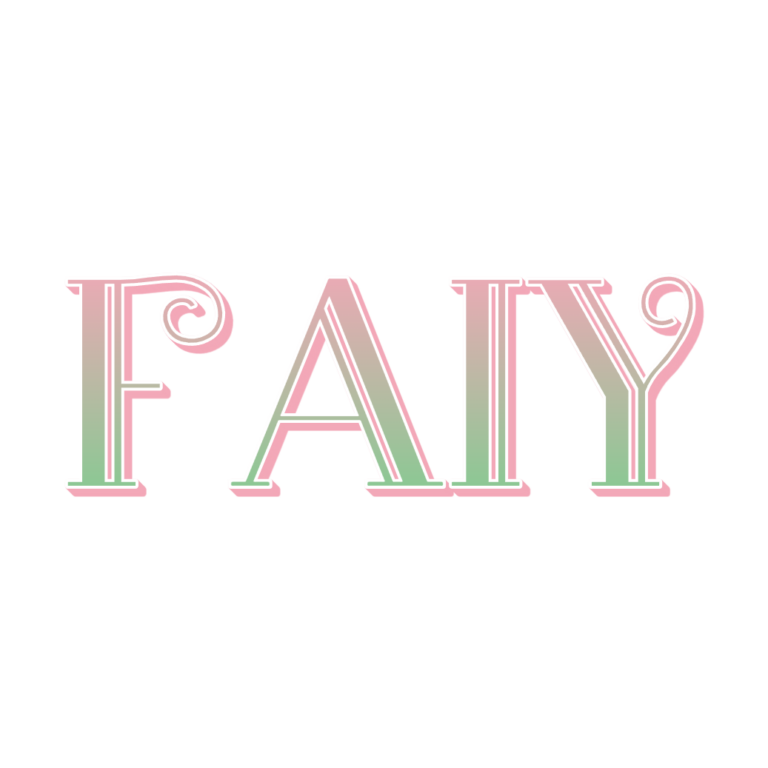
Choose between a flexible pastel text line and a taller ornamented emblem for an enchanted-garden party. Both Fairy presets use the same pink-to-green color transition, white edge, and shallow pink depth. The difference is composition: Fairy fits horizontal pieces more easily, while Fairy Legend adds a top icon for a central invitation or sign.
Compare the Two Fairy Tools
- Fairy Text Generator: pink #F3A8B8-to-green #86CA92 lettering with a fine white outline, short pink depth, and an active white background. Use it for a name, wand-station label, “FAIRY TREATS,” or a narrow banner.
- Fairy Legend Text Generator: the same pastel family plus a top-positioned ornament. It creates a taller badge for an invitation cover, entrance board, garden backdrop, or favor-box front and has no active background.
Both source presets currently open with the misspelled sample “Faiy” (the plain preset also contains a trailing space). Replace the sample with your own correctly spelled wording before evaluating the preview or downloading.
Choose Horizontal Text or a Vertical Emblem
Use the plain Fairy tool when width is limited or several labels must align across a table. Use Fairy Legend once or twice where the top ornament can breathe. A name plus age should remain short; a long phrase makes the gradient appear smaller and can push the ornament away from the visual center.
The pastel face and white outline need deliberate contrast. Muted navy, plum, medium moss, dusty blue, and kraft can support both ends of the gradient. On white paper, add a colored medallion or panel. Check the plain Fairy preset’s active white background if your layout requires transparent surrounding space.
Create an Enchanted Set Without Losing Readability
- Replace the incorrect default sample and proof the intended name.
- Preview the main wording in both tools and compare total width and height.
- Choose Fairy Legend for the hero emblem and Fairy for secondary labels, if both are needed.
- Download the PNG and test it on the actual garden or invitation background.
- Print the smallest favor tag before creating every guest name.
The downloads are raster images, not installable fonts, SVG ornaments, animated sparkles, or complete invitations. Fine white edges and the Legend icon can disappear at small sizes. Keep addresses, schedules, allergy information, and activity directions as normal dark text.
Common Questions
Why does the starting text say “Faiy”?
That is the current source preset value, not a suggested spelling. Replace it immediately with the wording you want and verify the preview.
Which tool fits a cake topper layout?
The plain Fairy line is easier to fit into a narrow topper. Fairy Legend can work on a wider plaque when there is space above for the ornament.
How can families create fairy place cards?
Share the selected child-tool link and a name-length guideline, then collect the PNGs and place them in one consistent card template.
Browse the full directory, or compare other gentle styles in the Farm and Barbie collections.

