
My Account
Barbie Party Text Generator
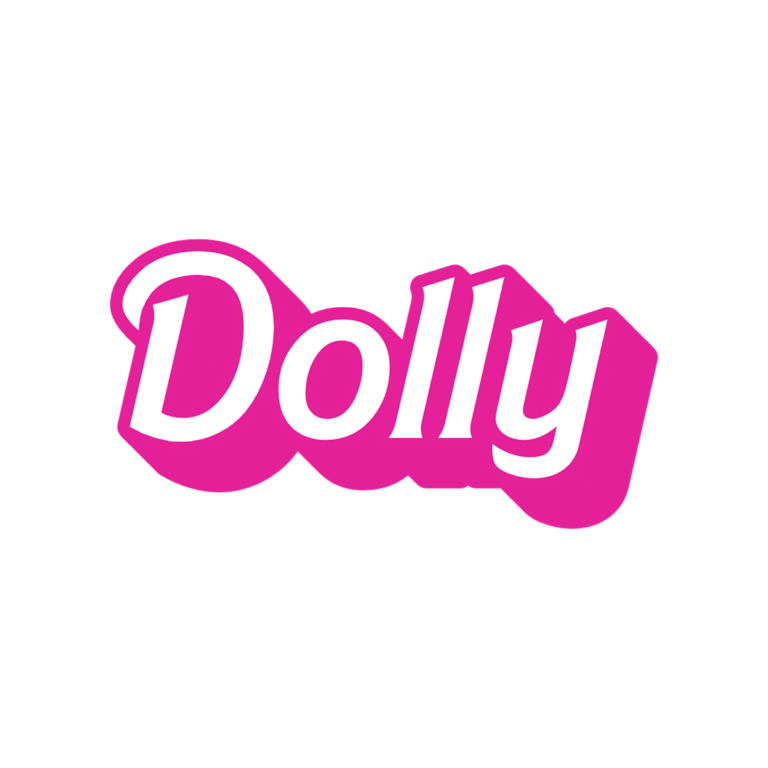
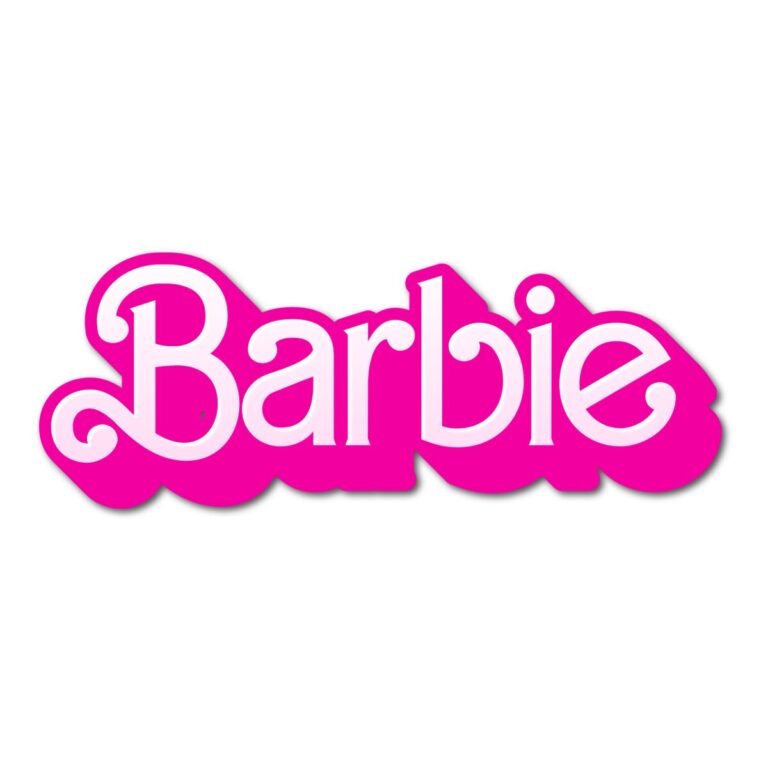
Choose between two pink dimensional text generators for a doll-themed celebration. Both create personalized display wording, but their silhouettes are different enough to solve different party jobs: Barbie Dolly is straighter and compact, while Barbie Font has a sweeping logo-like rhythm. Start with the piece guests will notice first, then reuse the winning style across a small coordinated set.
Quick Choice: Which Pink Style Fits?
- Barbie Dolly Text Generator: white letter faces, a #E42199 outline, and a deep matching extrusion. Choose it for names, ages, doll-box labels, wardrobe-station signs, and favor tags that need a sturdy edge.
- Barbie Font Generator: larger flowing letters with white faces, a brighter #F300A1 edge and depth, plus an inner shadow. Use it for an invitation cover, photo backdrop, cake-table headline, or one dramatic name.
If the wording must fit a narrow label, begin with Dolly. If the name should become the central visual, begin with the flowing Barbie Font preset.
Plan the Party Pieces Before You Type
Pick one hero use—usually the entrance sign, invitation, or backdrop—and enter the guest of honor’s name there first. Check wide capitals and long endings in the preview. Then decide whether the same wording can be reused on dessert cards and favors, or whether those smaller pieces need a shorter version such as an initial, age, or “DOLL BAR.”
Both presets rely on white centers and hot-pink layers. They stand out on black, deep plum, saturated aqua, or a controlled blush panel. White paper can swallow the letter faces, while a dense glitter or floral pattern can compete with the pink depth. Add a simple background shape in your layout and leave open space around the extrusion.
A Simple Workflow for a Matching Set
- Enter one short name or phrase and proof it in the live preview.
- Compare the same wording in both tools at a similar visual size.
- Download the selected PNG and place it over the actual invitation or sign background.
- Make a real-size proof of the smallest favor tag before generating every name.
- Keep RSVP details, addresses, allergy notes, and schedules as normal high-contrast text.
The generated asset is raster artwork rather than an installable font, SVG, layered invitation, or print-ready sign. Resize proportionally and confirm dimensions and resolution with your printer. If transparent surrounding space is important, inspect the generated PNG in the destination design before approving the set.
Common Questions
Can I mix both Barbie styles at one party?
Yes, but give each a job. Use the flowing preset for the main name and Dolly for compact labels. Keep the same background colors and spacing so the pair feels intentional.
What wording reads best?
Names, ages, “Birthday Girl,” “Doll Bar,” and other short display phrases preserve the curves and dimensional edge. Put longer information in a simpler companion font.
How can a co-host create late additions?
Share the exact generator page and one approved example. They can enter a new name without stretching or repainting the finished PNG.
Return to the Party Text Generator Directory, or compare the colorful options in the Fairy and Bluey collections.
PartyTopiie provides these independent creative tools and is not affiliated with or endorsed by Mattel. Barbie is a trademark of Mattel, Inc.; related marks belong to their respective owners.

