My Account
Bluey Pop Blue Font Generator
Loading editor…
The editor could not be loaded. Please try again later.
When the invitation or party sign already has plenty of color, this cleaner blue style lets personalized wording stay friendly without competing for attention. Use it for a child’s name, age, “WELCOME,” a short activity label, favor tags, or a small digital reminder.
A Quieter Choice in the Bluey Set
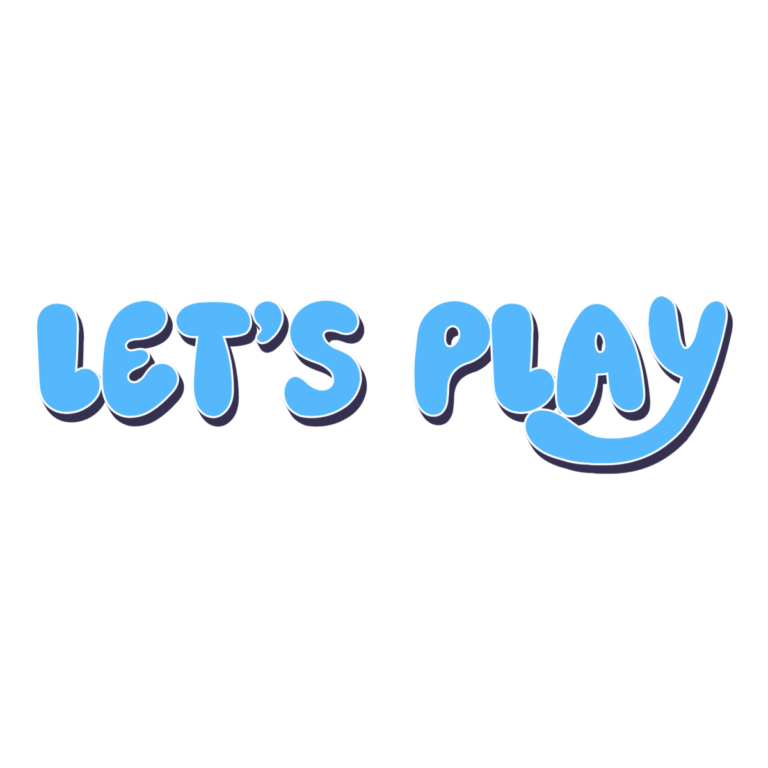
The Pop Blue preset begins with “POP BLUE” in a 76-pixel face and a single light #71C1FE fill. It has no active outline, depth, icon, or background in the preset. That restraint makes it easy to combine with a larger illustration, but it also means contrast comes almost entirely from the background you choose.
Place the lettering on white, cream, deep navy, dark gray, or another plain field that clearly separates the sky blue. Avoid a pale-blue gingham or cloud photo directly behind it. If the result must work on both screen and print, proof the smallest item first and add a simple contrasting panel in your layout rather than relying on effects that are not part of the preset.
From Preview to Party Piece
- Enter a name or one short label and correct the spelling in the preview.
- Leave enough side space for broad rounded characters.
- Download the PNG and place it in your own invitation, card, sign, or label file.
The file is raster text—not a font, vector logo, or complete printable. Use ordinary live text for the address, RSVP information, and activity directions.
Common Questions
Which Bluey option works best for a small tag?
This simple style has fewer fine layers than the patchwork or dimensional options, but readability still depends on background contrast and final size.
Can a co-host create more names later?
Yes. Share this page so they can generate new wording instead of trying to edit pixels in your finished PNG.
For more texture, use Patchwork Pop; for depth, try Playful Chunky. See the Bluey collection for all three.
PartyTopiie independently provides this creative tool and is not affiliated with or endorsed by Ludo Studio or BBC Studios. Bluey and related marks belong to their respective owners.